


BlingBall
Play on PC with BlueStacks – the Android Gaming Platform, trusted by 500M+ gamers.

Page Modified on: Jun 22, 2026
Play BlingBall on PC
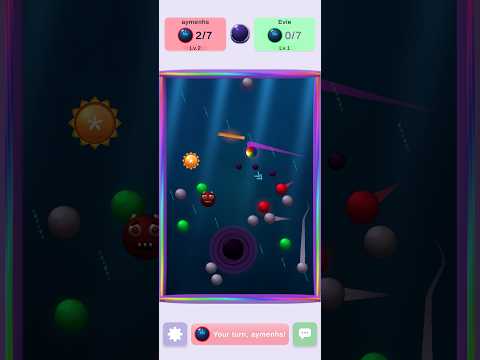
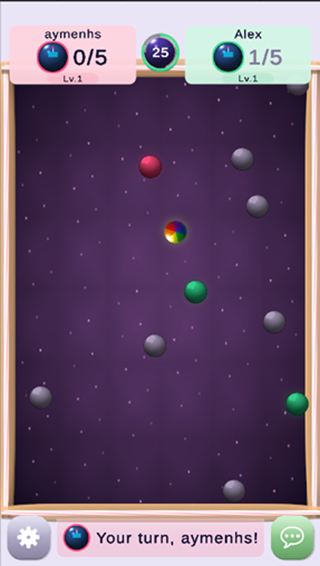
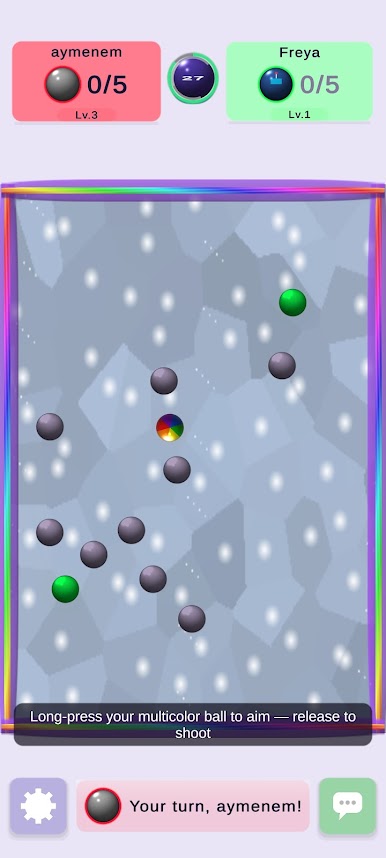
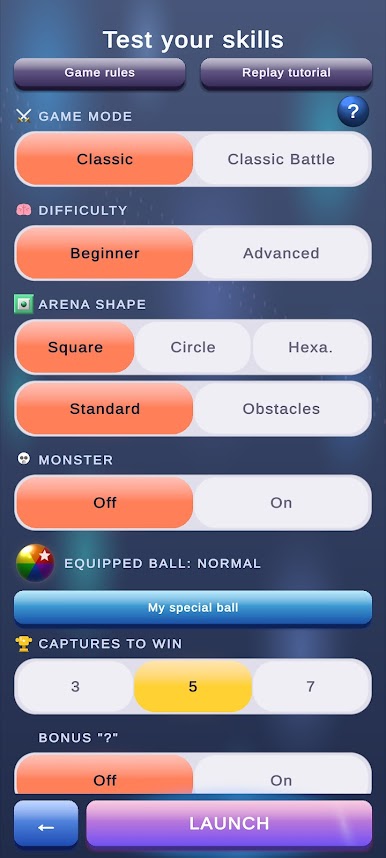
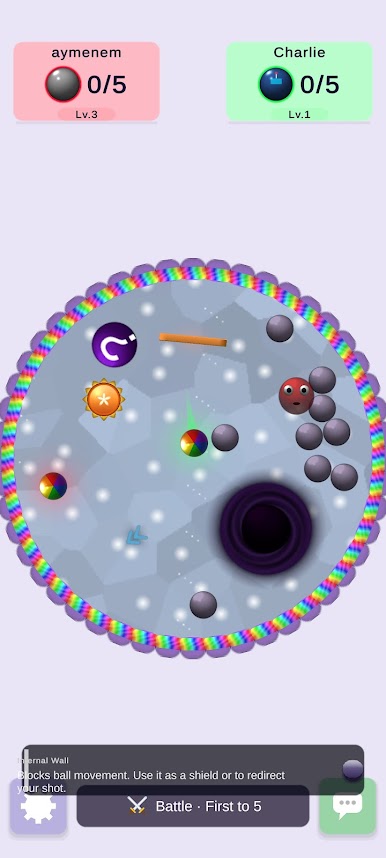
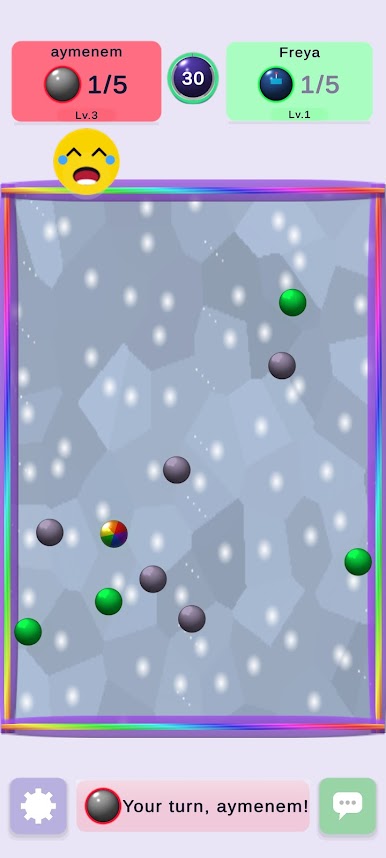
Jump into short, intense 1v1 and 2v2 arenas, outmaneuver opponents with smart plays, and score satisfying hits that keep gameplay addictive. Matches start in seconds and end in minutes — perfect for quick commutes or focused sessions. Simple to learn, impossible to master: approachable controls with a high skill ceiling reward practice and strategy.
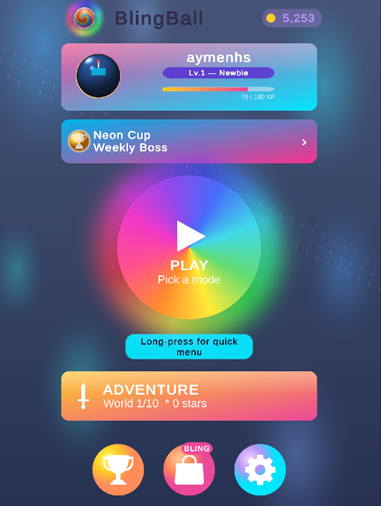
Customize your ball with skins, trails, and visual effects. Progress through challenges, earn cosmetics, and show off on leaderboards. Quick rematches and tight matchmaking keep the action flowing.
Features:
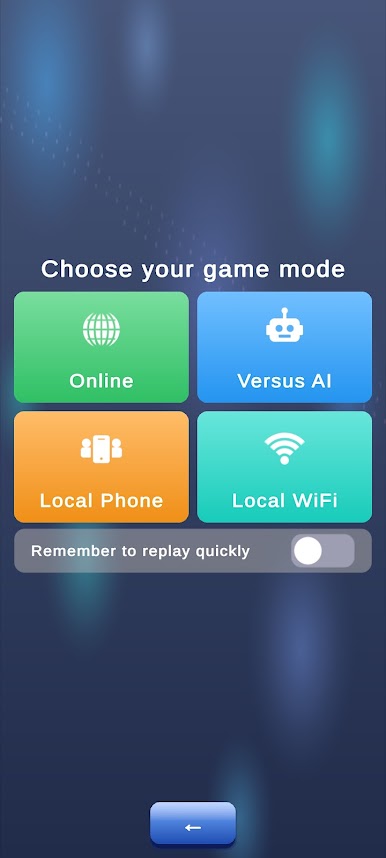
- Real-time online multiplayer and quick matchmaking
- Tight, arcade-style controls and physics-driven shots
- Short sessions, instant rematches, and competitive duels
- Cosmetic progression: skins, trails, and unlockable items
- Optimized for mobile: fast loading, smooth performance
Download BlingBall and dominate the arena — one match at a time.
Play BlingBall on PC. It’s easy to get started.
-
Download and install BlueStacks on your PC
-
Complete Google sign-in to access the Play Store, or do it later
-
Look for BlingBall in the search bar at the top right corner
-
Click to install BlingBall from the search results
-
Complete Google sign-in (if you skipped step 2) to install BlingBall
-
Click the BlingBall icon on the home screen to start playing

