


Block Craft 3D: Castle Build
Play on PC with BlueStacks – the Android Gaming Platform, trusted by 500M+ gamers.

Page Modified on: Mar 1, 2026
Main Block Craft 3D: Castle Build on PC
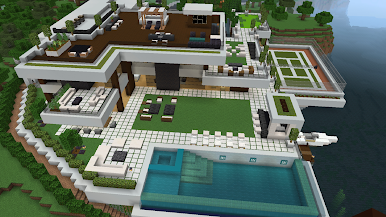
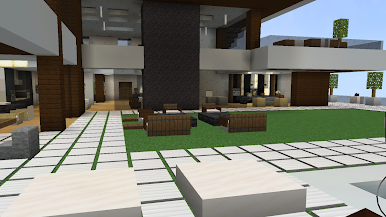
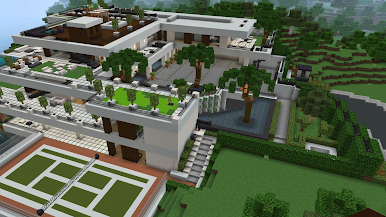
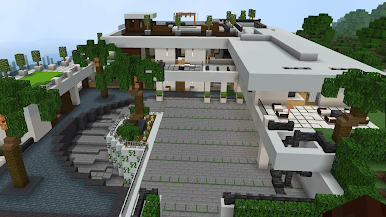
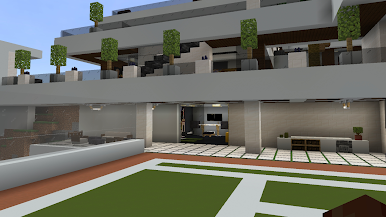
Explore a peaceful open world made of blocks, gather resources, and freely construct your own castles, houses, towers, and cities. Whether you want to build a small fortress or a massive medieval castle, everything is possible with your creativity.
Play at your own pace in a relaxing environment with simple controls and endless building possibilities. No pressure, no limits — just pure building fun.
🧱 Game Features
Open sandbox block world to explore
Build epic castles and creative structures
Craft and place blocks freely
Easy controls, suitable for all ages
Relaxing gameplay with unlimited creativity
Start building your dream castle today and enjoy the freedom of crafting in Block Craft 3D: Castle Build.
Play Block Craft 3D: Castle Build on PC. It’s easy to get started.
-
Download and install BlueStacks on your PC
-
Complete Google sign-in to access the Play Store, or do it later
-
Look for Block Craft 3D: Castle Build in the search bar at the top right corner
-
Click to install Block Craft 3D: Castle Build from the search results
-
Complete Google sign-in (if you skipped step 2) to install Block Craft 3D: Castle Build
-
Click the Block Craft 3D: Castle Build icon on the home screen to start playing

