


Block Puzzle: Battle Match
Play on PC with BlueStacks – the Android Gaming Platform, trusted by 500M+ gamers.

Page Modified on: Apr 16, 2025
Play Block Puzzle: Battle Match on PC or Mac
Step into the World of Block Puzzle: Battle Match, a thrilling Puzzle game from the house of Ever Sources Game. Play this Android game on BlueStacks App Player and experience immersive gaming on PC or Mac.
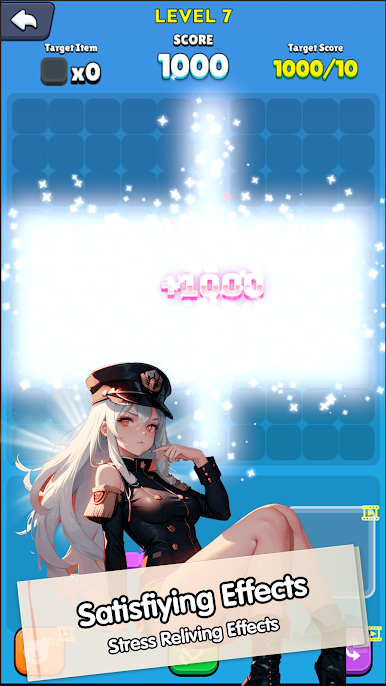
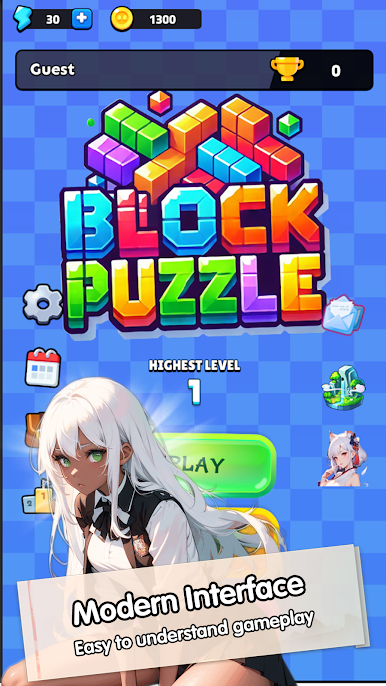
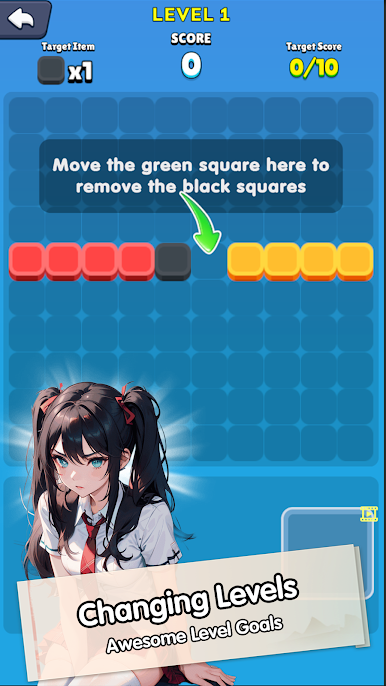
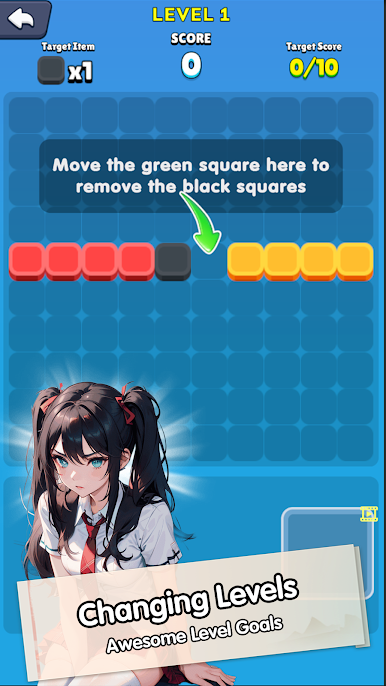
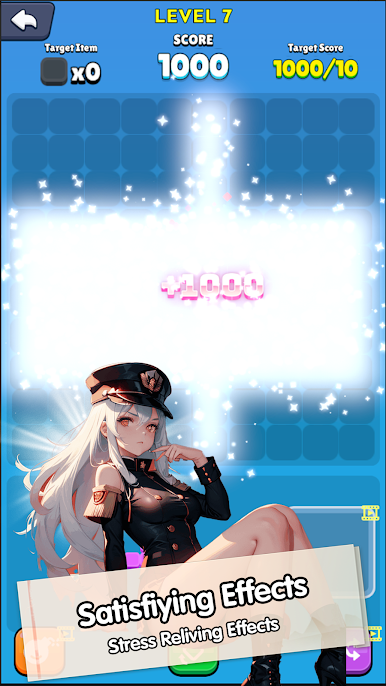
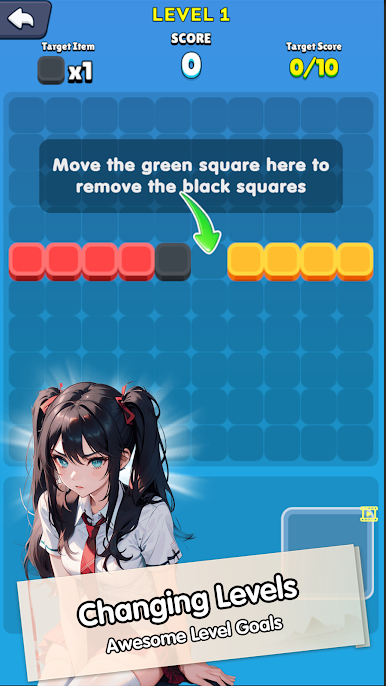
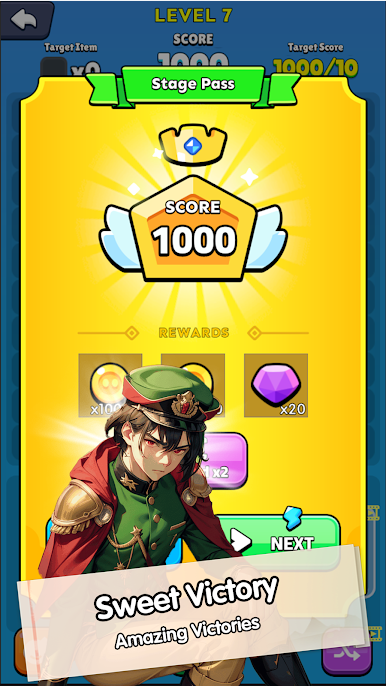
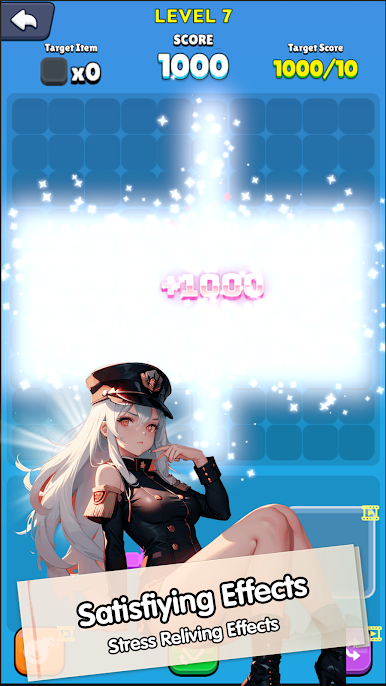
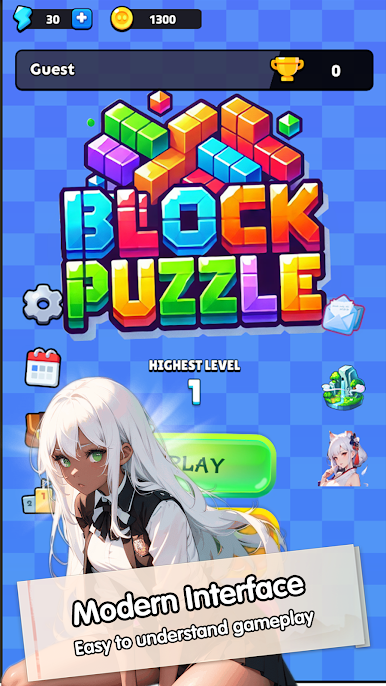
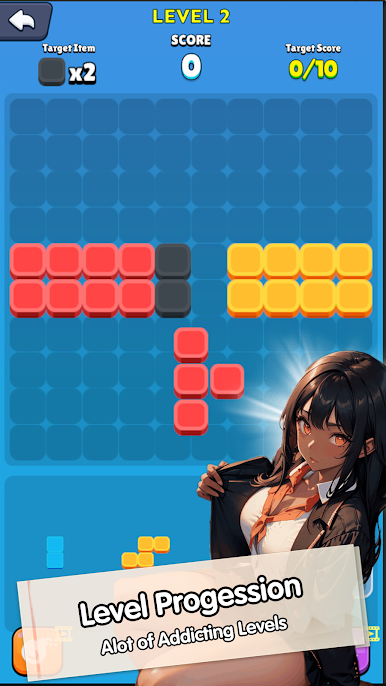
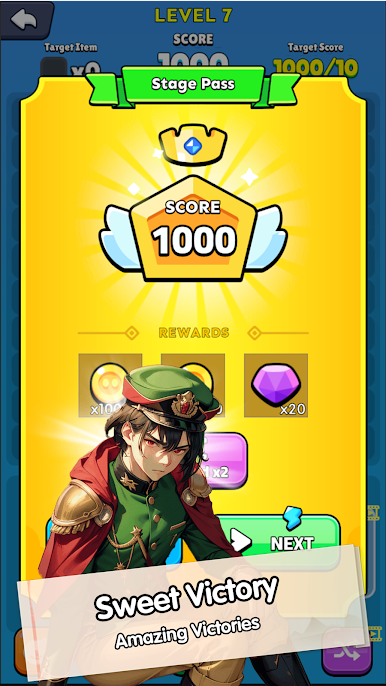
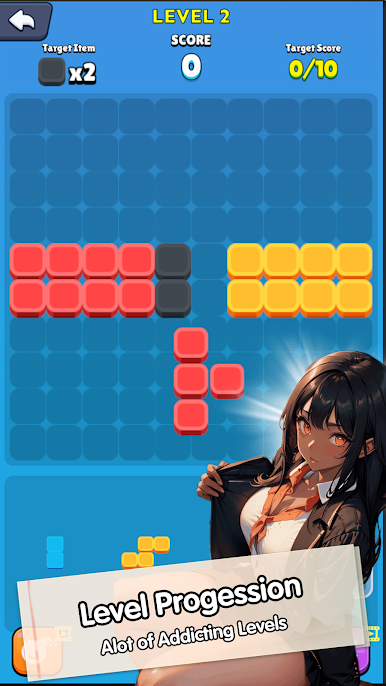
Block Puzzle: Battle Match is one of those puzzle games that looks super simple at first, but it really keeps your brain on its toes. The whole idea is to fit Tetris-style blocks onto a board and clear lines—sounds familiar, but what sets it apart is this battle mode where you play against someone else in real time. That back-and-forth, seeing who can last longer or rack up more points before the board fills up, makes it way more interesting than just casually placing blocks until you lose. The visuals are crisp, nothing over the top, and everything moves pretty smoothly, especially when playing it on PC with BlueStacks. It’s easy to get the hang of since the controls are just drag and drop, but after a few rounds, it gets tricky in a good way—you’re always trying to think a move or two ahead, planning for that one odd-shaped piece that’ll mess up your nice, neat grid. It’s really suited for anyone, whether someone just wants a quick distraction or likes head-to-head games that need a bit of concentration and strategy. The rounds move along at a pretty good pace, so it never feels like much of a slog, even if you lose a few matches in a row.
Start your journey now. Download the game on BlueStacks, invite your friends, and march on a new adventure.
Play Block Puzzle: Battle Match on PC. It’s easy to get started.
-
Download and install BlueStacks on your PC
-
Complete Google sign-in to access the Play Store, or do it later
-
Look for Block Puzzle: Battle Match in the search bar at the top right corner
-
Click to install Block Puzzle: Battle Match from the search results
-
Complete Google sign-in (if you skipped step 2) to install Block Puzzle: Battle Match
-
Click the Block Puzzle: Battle Match icon on the home screen to start playing

