


Design Talents: Home Renovation
Play on PC with BlueStacks – the Android Gaming Platform, trusted by 500M+ gamers.

Page Modified on: July 7, 2021
Play Design Talents: Home Renovation on PC
Features:
* Relax through play and express your creativity in design challenges!
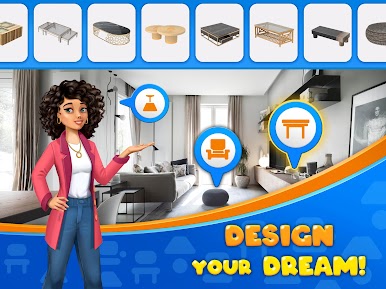
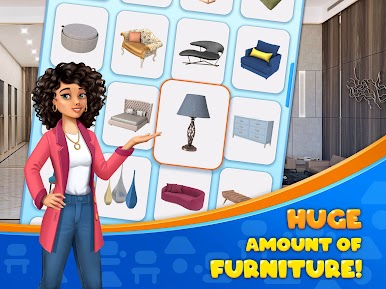
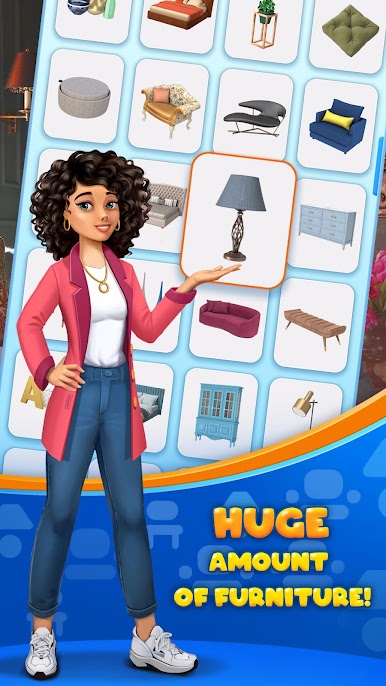
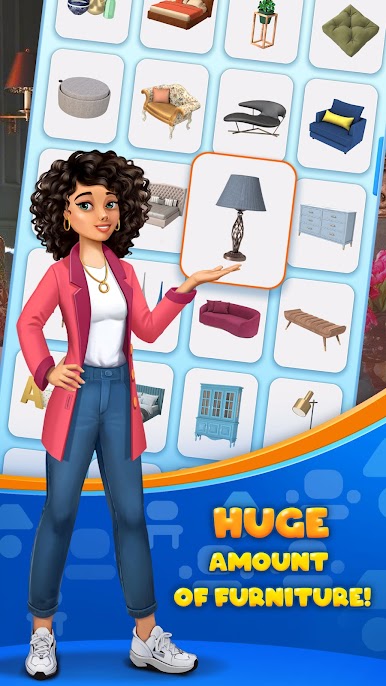
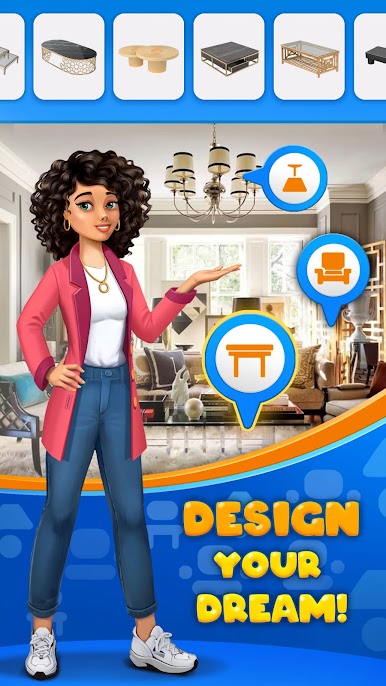
* Most popular interior styles at your disposal! Choose your favorite furniture and decorations, show off your talent, makeover rooms to your taste!
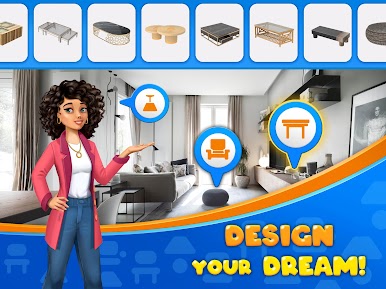
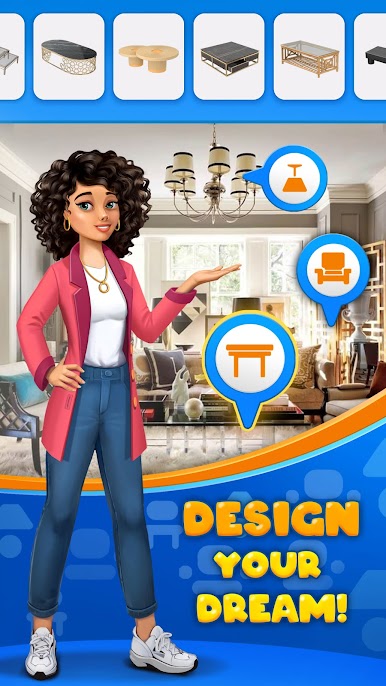
* Unleash your talent as an interior designer: you decide what the place will look like!
* Play and learn about different interior design styles!
* Now it's up to you at home to vote for your favorite from a vibrant creative community!
* Share your creativity with your friends!
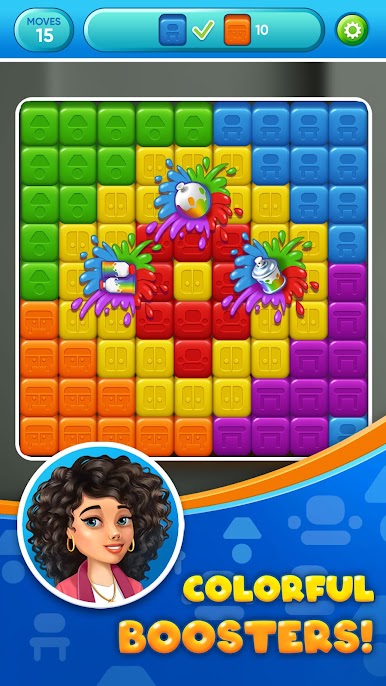
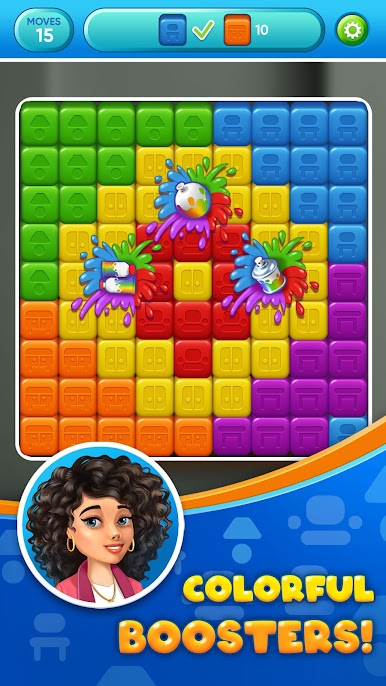
* Playing puzzles that features hundreds of levels!
PLEASE NOTE:
This game is free to play, but you can choose to pay real money for some extra items.



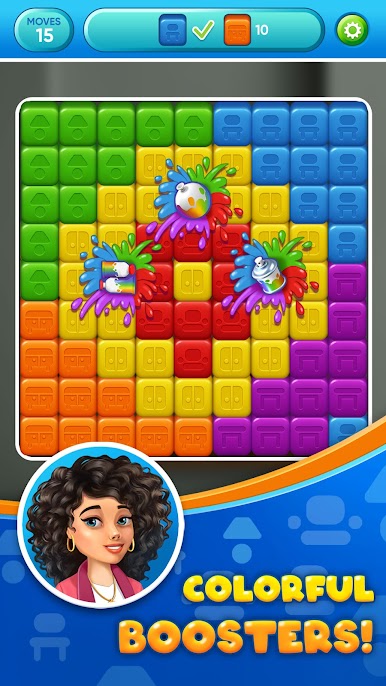
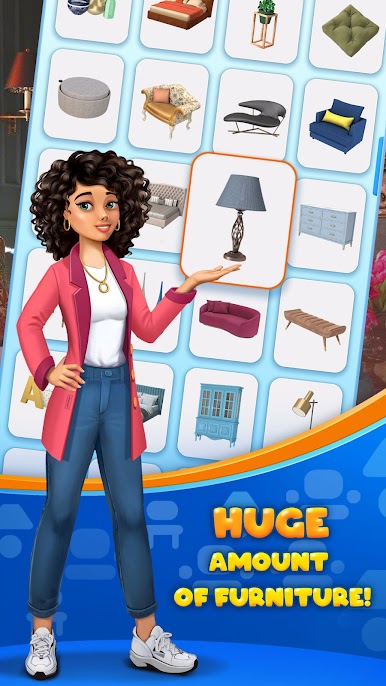
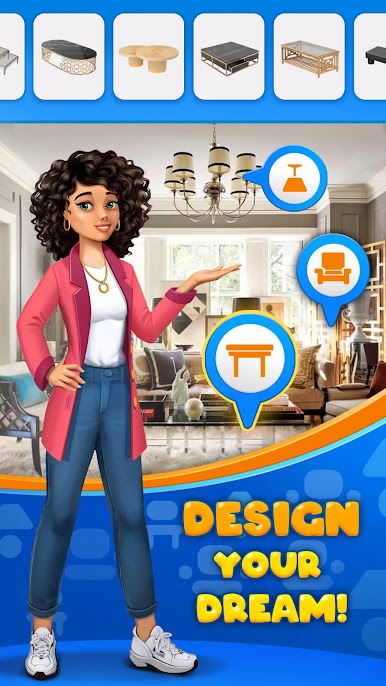
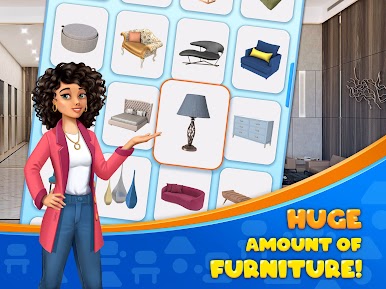






Play Design Talents: Home Renovation on PC. It’s easy to get started.
-
Download and install BlueStacks on your PC
-
Complete Google sign-in to access the Play Store, or do it later
-
Look for Design Talents: Home Renovation in the search bar at the top right corner
-
Click to install Design Talents: Home Renovation from the search results
-
Complete Google sign-in (if you skipped step 2) to install Design Talents: Home Renovation
-
Click the Design Talents: Home Renovation icon on the home screen to start playing

