


Nobodies: Silent Blood
Play on PC with BlueStacks – the Android Gaming Platform, trusted by 500M+ gamers.

Page Modified on: Mar 5, 2026
Main Nobodies: Silent Blood on PC
In this puzzle adventure, you are Asset 1080, the legendary 'cleaner' tasked with concealing all evidence of government-sanctioned assassinations—including your presence at the scene.
The year is 2010. The intelligence agency is cracking down on a wave of criminal activity funded by cryptocurrency technology. Follow the money and dismantle the network, bit by bit.
Features
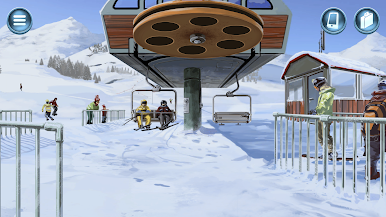
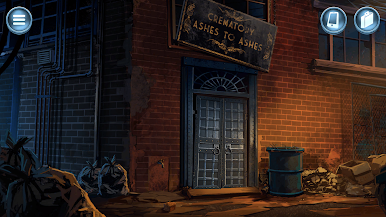
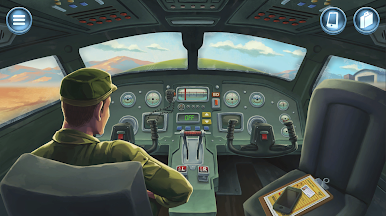
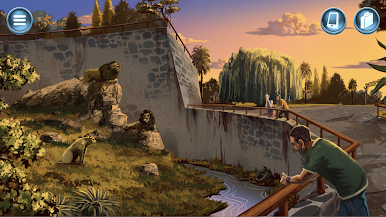
• 14 all-new missions set in locations around the globe, each with a unique disposal method (some with multiple!)
• Each target is a puzzle: Seek out anything—and anyone—that will help you cover up the agency's actions.
• Countless ways to fail: Even the best cleaners mess up a time or two, sometimes spectacularly.
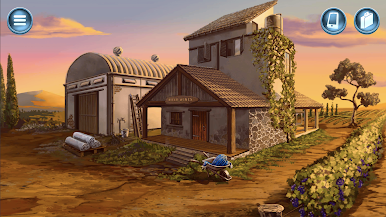
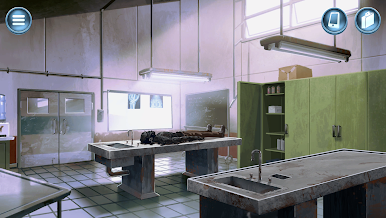
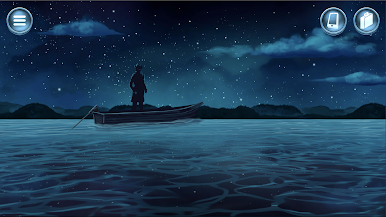
• Hand-crafted art: Explore over 100 hand-drawn scenes.
• The legend grows: Continue Asset 1080's story, building on the events of Nobodies: Murder Cleaner and After Death.
• Hidden collectibles: Find special items in select missions across all three games of the Nobodies trilogy!


Play Nobodies: Silent Blood on PC. It’s easy to get started.
-
Download and install BlueStacks on your PC
-
Complete Google sign-in to access the Play Store, or do it later
-
Look for Nobodies: Silent Blood in the search bar at the top right corner
-
Click to install Nobodies: Silent Blood from the search results
-
Complete Google sign-in (if you skipped step 2) to install Nobodies: Silent Blood
-
Click the Nobodies: Silent Blood icon on the home screen to start playing

