


Rumble Racer
Play on PC with BlueStacks – the Android Gaming Platform, trusted by 500M+ gamers.

Page Modified on: Mar 17, 2026
Play Rumble Racer on PC
*** Simple to play, impossible to put down ***
Everything is controlled with just one finger: swipe left or right to change lanes, swipe up to activate a power-up, and swipe down to brake at just the right moment.
*** Wild power-ups: your secret weapon ***
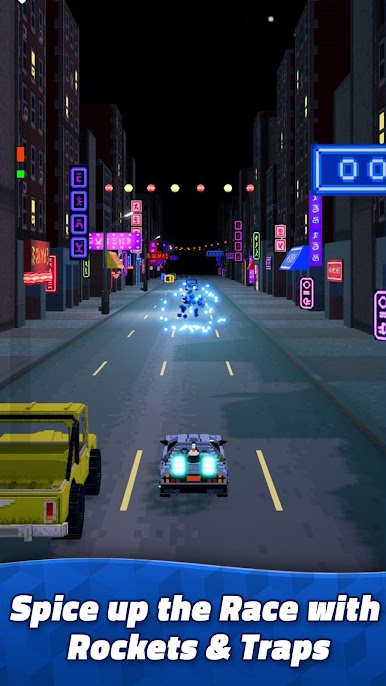
Push your opponents out of the way, blind them, or shoot to destroy anyone trying to overtake you.
*** Real-time online races ***
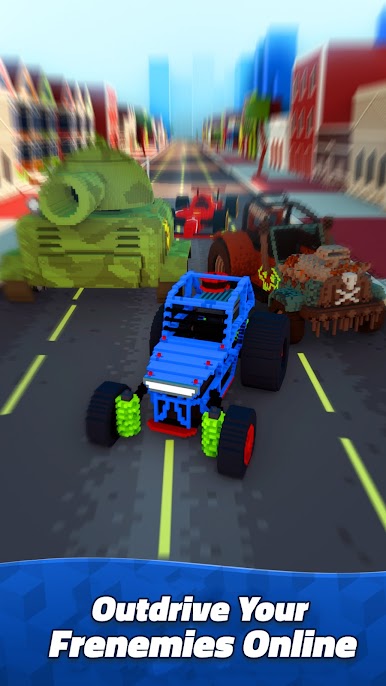
Compete against four players in short, chaotic races. Challenge your friends or take on the world while climbing the global ranking.
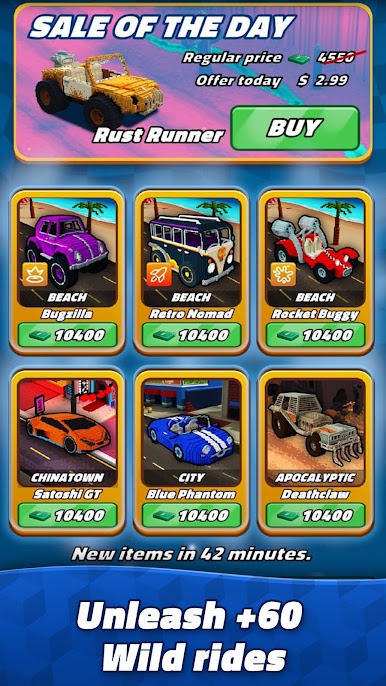
*** Over 60 unique vehicles ***
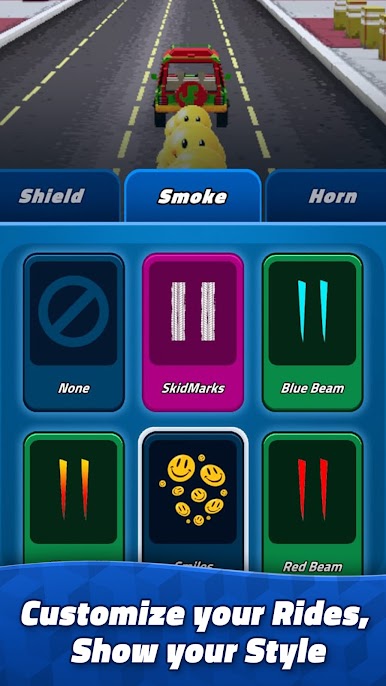
Choose from more than 60 vehicles with unique styles and personalities. Customize your colors and skins to stand out on the track.
*** 9 vibrant tracks ***
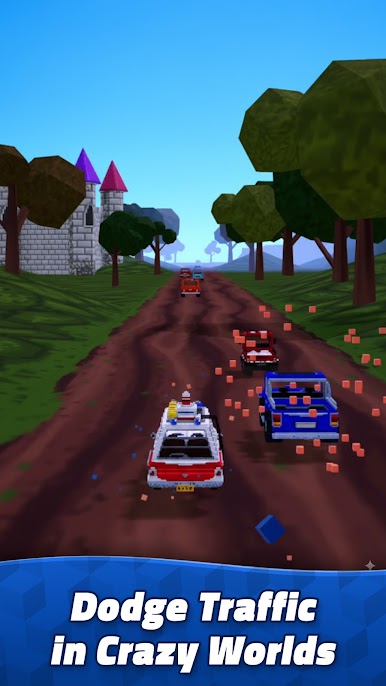
Urban avenues, winding mountain roads, and surreal landscapes. Every collision creates voxel explosions flying in all directions.
*** Unique visual style ***
Voxel design with fluid, energetic animations, creating a look that is both retro and modern. Even losing a race feels epic.
Download Rumble Racer now and become the master of chaos on wheels!

Play Rumble Racer on PC. It’s easy to get started.
-
Download and install BlueStacks on your PC
-
Complete Google sign-in to access the Play Store, or do it later
-
Look for Rumble Racer in the search bar at the top right corner
-
Click to install Rumble Racer from the search results
-
Complete Google sign-in (if you skipped step 2) to install Rumble Racer
-
Click the Rumble Racer icon on the home screen to start playing

