


Phantom Realm: Awakening
Play on PC with BlueStacks – the Android Gaming Platform, trusted by 500M+ gamers.

Page Modified on: Jun 22, 2026
Main Phantom Realm: Awakening on PC
=====Game Features=====
■ As Darkness Descends, Heroes Awaken
Choose your path now! The blade rends the night, or the shadow rules the abyss.
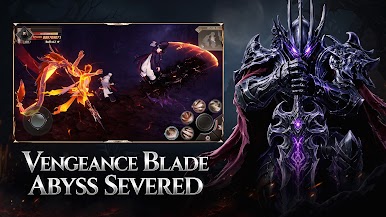
■ Vengeance Blade, Abyss Severed
Gather your power, dominate the field, and claim your throne on the battlefield.
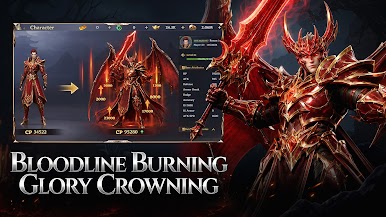
■ Bloodline Burning, Glory Crowning
Loot never stops, farm without end, and rise beyond every limit.
■ Gear Forged, Soul Awakened
Consume, upgrade, empower, forge your immortal weapon with your own hands.
■ Fated Boon, Glory Ascends
With massive gifts, watch your power climb faster than you ever thought possible.



Play Phantom Realm: Awakening on PC. It’s easy to get started.
-
Download and install BlueStacks on your PC
-
Complete Google sign-in to access the Play Store, or do it later
-
Look for Phantom Realm: Awakening in the search bar at the top right corner
-
Click to install Phantom Realm: Awakening from the search results
-
Complete Google sign-in (if you skipped step 2) to install Phantom Realm: Awakening
-
Click the Phantom Realm: Awakening icon on the home screen to start playing

