

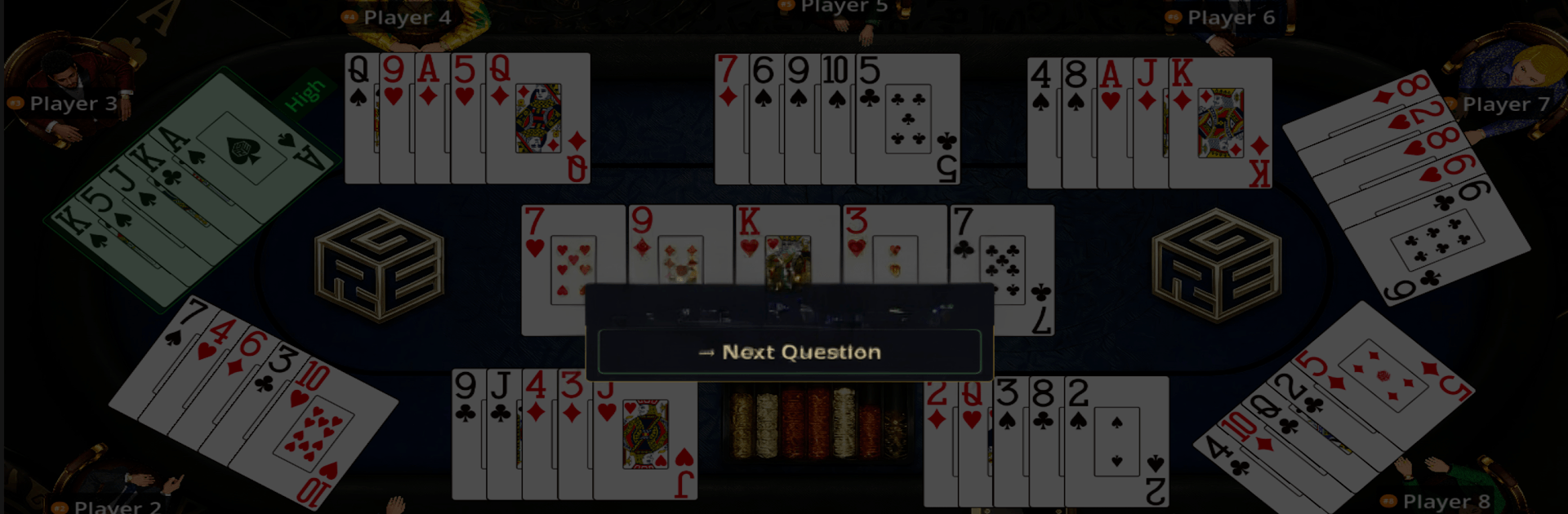
REG Poker Hands Trainer
Play on PC with BlueStacks – the Android Gaming Platform, trusted by 500M+ gamers.

Page Modified on: May 25, 2026
Play REG Poker Hands Trainer on PC or Mac
Explore a whole new adventure with REG Poker Hands Trainer, a Card game created by Result Education Group LLC. Experience great gameplay with BlueStacks, the most popular gaming platform to play Android games on your PC or Mac.
About the Game
REG Poker Hands Trainer is a hands-on Card practice app built for people who actually touch the cards—dealers, players, and students. It helps you read boards fast, rank hands correctly, and handle mixed games without second-guessing. Sessions are quick, feedback is clear, and you can run drills anywhere, even without a connection.
Game Features
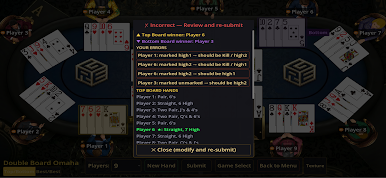
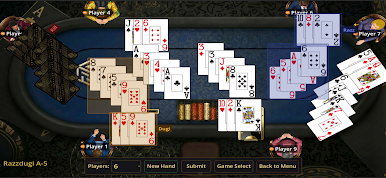
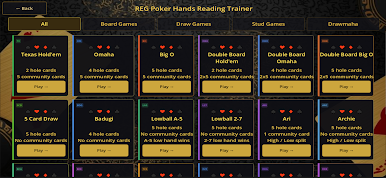
- 20+ Poker Variants: Train across Texas Hold’em, Omaha, Big O, 7 Card Stud, Razz, Badugi, Lowball, Drawmaha, and wild mixed formats like Badacey, Badeucey, Razzdugi, and Archie.
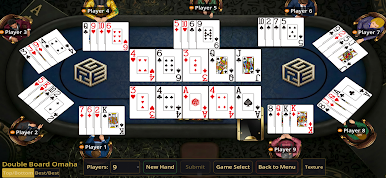
- Smart Board Reading: Work through flops, turns, and rivers to spot draws, identify blockers, and size up relative hand strength in seconds.
- Dealer Pitch Drills: Practice dealing mechanics with instant feedback on accuracy and tempo so auditions and live games feel natural.
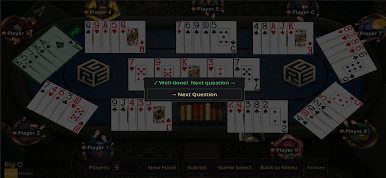
- Hi/Lo Split Support: Run split-pot scenarios for Omaha Hi-Lo, Stud Hi-Lo, and Big O without doing mental gymnastics.
- Custom Table Setup: Tweak seats, game spreads, and table layouts to mirror your casino, card room, or home game.
- Cash and Tournament Tools: Use built-in blind schedules and antes for ring games or MTT-style practice.
- Fast, Clean Interface: Minimal taps, no clutter—perfect for short, focused reps during breaks.
- Fully Offline: No signal? No problem. Keep practicing on a plane, in the break room, or between sessions.
- Bigger Screen Option: Prefer a desktop setup? Fire it up on BlueStacks for comfortable, longer study sessions.
Start your journey now. Download the game on BlueStacks, invite your friends, and march on a new adventure.
Play REG Poker Hands Trainer on PC. It’s easy to get started.
-
Download and install BlueStacks on your PC
-
Complete Google sign-in to access the Play Store, or do it later
-
Look for REG Poker Hands Trainer in the search bar at the top right corner
-
Click to install REG Poker Hands Trainer from the search results
-
Complete Google sign-in (if you skipped step 2) to install REG Poker Hands Trainer
-
Click the REG Poker Hands Trainer icon on the home screen to start playing

