


1xBet
Play on PC with BlueStacks – the Android Gaming Platform, trusted by 500M+ gamers.

Page Modified on: Sep 30, 2026
Play 1xBet on PC
Functionality:
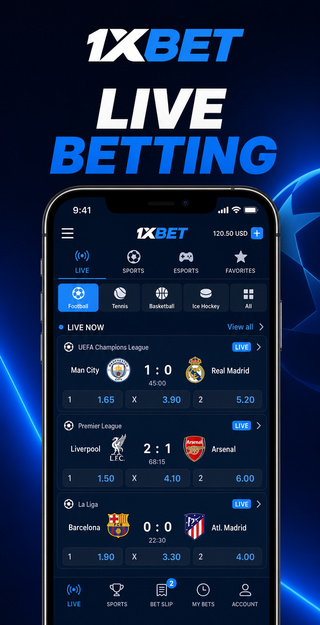
- Place bets with real-time updates on live odds for basketball, tennis, football and more.
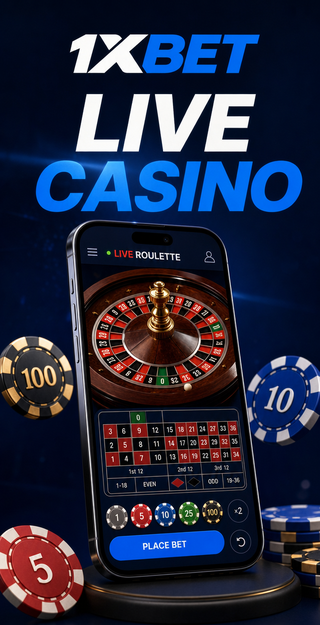
- Explore a variety of casino games including video slots, poker, roulette and baccarat.
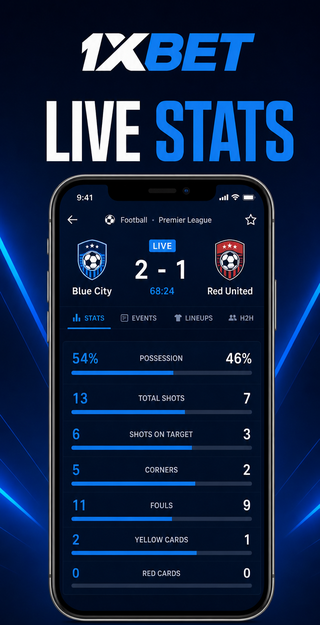
- Stream live events with interactive match statistics and mobile-friendly charts.
- Securely deposit and withdraw funds using local and international payment methods.
- Track your betting history and account balance with clear dashboards.
- Receive in-play notifications for goals, sets or quarter results.
- Customize stakes and use quick bet options for faster wagering.
Prerequisites:
To use this app, you must be at least 18 years old. The app is free to download; data charges may apply. An internet connection is required.
Responsible gambling:
We are committed to safe play. Set deposit, loss or session limits, activate cooling-off periods or self-exclusion, and enable reality checks. Seek help if you notice signs of problematic behavior such as chasing losses or neglecting daily activities. Access customer support at any time via live chat, email or phone. Support resources are available 24/7.



Play 1xBet on PC. It’s easy to get started.
-
Download and install BlueStacks on your PC
-
Complete Google sign-in to access the Play Store, or do it later
-
Look for 1xBet in the search bar at the top right corner
-
Click to install 1xBet from the search results
-
Complete Google sign-in (if you skipped step 2) to install 1xBet
-
Click the 1xBet icon on the home screen to start playing

