


Word Slide - Associations
Play on PC with BlueStacks – the Android Gaming Platform, trusted by 500M+ gamers.

Page Modified on: Oct 7, 2026
Play Word Slide - Associations on PC or Mac
Step into the World of Word Slide – Associations, a thrilling Word game from the house of ООО “ВИСТЕП”. Play this Android game on BlueStacks App Player and experience immersive gaming on PC or Mac.
About the Game
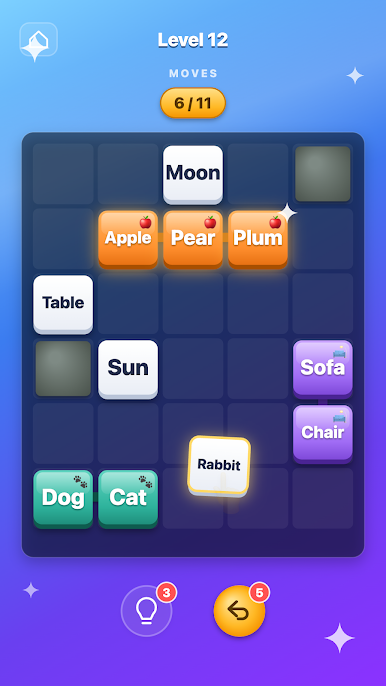
Word Slide – Associations blends classic sliding-block strategy with clever word matching. You’ll shuffle word tiles around tight boards, group related terms, and watch bigger ideas form as pieces click together. It’s a thoughtful, chilled Word experience where planning matters just as much as vocabulary—great on its own, and also comfy to play on BlueStacks if you like a larger screen.
Game Features
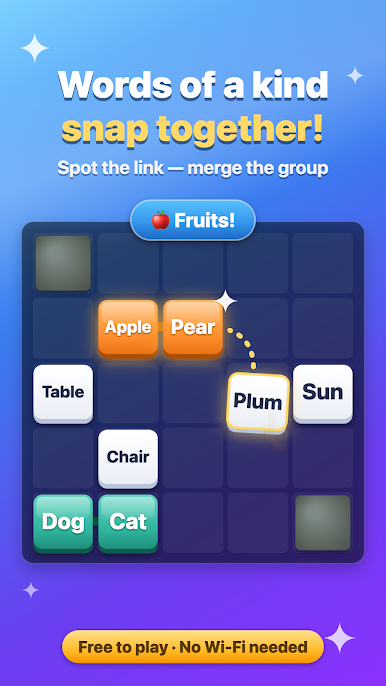
- Sliding logic meets language: Move word tiles through compact layouts, line up related terms, and watch grouped tiles lock together so they slide as a single piece.
- Strategy-first moves: Every nudge can open or close a path, so you’ll map out smart routes, avoid dead ends, and make space for that one perfect slide.
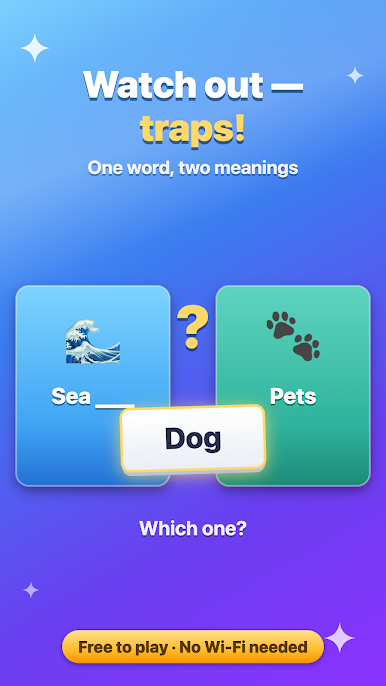
- Tricky double meanings: Some tiles fit more than one idea—think “seal” (animal or stamp) or “bark” (tree or dog)—so you’ll reassess on the fly and keep options open.
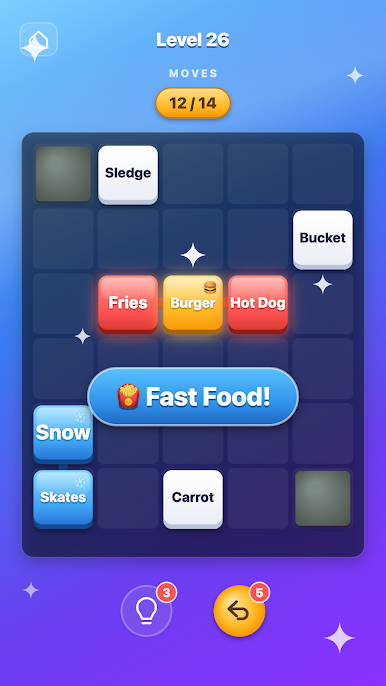
- Build satisfying chains: Combine small pieces into objects, then roll those into bigger themes—bun + patty + sauce becomes a burger, and the burger completes a food set.
- Gentle challenge, clear head: Puzzles train logic and memory without the stress; settle in, take your time, and let steady progress feel rewarding.
- Categories with a twist: Themes aren’t just labels—they reshape the board as matched tiles merge, changing how future moves play out.
- Great for quick breaks: Levels are snappy, making it easy to sneak in a round when you need a mental reset.
- Offline anytime: No internet required, so you can play wherever you are without missing a beat.
Get ready for a buttery smooth, high-performance gaming action only on BlueStacks.
Play Word Slide - Associations on PC. It’s easy to get started.
-
Download and install BlueStacks on your PC
-
Complete Google sign-in to access the Play Store, or do it later
-
Look for Word Slide - Associations in the search bar at the top right corner
-
Click to install Word Slide - Associations from the search results
-
Complete Google sign-in (if you skipped step 2) to install Word Slide - Associations
-
Click the Word Slide - Associations icon on the home screen to start playing

