

Bible Questions & Answers FAQ
Play on PC with BlueStacks – the Android Gaming Platform, trusted by 500M+ gamers.

Page Modified on: Apr 26, 2025
Run Bible Questions & Answers FAQ on PC or Mac
Let BlueStacks turn your PC, Mac, or laptop into the perfect home for Bible Questions & Answers FAQ, a fun Education app from Christian Resources- Bible Truth.
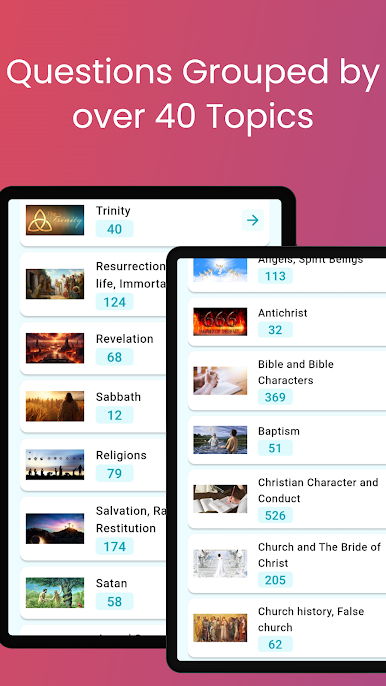
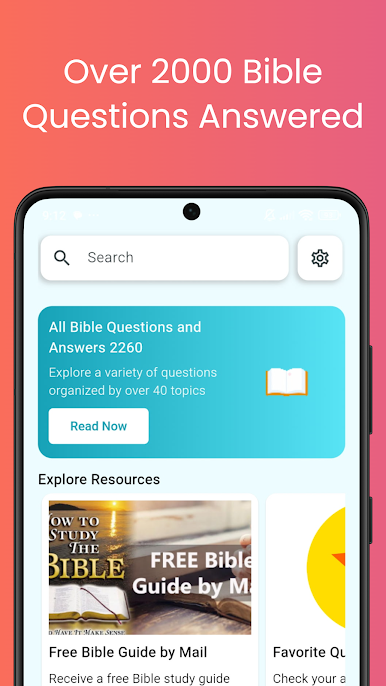
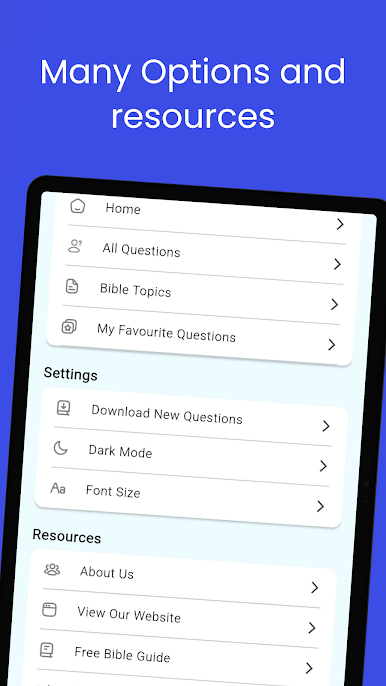
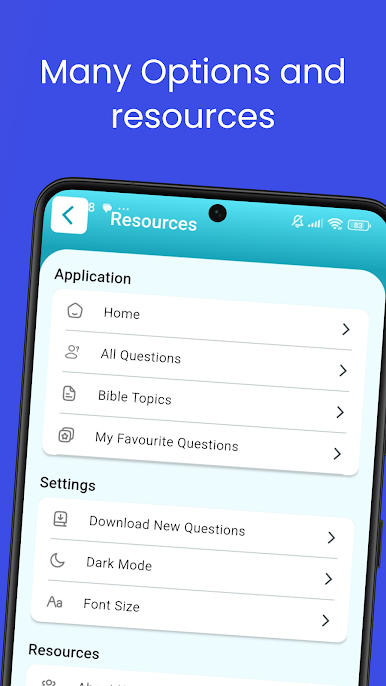
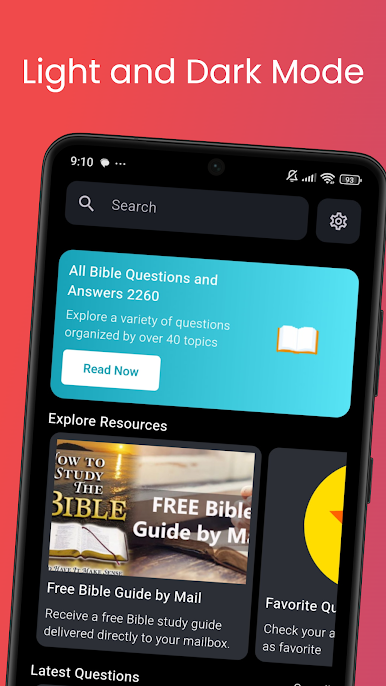
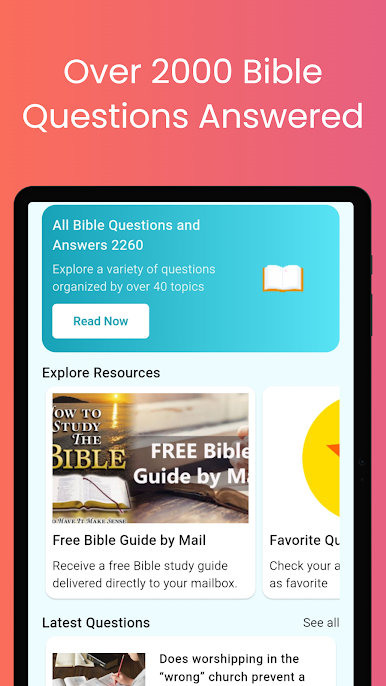
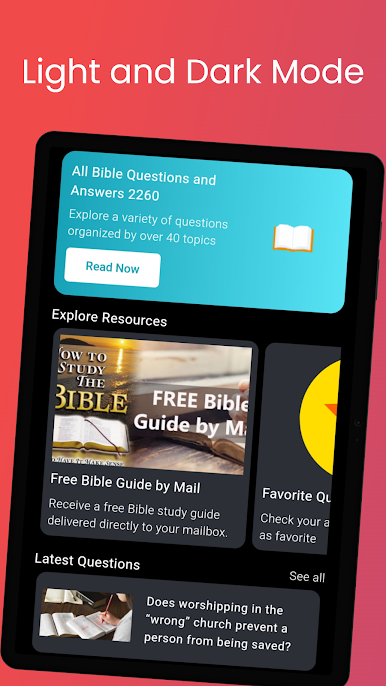
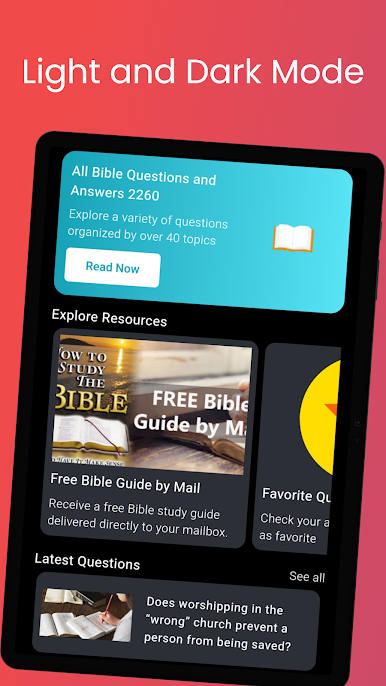
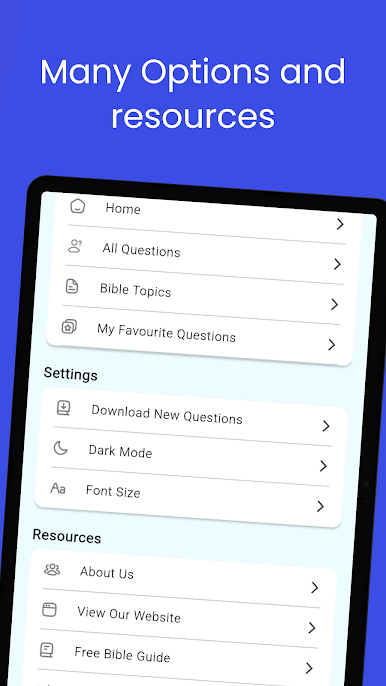
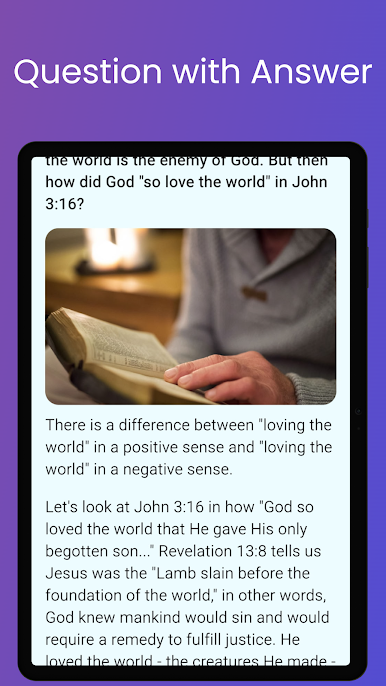
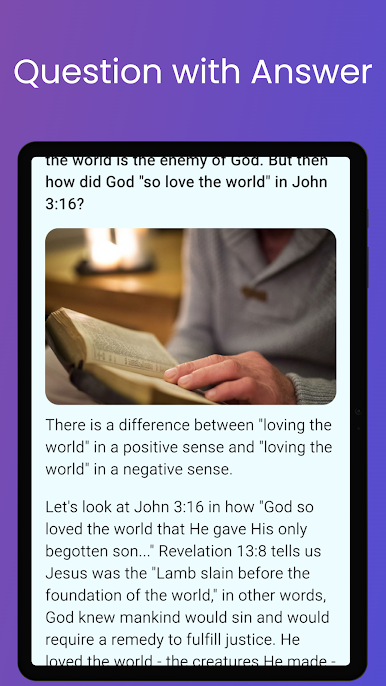
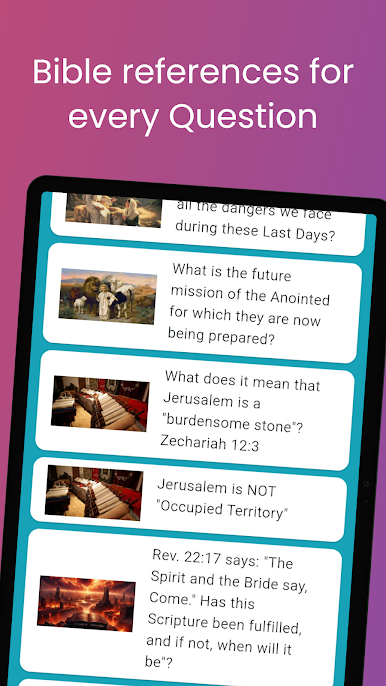
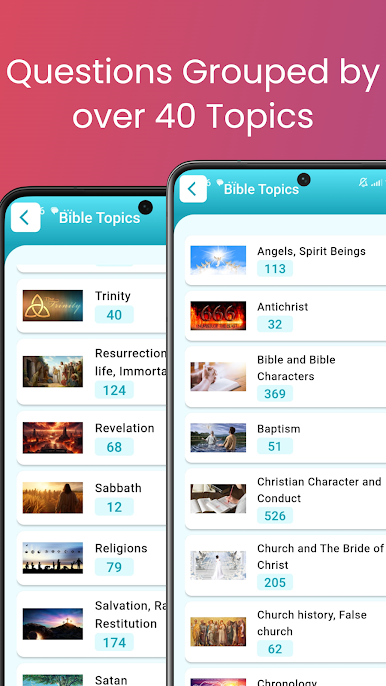
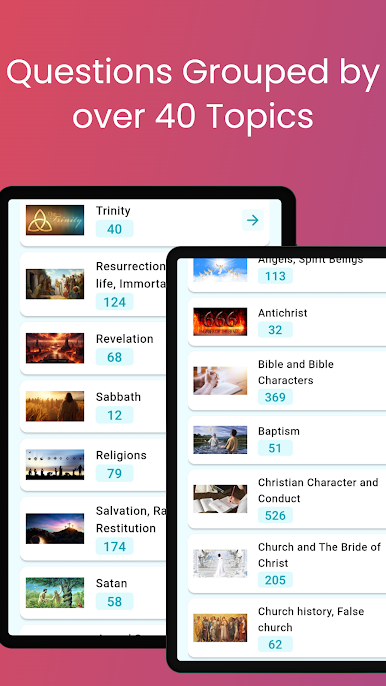
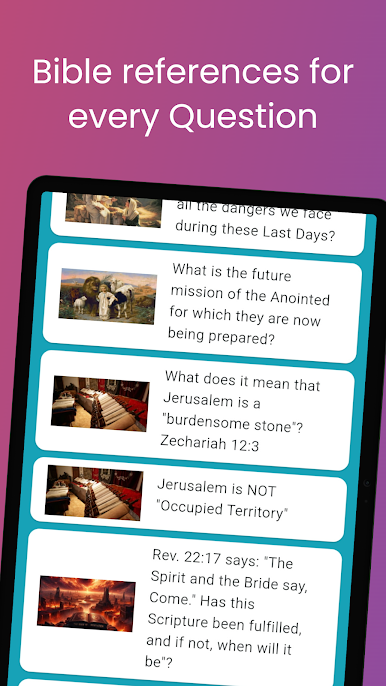
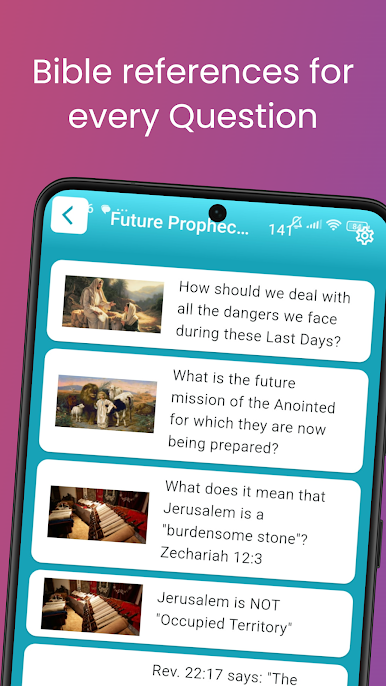
Bible Questions & Answers FAQ feels like a big, organized reference for Bible questions, the kind a person keeps open while studying or just being curious. There are thousands of questions sorted into a lot of clear categories, so it is easy to jump from Revelation and end time prophecy to marriage, Christian conduct, creation versus evolution, Trinity, angels, resurrection, or heaven and hell without getting lost. The layout is simple and quick, which is nice because it does not shove extra stuff in the way. It works offline and can sync new questions and answers when there is internet, so it is useful both at home and during travel. Running it on BlueStacks on a PC makes the browsing feel calmer, with more space to read and scroll, and changing the font size helps a lot for long sessions.
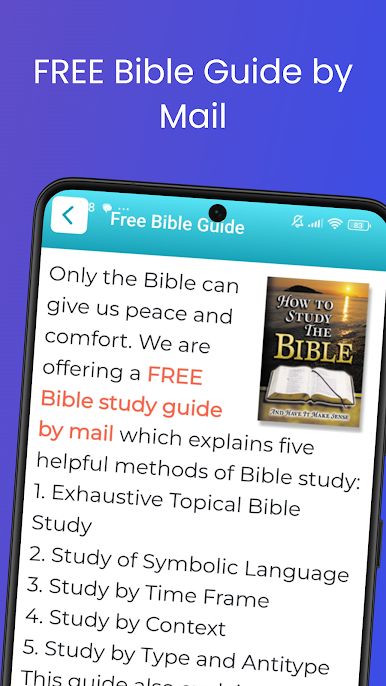
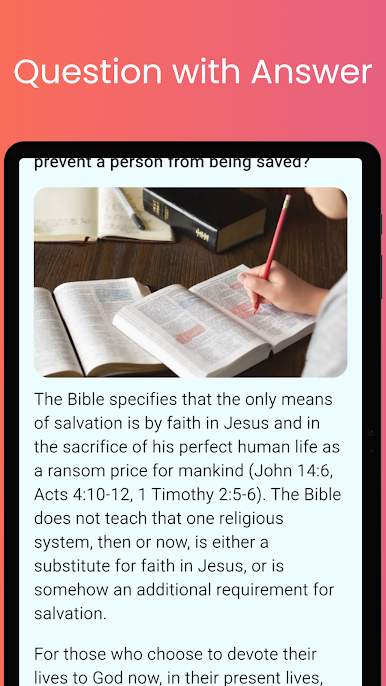
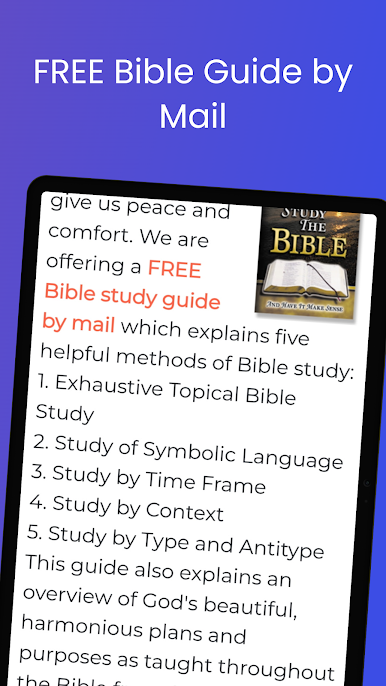
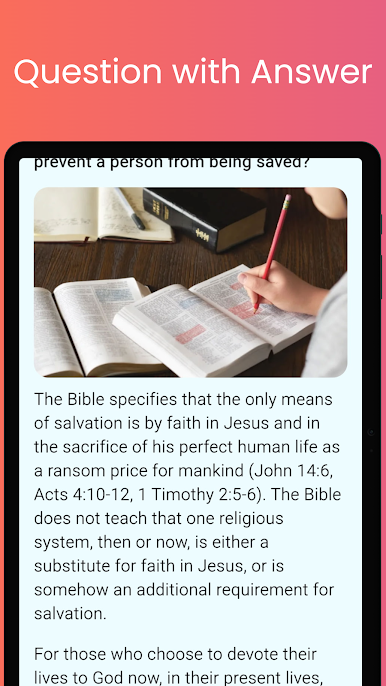
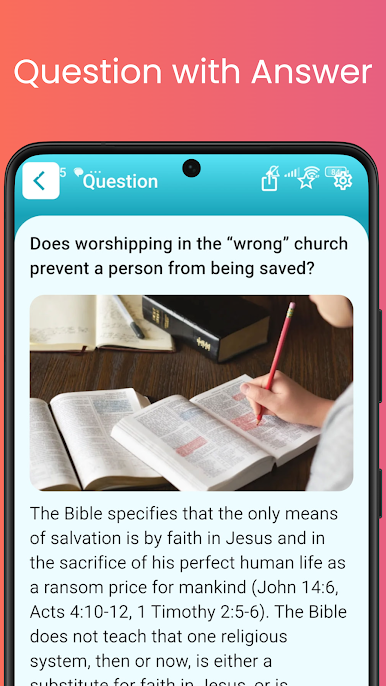
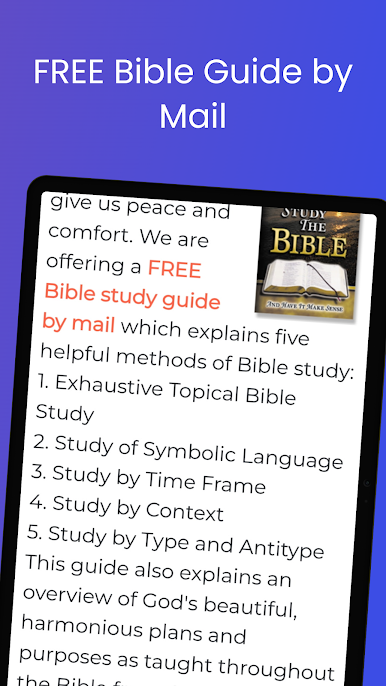
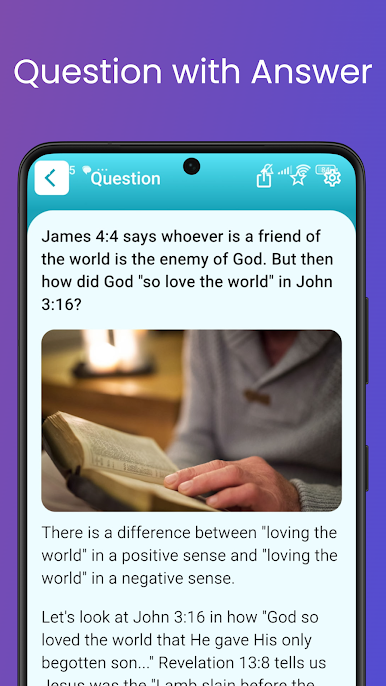
What stands out is how direct everything is. A person picks a topic, opens a question, and reads a clear answer, then hops to the next one. There is a share option for sending a question and answer by email to a friend or study group, useful if someone is preparing a class or trying to explain a tough verse. The app also lets users submit their own Bible question for the team to answer and add later, and there is even an option to request a free Bible study guide by mail. It is not flashy, just a straightforward tool for quick lookups and deeper digging, and the big screen setup on PC makes the whole thing easier on the eyes.
BlueStacks brings your apps to life on a bigger screen—seamless and straightforward.
Play Bible Questions & Answers FAQ on PC. It’s easy to get started.
-
Download and install BlueStacks on your PC
-
Complete Google sign-in to access the Play Store, or do it later
-
Look for Bible Questions & Answers FAQ in the search bar at the top right corner
-
Click to install Bible Questions & Answers FAQ from the search results
-
Complete Google sign-in (if you skipped step 2) to install Bible Questions & Answers FAQ
-
Click the Bible Questions & Answers FAQ icon on the home screen to start playing

