


BOOKR Class Learn English
Play on PC with BlueStacks – the Android Gaming Platform, trusted by 500M+ gamers.

Page Modified on: Nov 12, 2025
Run BOOKR Class on PC or Mac
Why limit yourself to your small screen on the phone? Run BOOKR Class, an app by Móra-BookR, best experienced on your PC or Mac with BlueStacks, the world’s #1 Android emulator.
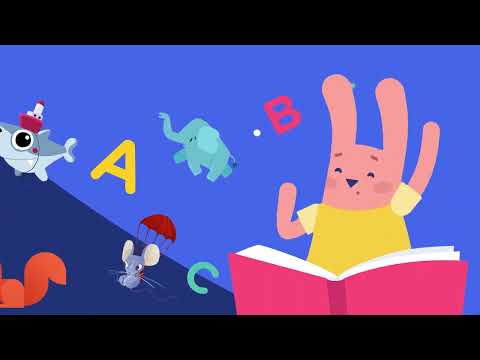
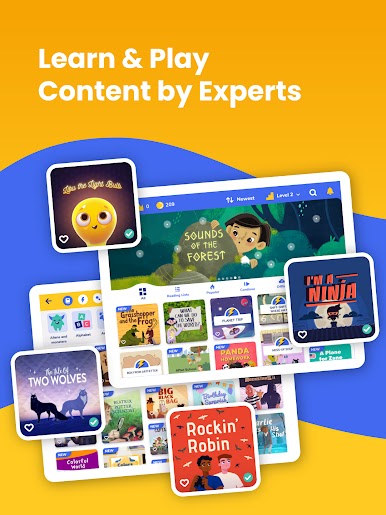
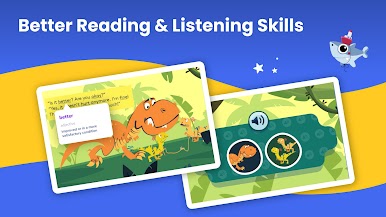
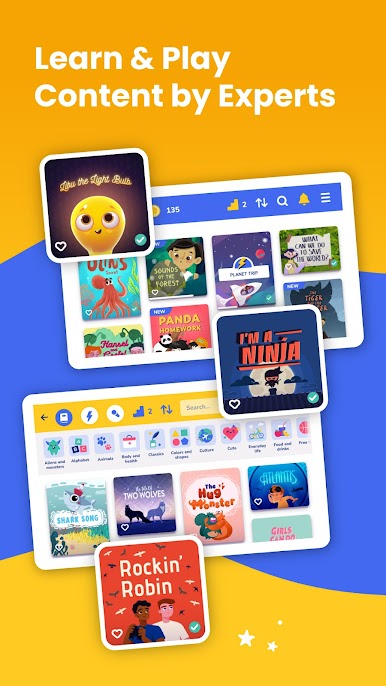
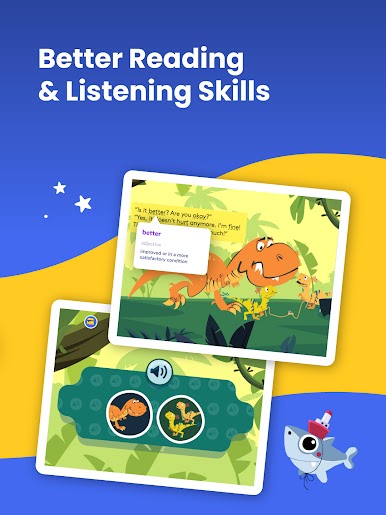
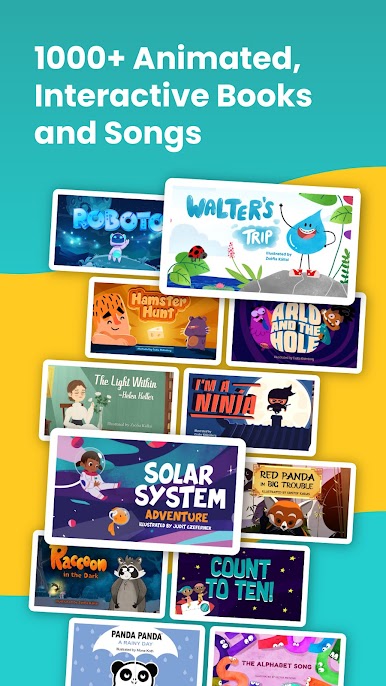
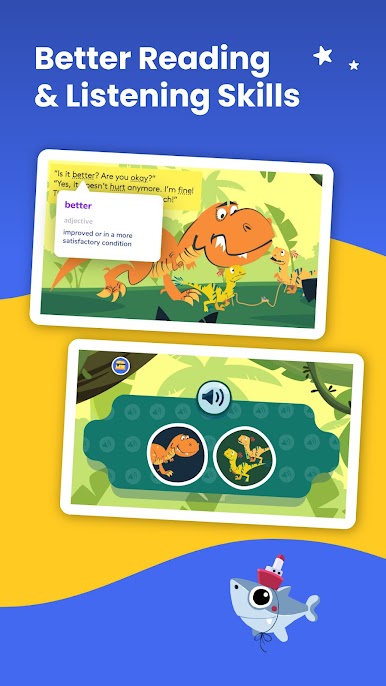
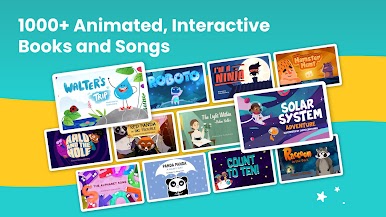
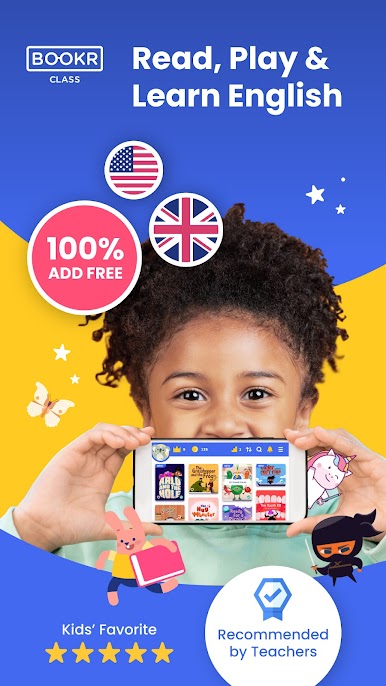
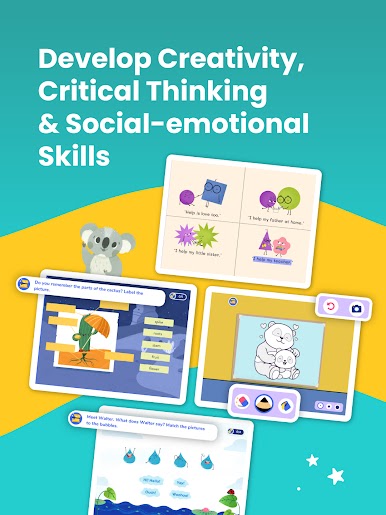
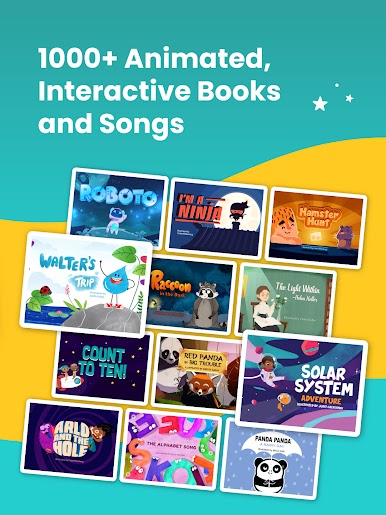
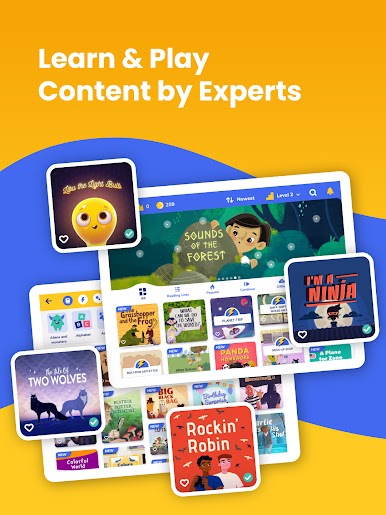
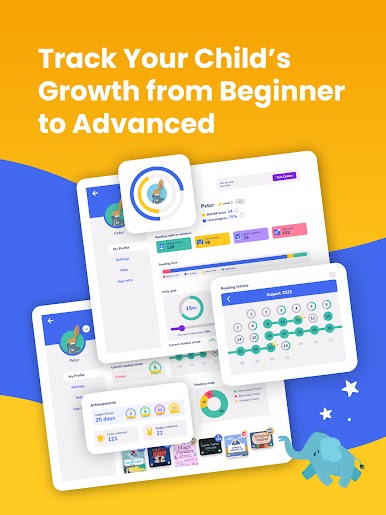
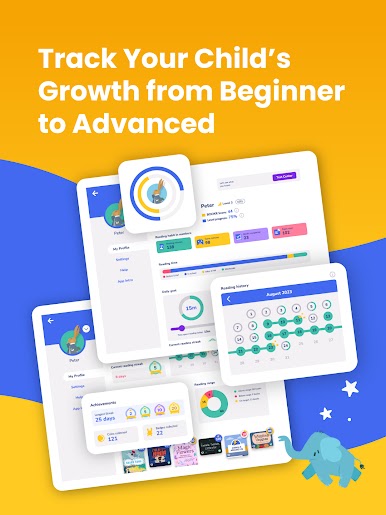
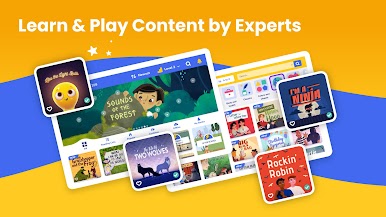
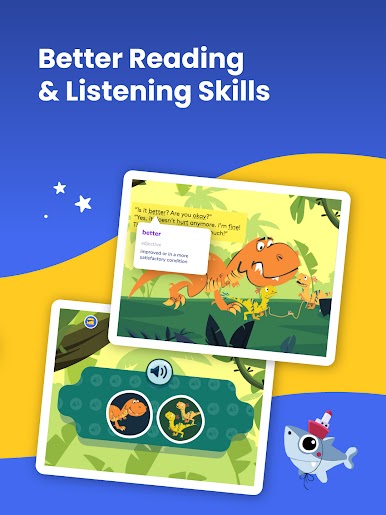
BOOKR Class feels like a mix between an interactive library and a game, but all focused on learning English in a way that actually keeps things interesting, especially for kids and teens. The main thing that stands out is how simple it is to use—everything’s really visual and inviting, with a ton of storybooks that aren’t just straight-up text. The stories are narrated and include classics, rhymes, and even songs, so learners get to hear and read along. There are levels too, from complete beginners to those already getting the hang of English, and everything’s broken down so it’s not overwhelming.
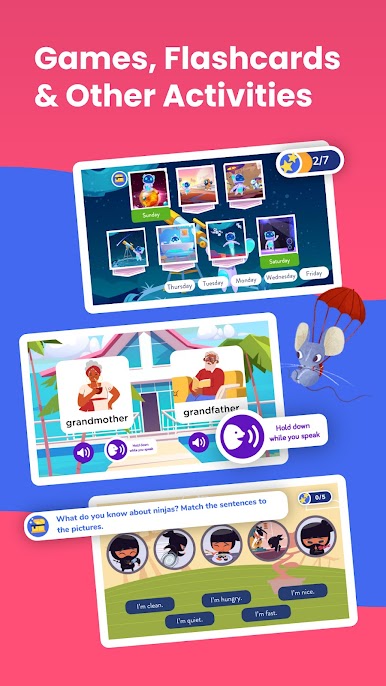
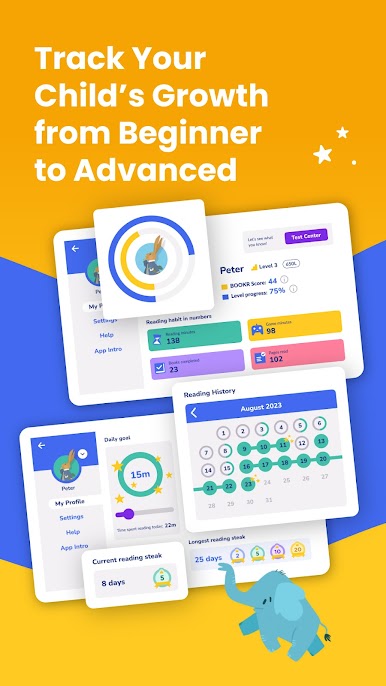
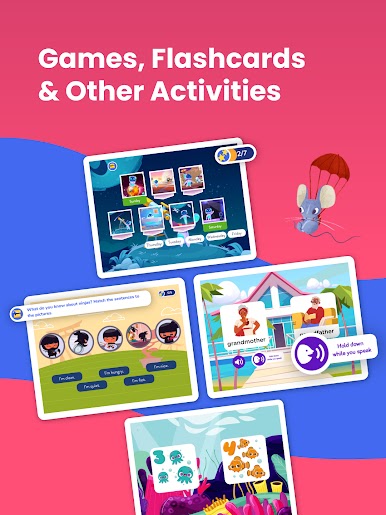
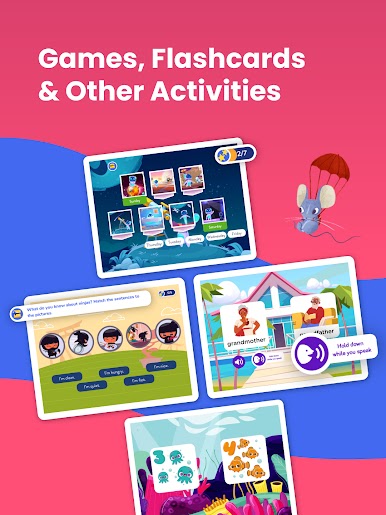
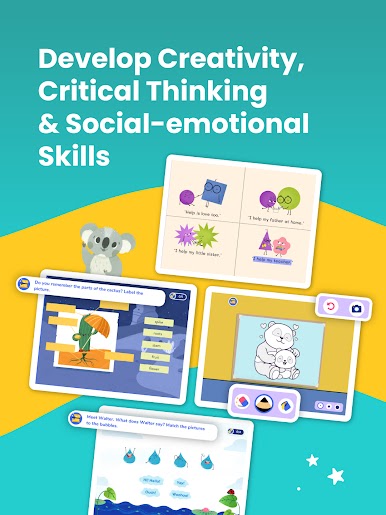
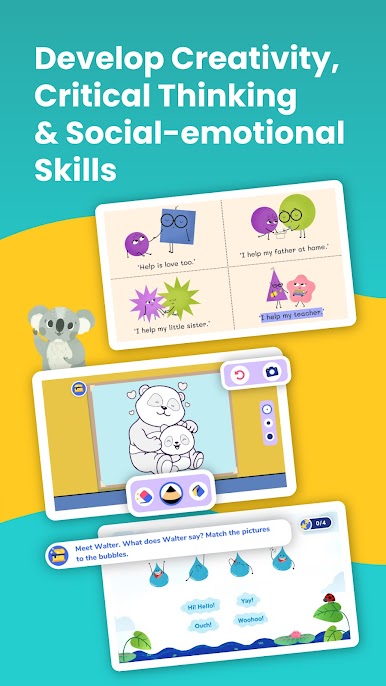
What really makes it different are the games and mini-quizzes tucked into the stories. Instead of just reading, kids get to answer questions, play exercises that practice things like grammar, and check how much they understood right there in the app. The stories aren’t just basic, either—there are nursery rhymes like Old McDonald had a Farm, but also stuff for older kids, like tales about Benjamin Franklin or job hunting. Teachers get tools to manage what everyone’s reading, but as an app user on PC (especially on BlueStacks), it feels a bit closer to playing an educational game than just flipping through digital storybooks. It actually makes English practice less of a chore—more like sitting down and having fun while picking up new words.
BlueStacks gives you the much-needed freedom to experience your favorite apps on a bigger screen. Get it now.








Play BOOKR Class Learn English on PC. It’s easy to get started.
-
Download and install BlueStacks on your PC
-
Complete Google sign-in to access the Play Store, or do it later
-
Look for BOOKR Class Learn English in the search bar at the top right corner
-
Click to install BOOKR Class Learn English from the search results
-
Complete Google sign-in (if you skipped step 2) to install BOOKR Class Learn English
-
Click the BOOKR Class Learn English icon on the home screen to start playing

