


Boom Live-Go Live, Chat & Meet
Play on PC with BlueStacks – the Android Gaming Platform, trusted by 500M+ gamers.

Page Modified on: Dec 11, 2025
Overview
Make new friends in your area and around the world
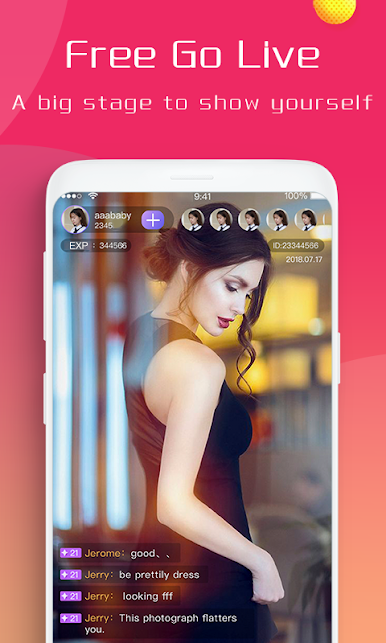
Watch your favorite lives , such as singing, dancing, gaming and more.
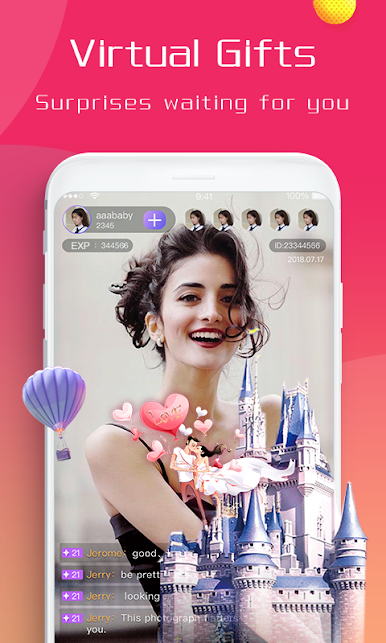
Send and receive virtual gifts.
-Pretty & Diverse Live Stream
Beauties and studs keeping you entertained with their talents
Available 24 hours anytime anywhere
-Boom Live Interaction
Live on Boom Live at every day!
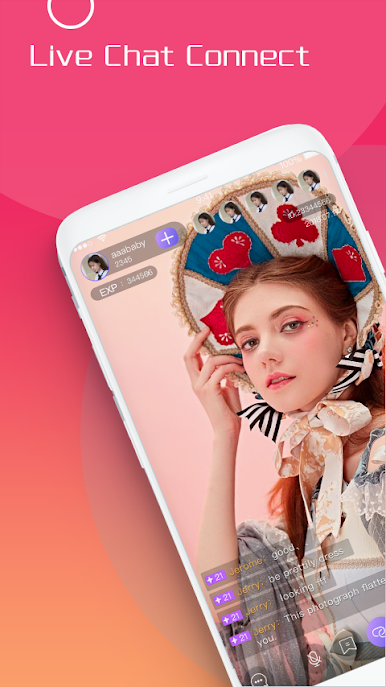
Interact with guests LIVE thru your phone!
-Live Video Chat & Video Call
Want to chat with strangers or start a random chat? Boom Live can match you with locals or people around the world.
-Voice Chat Room
Live talk with pretty girls or handsome boys from nearby or all over the world.
Here you can sing karaoke together, talk about life and learn foreign languages with your new friends.
-LIVE PK
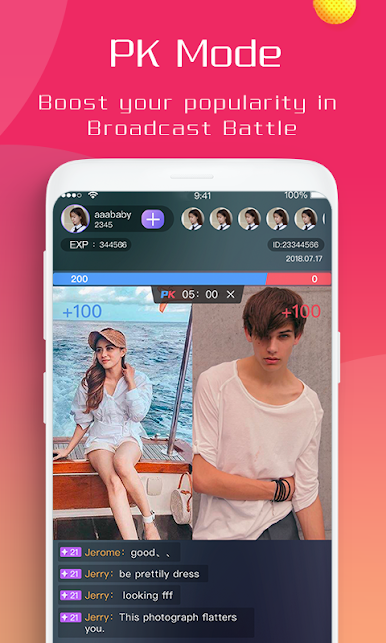
Try PK challenge and have fun with your friends on BooM Live! Broadcasters who get more attraction points will win the PK while losers have to receive punishments.
-Support
Facebook:https://facebook.com/UBoomLive
line:yxiaohai118
WhatsApp:081387596315
https://www.facebook.com/Uboomlive
https://www.instagram.com/boomlive.im
https://twitter.com/BoomliveT
Website
www.boomlive.tv

Play Boom Live-Go Live, Chat & Meet on PC. It’s easy to get started.
-
Download and install BlueStacks on your PC
-
Complete Google sign-in to access the Play Store, or do it later
-
Look for Boom Live-Go Live, Chat & Meet in the search bar at the top right corner
-
Click to install Boom Live-Go Live, Chat & Meet from the search results
-
Complete Google sign-in (if you skipped step 2) to install Boom Live-Go Live, Chat & Meet
-
Click the Boom Live-Go Live, Chat & Meet icon on the home screen to start playing

