

Super Rush Legends
Play on PC with BlueStacks – the Android Gaming Platform, trusted by 500M+ gamers.

Page Modified on: Nov 4, 2026
Play Super Rush Legends on PC or Mac
Step into the World of Super Rush Legends, a thrilling Racing game from the house of Boom-808. Play this Android game on BlueStacks App Player and experience immersive gaming on PC or Mac.
About the Game
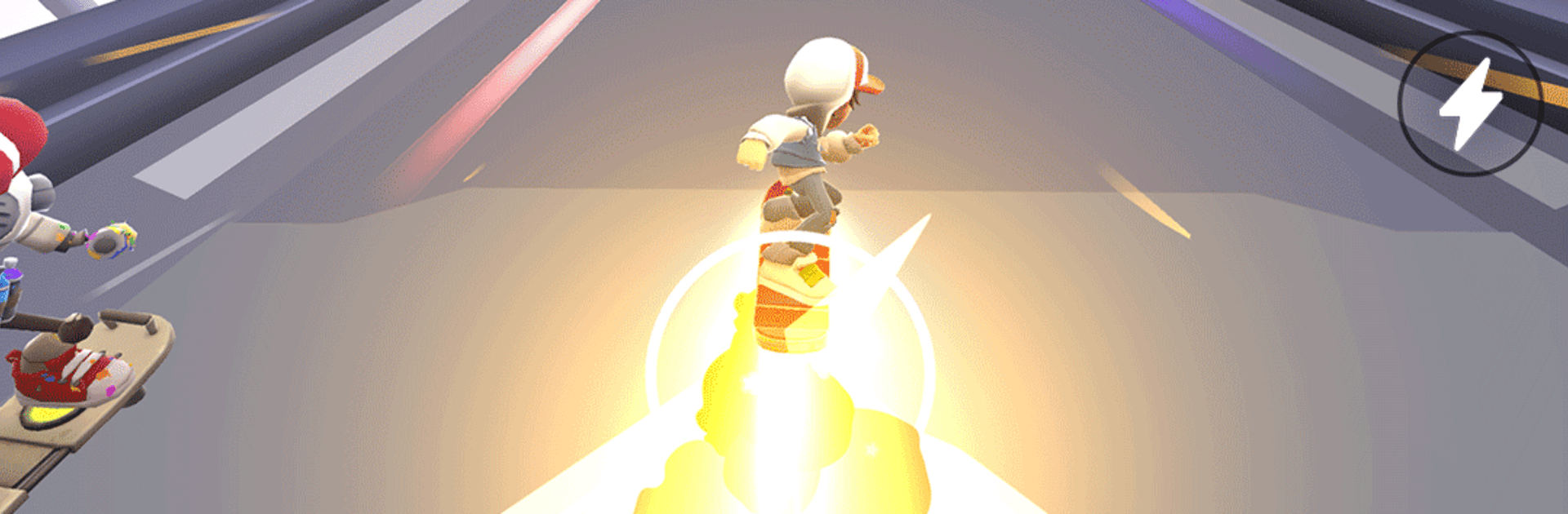
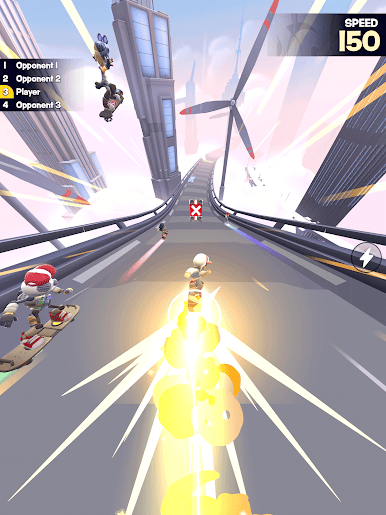
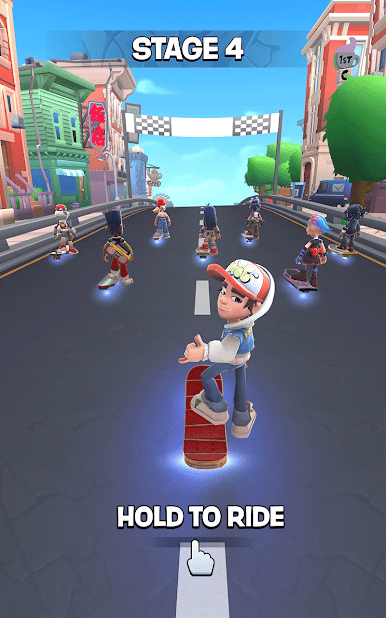
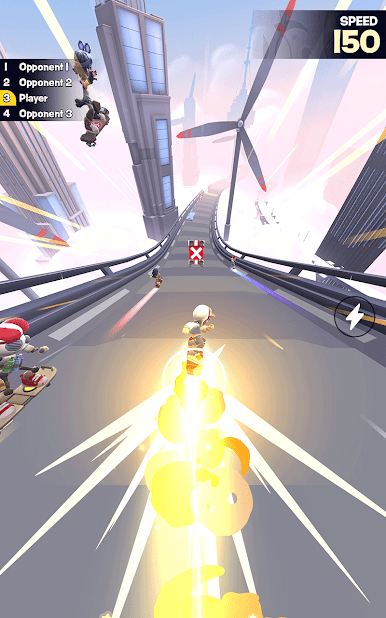
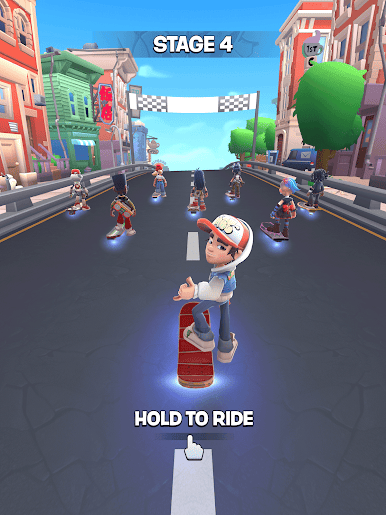
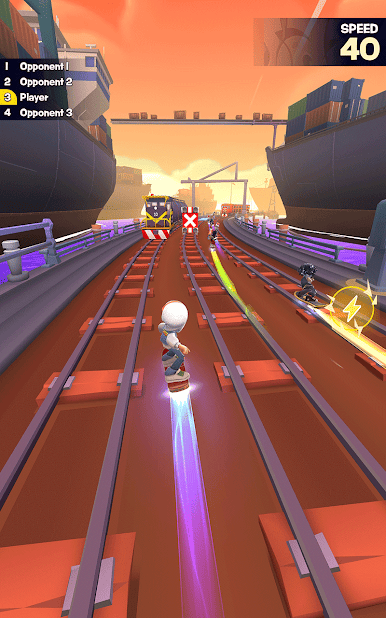
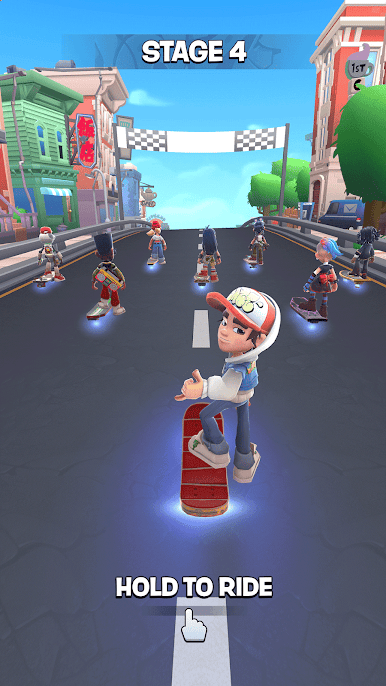
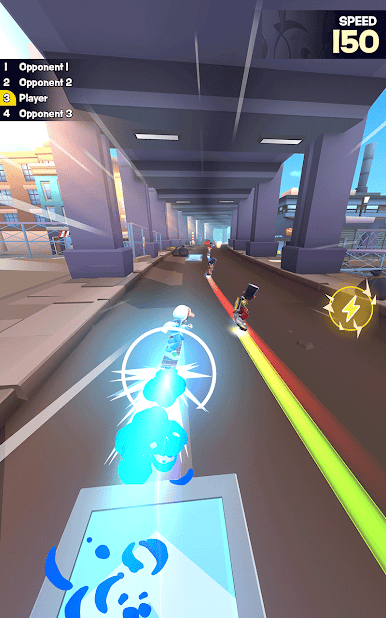
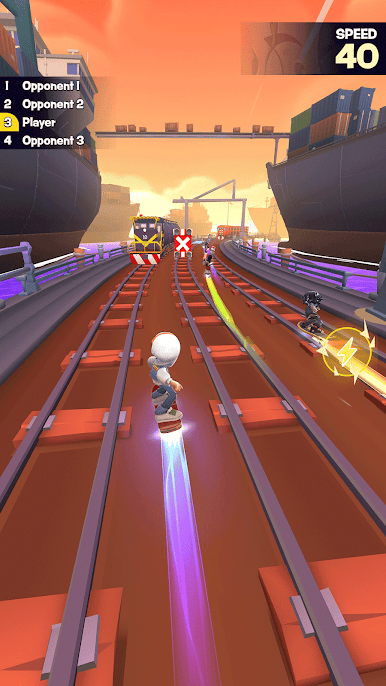
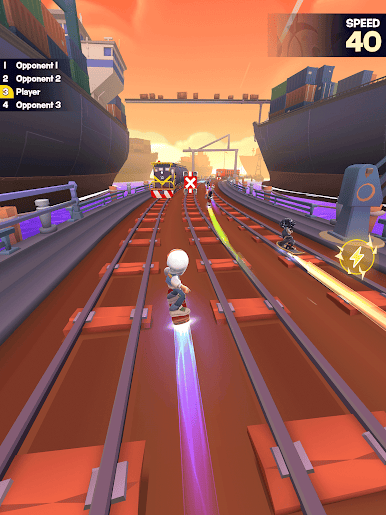
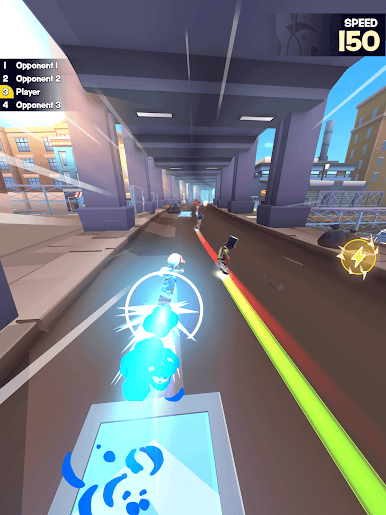
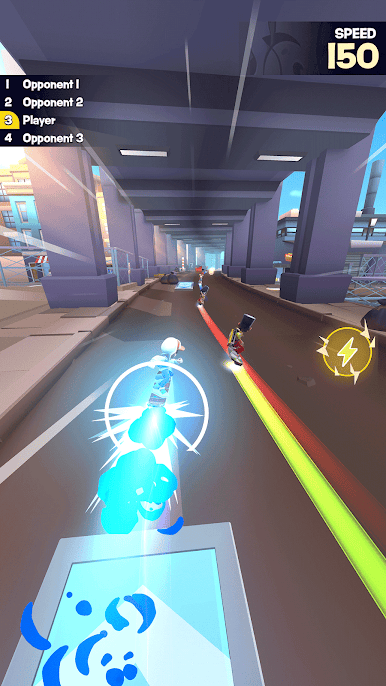
Super Rush Legends throws you into fast street showdowns where style and speed both matter. It’s a high‑energy Racing experience built around tight drifts, surprise shortcuts, and that one perfect boost that slingshots you past the pack. Want a bigger view and smooth controls? Try it on PC with BlueStacks.
Game Features
- Urban Tracks: Streets re-route with fresh hazards, cheeky shortcuts, and set‑piece jumps that keep you guessing from district to district.
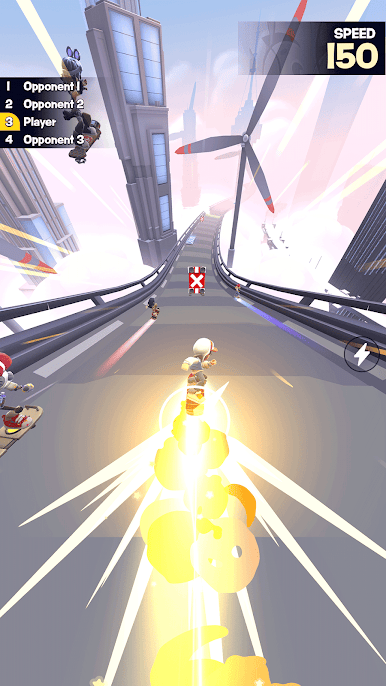
- Drift Mastery: Feather the throttle through hairpins, hit ramps clean, and stick landings to chain momentum‑building boosts.
- Rival Heat: Outpace opponents to bank Heat, climb tiers, and unlock new opportunities as the stakes get higher.
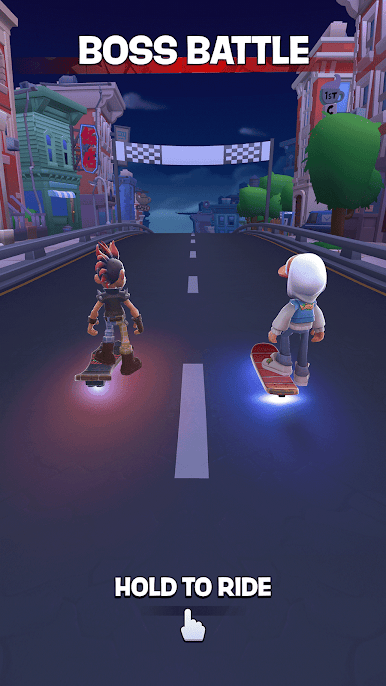
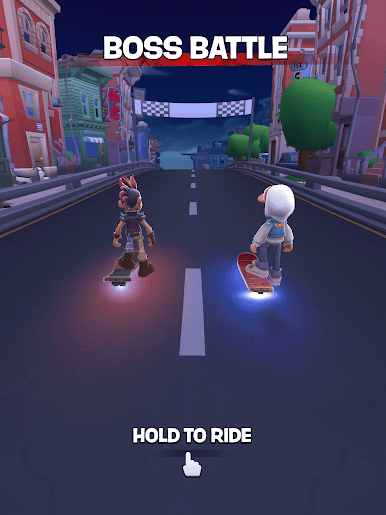
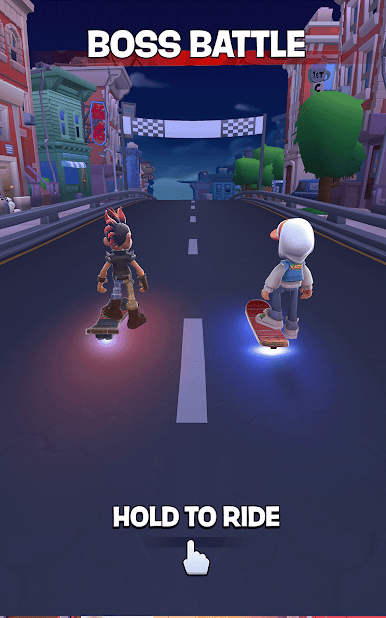
- Boss Showdowns: Collect a crew’s signature rides, then square up for tense 1v1 battles to win their gear and bragging rights.
- Growing Garage: Unlock machines with distinct personalities and handling quirks, from nimble sprinters to bruisers built for grip.
- Upgrades & Style: Tune performance, tweak parts, and add visual flair so your build looks sharp and pulls harder off every exit.
- Quick Sessions: Built for short, satisfying runs that still reward clean lines, smart risks, and clutch saves.
- Risk–Reward Shortcuts: Slice through alleys and tight lines for time saves—miss your mark and the hazards bite back.
Ready to top the leaderboard? We bet you do. Let precise controls and sharp visuals optimized on BlueStacks lead you to victory.
Play Super Rush Legends on PC. It’s easy to get started.
-
Download and install BlueStacks on your PC
-
Complete Google sign-in to access the Play Store, or do it later
-
Look for Super Rush Legends in the search bar at the top right corner
-
Click to install Super Rush Legends from the search results
-
Complete Google sign-in (if you skipped step 2) to install Super Rush Legends
-
Click the Super Rush Legends icon on the home screen to start playing

