


Bounceball Soccer
Play on PC with BlueStacks – the Android Gaming Platform, trusted by 500M+ gamers.

Page Modified on: Mar 6, 2026
Play Bounceball Soccer on PC
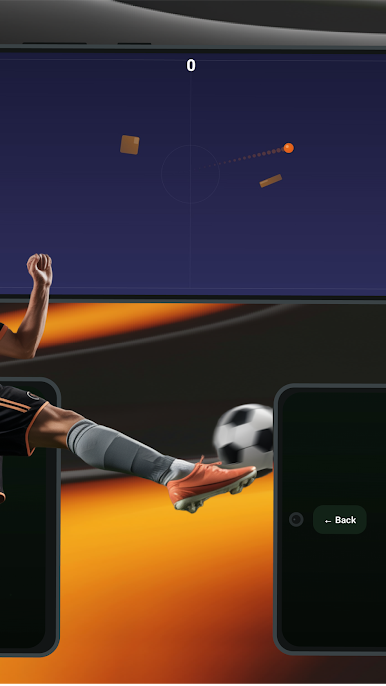
The field is filled with different types of obstacles that change the game. Some speed the ball up and let it ricochet off walls, others slow it down or teleport it to a new position. Rare obstacles give you an extra life or freeze time so you can re-aim mid-flight. Every consecutive goal builds your combo multiplier, and hitting an obstacle before scoring doubles your base points.
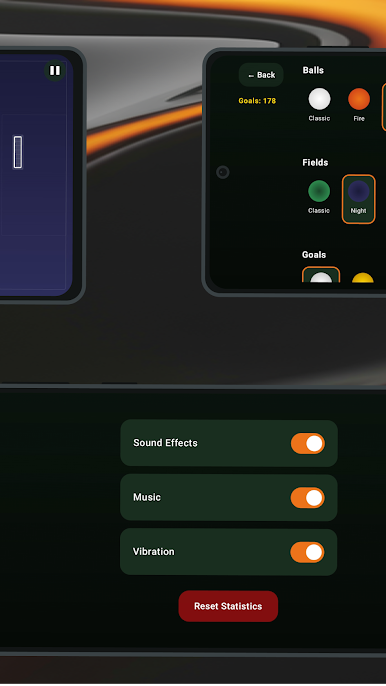
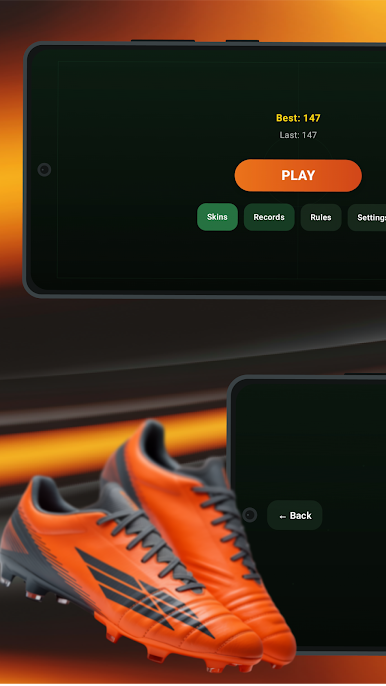
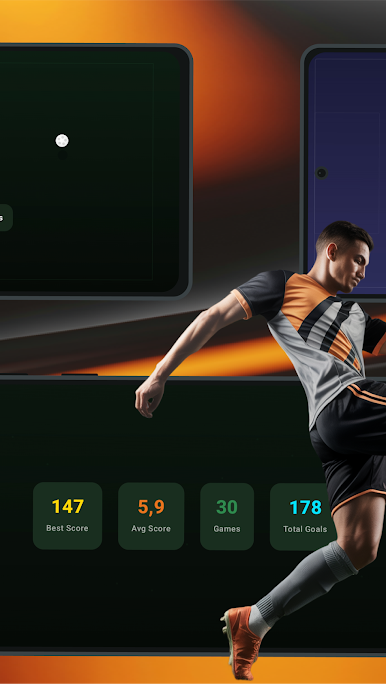
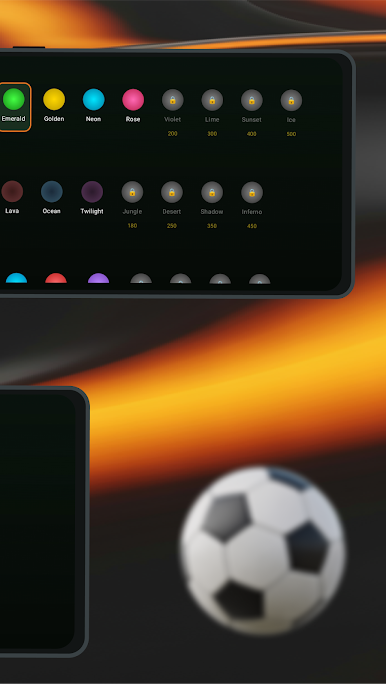
As you progress, the difficulty increases with more obstacles, moving platforms, and smaller goals. Unlock new ball, field, and goal skins by reaching total goal milestones. Track your best scores, average results, and total stats in the records section. Customize your experience with sound, music, and vibration settings.
Play Bounceball Soccer on PC. It’s easy to get started.
-
Download and install BlueStacks on your PC
-
Complete Google sign-in to access the Play Store, or do it later
-
Look for Bounceball Soccer in the search bar at the top right corner
-
Click to install Bounceball Soccer from the search results
-
Complete Google sign-in (if you skipped step 2) to install Bounceball Soccer
-
Click the Bounceball Soccer icon on the home screen to start playing

