


Bowling Ball - REAL MONEY GAME
Play on PC with BlueStacks – the Android Gaming Platform, trusted by 500M+ gamers.

Page Modified on: Jul 28, 2026
Play Bowling Ball - REAL MONEY GAME on PC
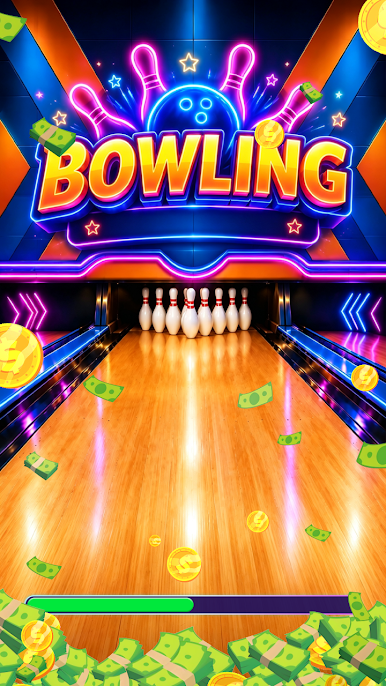
Welcome to Bowling Ball - REAL MONEY GAME, a fun and relaxing bowling game where every strike you throw brings exciting rewards and lucky surprises right from your phone! No complicated gameplay or difficult controls — just swipe to roll the ball, knock down pins, cash out real money, and enjoy an easy, satisfying bowling life anytime.
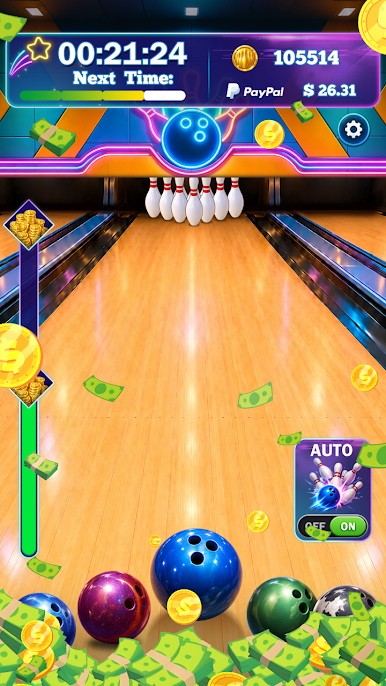
The gameplay is simple and addictive: swipe to roll your ball, knock down as many pins as you can, and keep your streak going strong. The more strikes and spares you score, the greater your rewards become. After settlement every 3 hours, you can conveniently withdraw your earnings to your PayPal account — fast, easy, and reliable! Build your dream bowling alley, unlock exciting bonus rewards, and enjoy endless bowling fun on your Bowling Ball journey.
Why You'll Love Bowling Ball - REAL MONEY GAME
🎳 Simple one-swipe controls
🎳 Fun ball-rolling and pin-knocking mechanics
🎳 Colorful visuals and smooth animations
🎳 Great for quick breaks and casual play
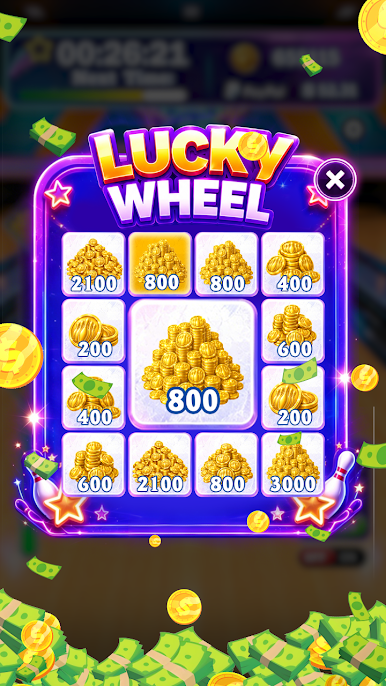
Exciting Lucky Rewards 🔥
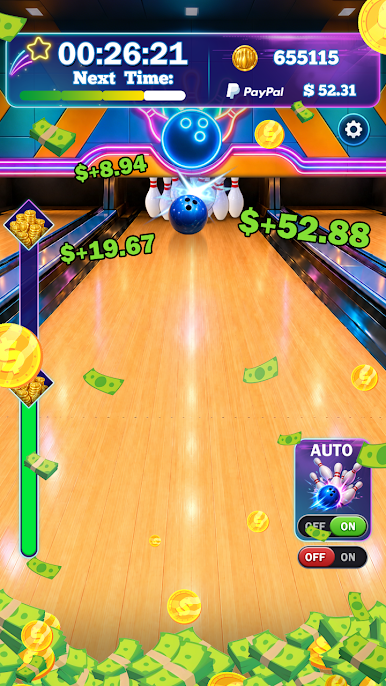
Earn rewards through knocking down pins
Trigger BIG WIN bonus moments with golden strikes
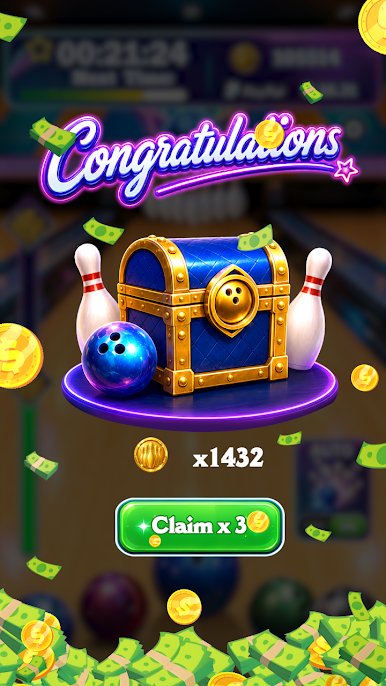
Daily surprises and extra bonuses
Enjoy rewarding gameplay anytime
Easy & Addictive Bowling Gameplay 🎁
Swipe to roll the ball and knock down pins
Different ball designs and lane themes create exciting variety
Smooth controls and satisfying effects
Relaxing casual gameplay for everyone
Start rolling now and experience the fun, relaxing, and rewarding world of Bowling Ball - REAL MONEY GAME!
Disclaimer:
Bowling Ball - REAL MONEY GAME is a fun and engaging game designed for entertainment purposes only, intended for players aged 16 and above. This game does not involve real-money gambling and does not offer the opportunity to win actual cash or prizes. Google is neither a sponsor of nor affiliated with this game.
For any questions or concerns, including those regarding our privacy policy, please contact us at liuxiaodong2025@gmail.com
Play Bowling Ball - REAL MONEY GAME on PC. It’s easy to get started.
-
Download and install BlueStacks on your PC
-
Complete Google sign-in to access the Play Store, or do it later
-
Look for Bowling Ball - REAL MONEY GAME in the search bar at the top right corner
-
Click to install Bowling Ball - REAL MONEY GAME from the search results
-
Complete Google sign-in (if you skipped step 2) to install Bowling Ball - REAL MONEY GAME
-
Click the Bowling Ball - REAL MONEY GAME icon on the home screen to start playing

