


Second Phone Number - 2Number
Play on PC with BlueStacks – the Android Gaming Platform, trusted by 500M+ gamers.

Page Modified on: Nov 4, 2025
Run Second Phone Number - 2Number on PC or Mac
Let BlueStacks turn your PC, Mac, or laptop into the perfect home for Second Phone Number – 2Number, a fun Communication app from BP Mobile LLC.
About the App
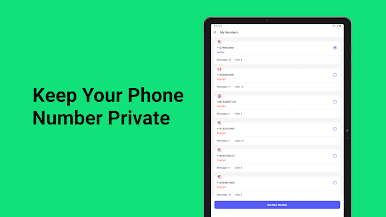
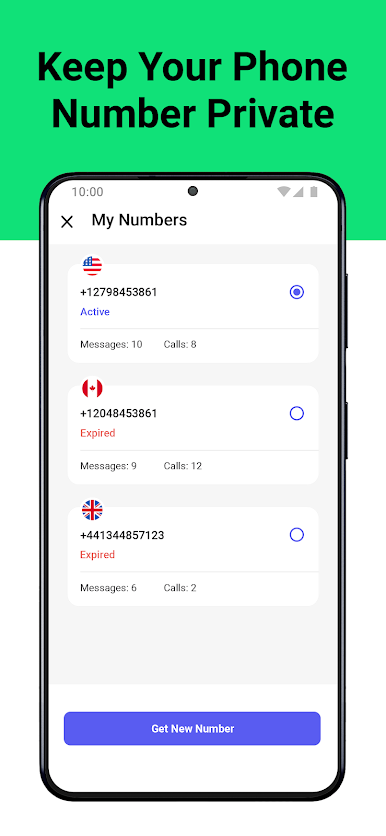
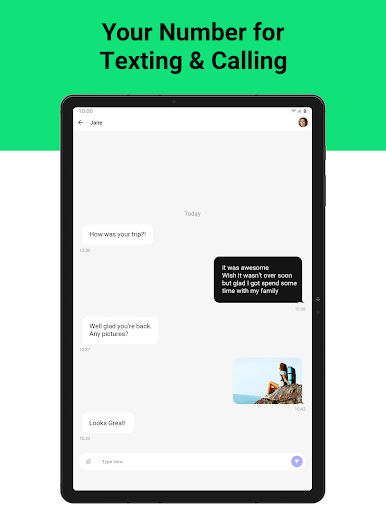
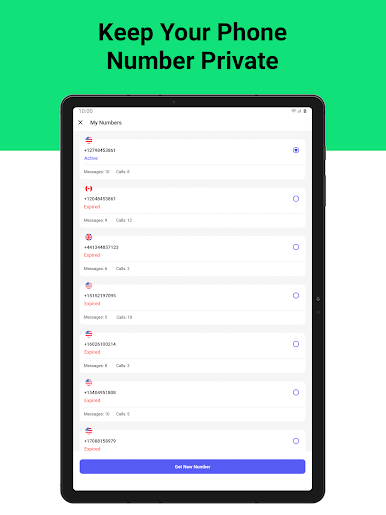
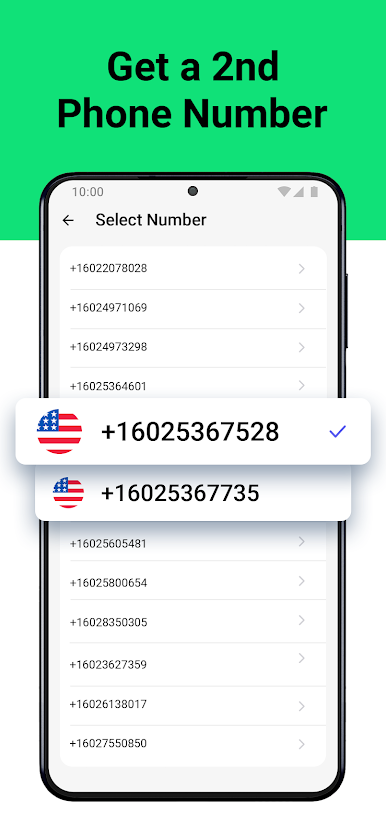
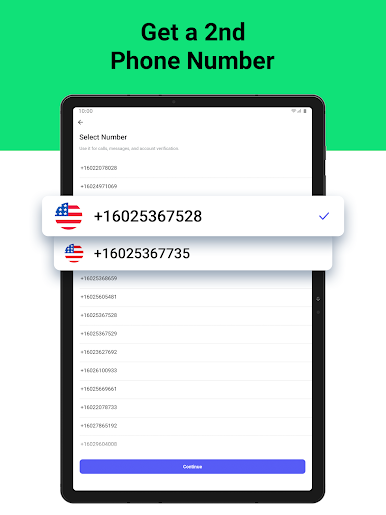
Second Phone Number – 2Number by BP Mobile LLC is your simple solution for managing privacy while keeping in touch. Need to shield your personal phone number? With 2Number, you can easily get a second phone line without the hassle of juggling a physical SIM card. Perfect for online transactions or dating apps, this Communication app offers peace of mind without compromising connectivity.
App Features
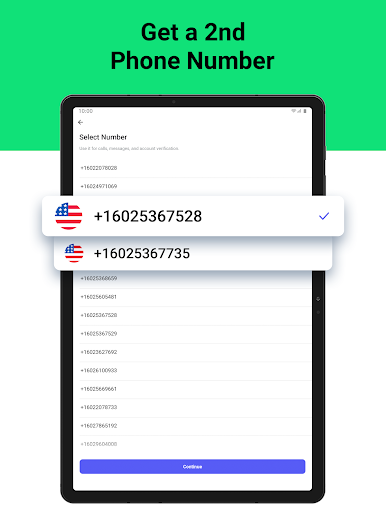
- Easy Setup: Add a second number with just a few taps—no extra SIM card required.
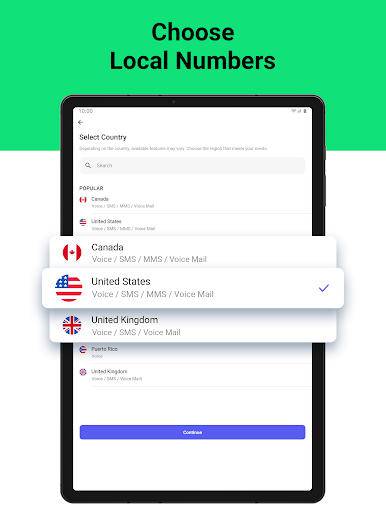
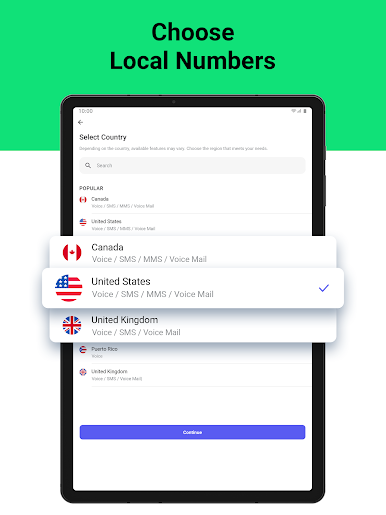
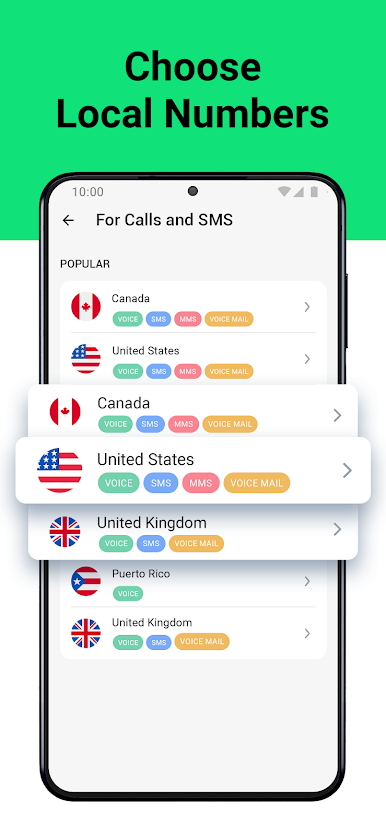
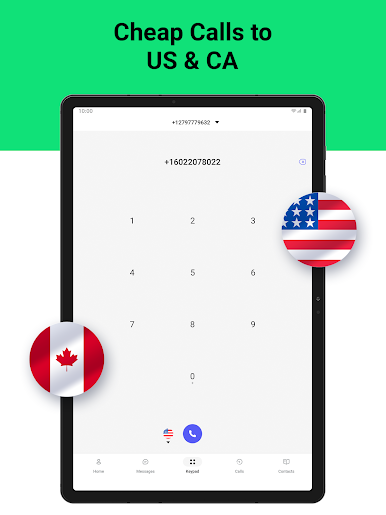
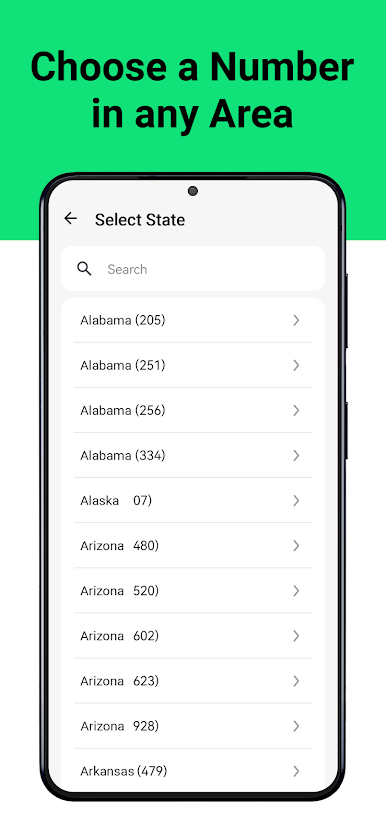
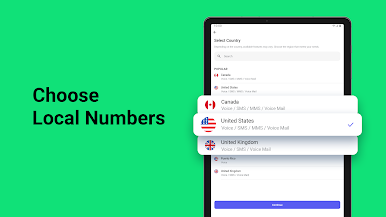
- Global Reach: Get a local telephone number in various countries and connect effortlessly on a global scale.
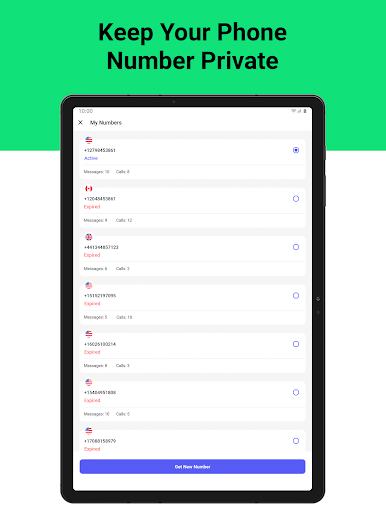
- Flexible Management: Create a temporary second number or ditch it anytime. Perfect for short-term needs.
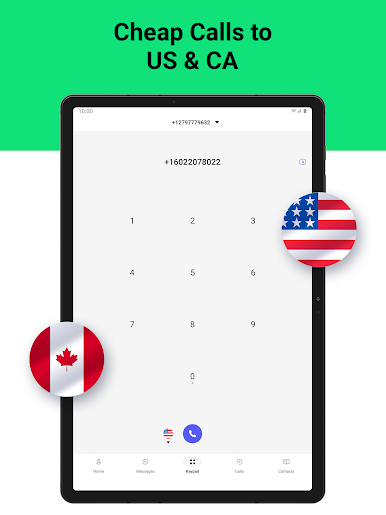
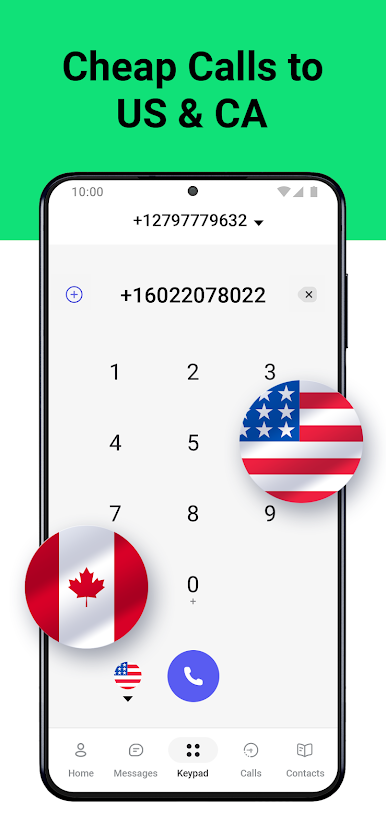
- International Communication: Make calls and send texts internationally at affordable rates.
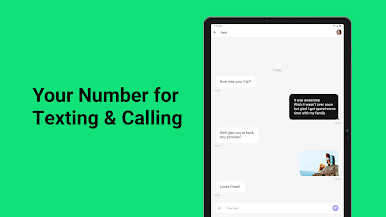
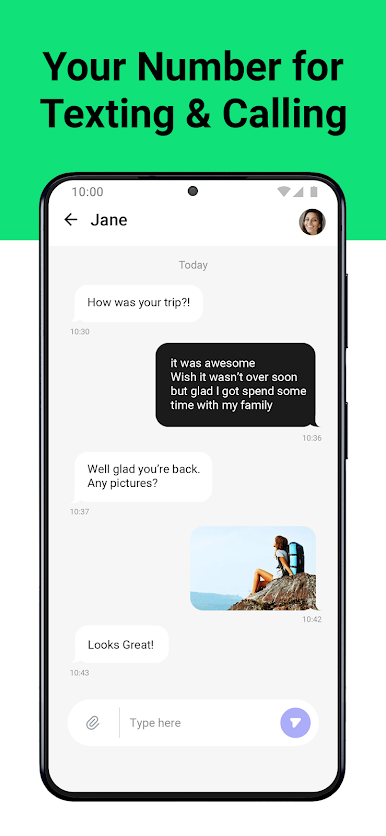
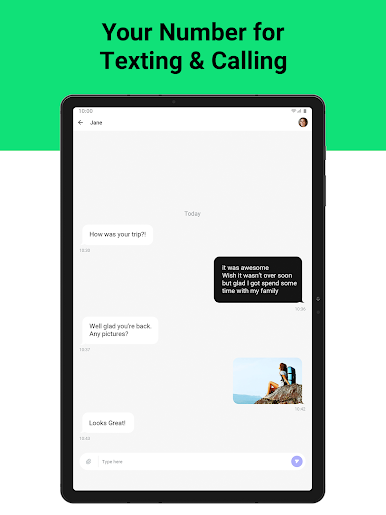
- Messaging Freedom: Send SMS from your second number and keep your message history in one place.
- Contact Syncing: Easily integrate your existing contacts with the app.
Use BlueStacks to enjoy 2Number on your PC or Mac for seamless communication solutions.
Switch to BlueStacks and make the most of your apps on your PC or Mac.

Play Second Phone Number - 2Number on PC. It’s easy to get started.
-
Download and install BlueStacks on your PC
-
Complete Google sign-in to access the Play Store, or do it later
-
Look for Second Phone Number - 2Number in the search bar at the top right corner
-
Click to install Second Phone Number - 2Number from the search results
-
Complete Google sign-in (if you skipped step 2) to install Second Phone Number - 2Number
-
Click the Second Phone Number - 2Number icon on the home screen to start playing

