


Tricky Story 2: Brain Twist
Play on PC with BlueStacks – the Android Gaming Platform, trusted by 500M+ gamers.

Page Modified on: Sep 17, 2026
Main Tricky Story 2: Brain Twist on PC
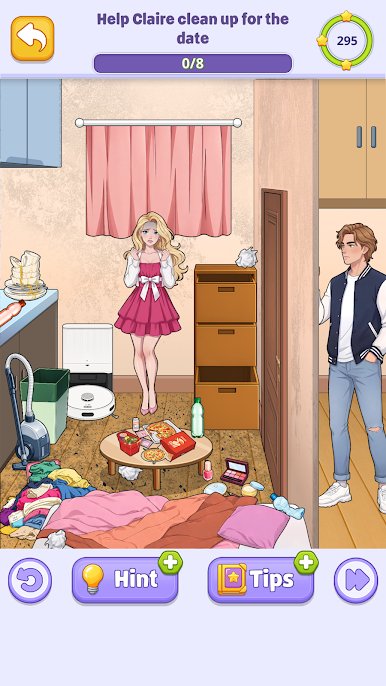
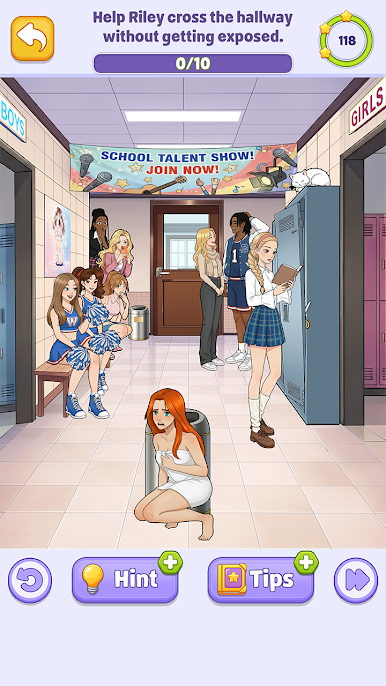
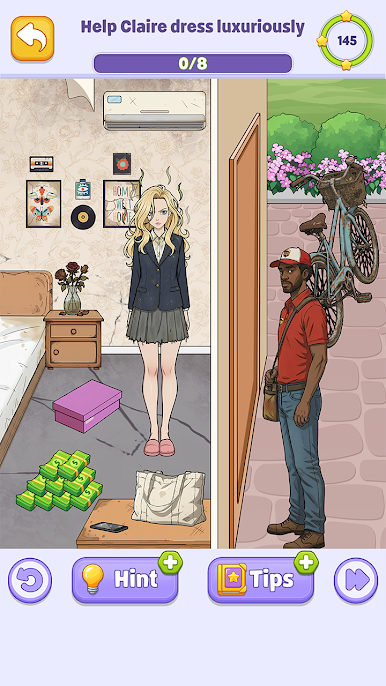
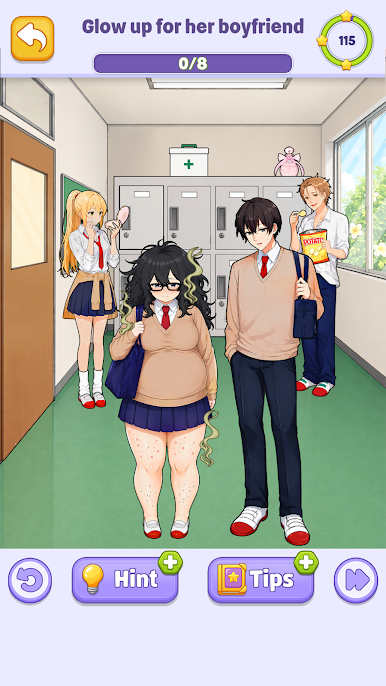
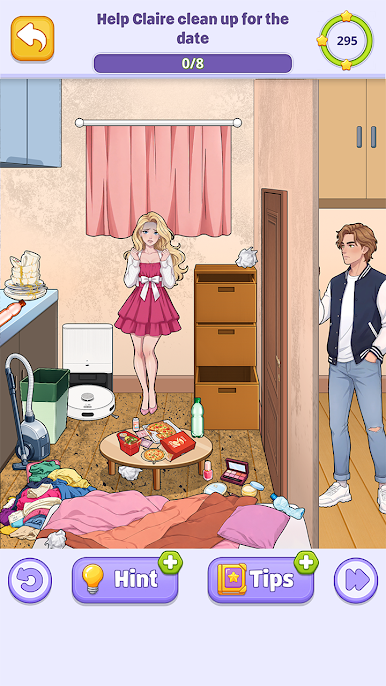
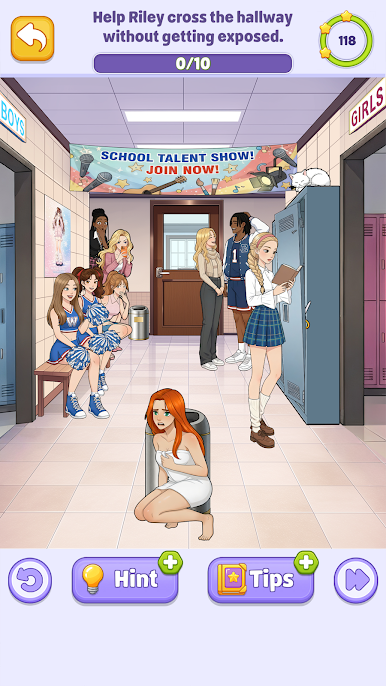
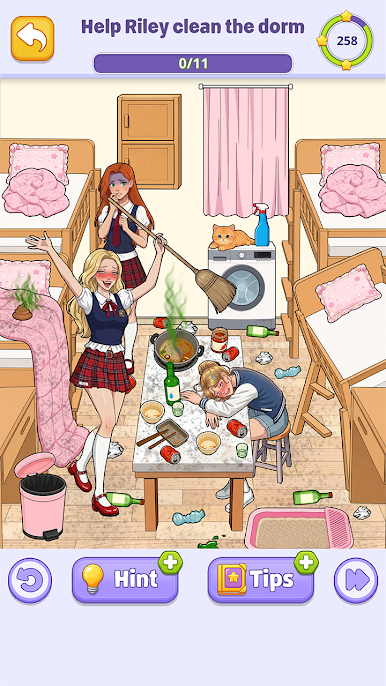
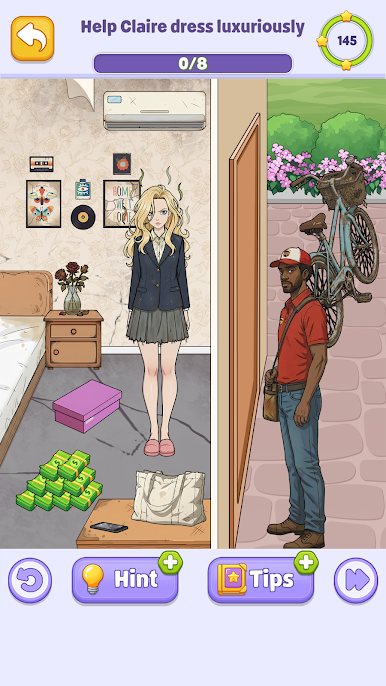
In this sequel, we bring you a collection of smart and unexpected logic puzzles that require you to think outside the box. This isn't just an ordinary IQ test; it’s a mystery where every choice matters. Can you solve the most complex riddle levels?
Why you should play Tricky Story 2:
Logic Riddles: Hundreds of levels designed to challenge your mind and improve your skill.
Smart Choices: Make the right decision to find the hidden truth behind every story.
Mind-Bending Puzzles: A perfect mix of find, draw, and erase mechanics similar to your favorite braindom and dop challenges.
Brain Twist Levels: Each stage is a new test for your genius.
Mystery & Discovery: Uncover secrets in a world where nothing is as it seems.
Whether you are a master of easy games or looking for a tough brain test, our riddle puzzle game will keep you engaged for hours. Use your logic to find the solution, draw the missing part, or erase the obstacles to win.
Do you have the genius to finish all levels? Enjoy Tricky Story 2: Brain Twist now and join the community of riddle solvers today!







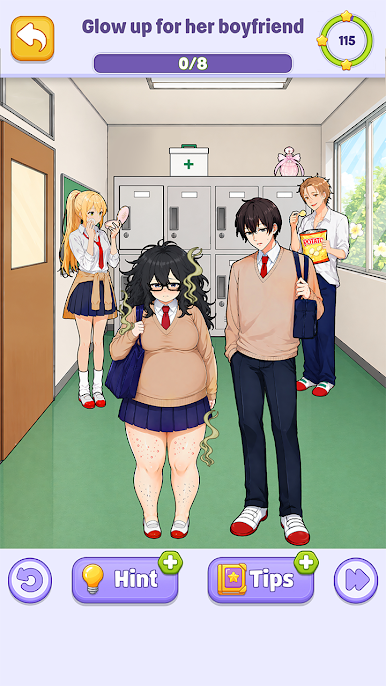
Play Tricky Story 2: Brain Twist on PC. It’s easy to get started.
-
Download and install BlueStacks on your PC
-
Complete Google sign-in to access the Play Store, or do it later
-
Look for Tricky Story 2: Brain Twist in the search bar at the top right corner
-
Click to install Tricky Story 2: Brain Twist from the search results
-
Complete Google sign-in (if you skipped step 2) to install Tricky Story 2: Brain Twist
-
Click the Tricky Story 2: Brain Twist icon on the home screen to start playing

