


Peak – Brain Games & Training
Play on PC with BlueStacks – the Android Gaming Platform, trusted by 500M+ gamers.

Page Modified on: Aug 21, 2026
Run Peak – Brain Games & Training on PC or Mac
Multitask effortlessly on your PC or Mac as you try out Peak – Brain Games & Training, a Educational app by Synaptic Labs on BlueStacks.
About the App
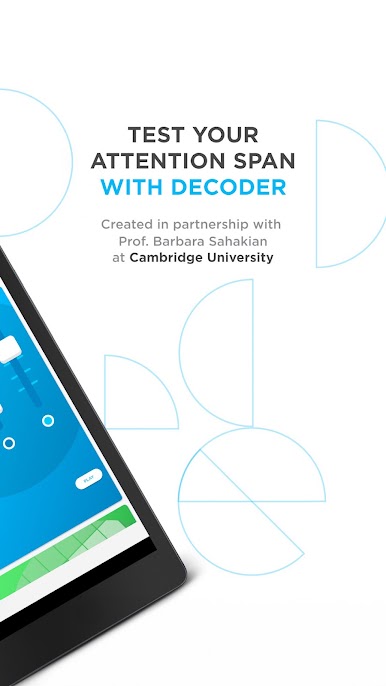
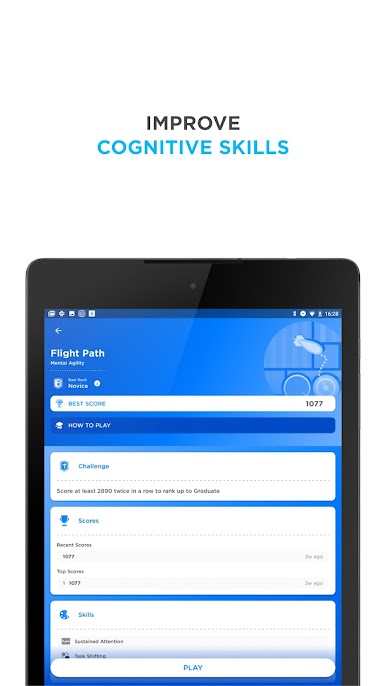
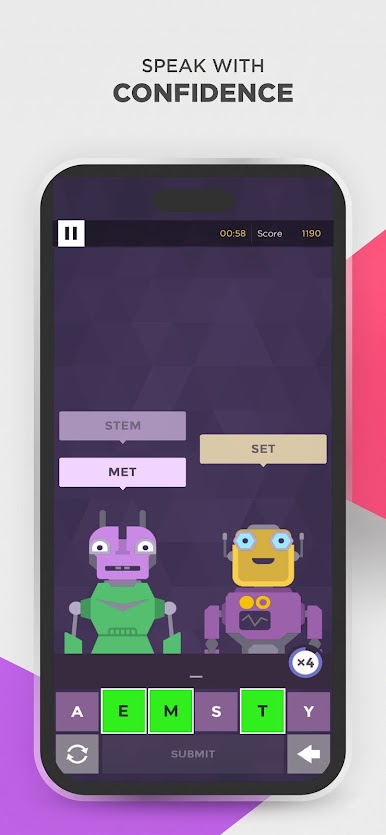
Peak – Brain Games & Training is the go-to app for boosting cognitive skills, blending scientifically-driven brain training with an enjoyable gaming experience. Created by Synaptic Labs, it offers a collection of challenges designed to enhance memory, focus, problem-solving, language skills, and more. Dive into its world, and expect to both compete and grow, whether you’re playing solo or testing your mettle against friends.
App Features
-
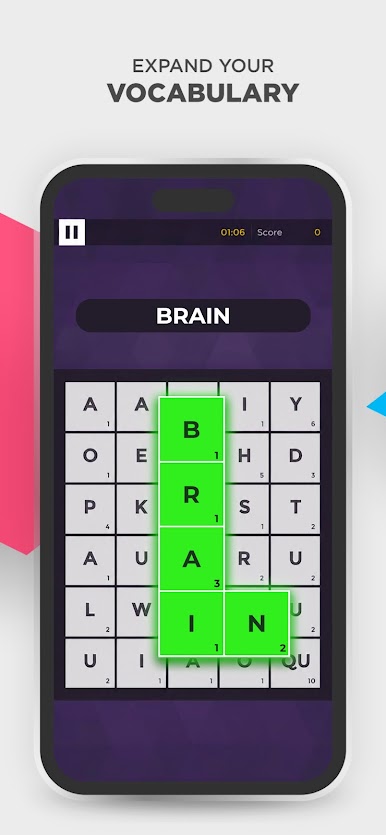
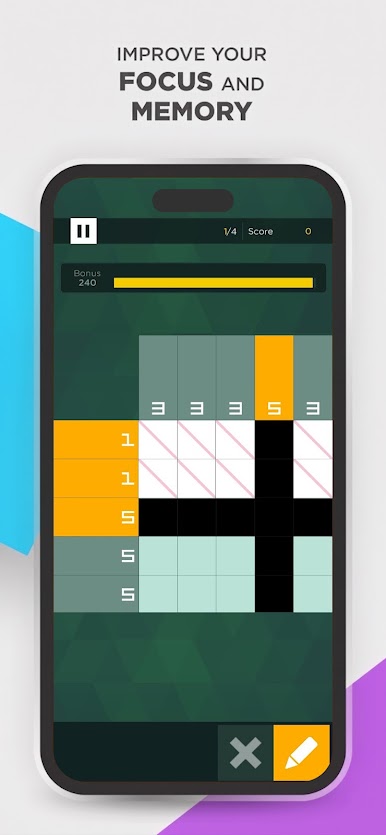
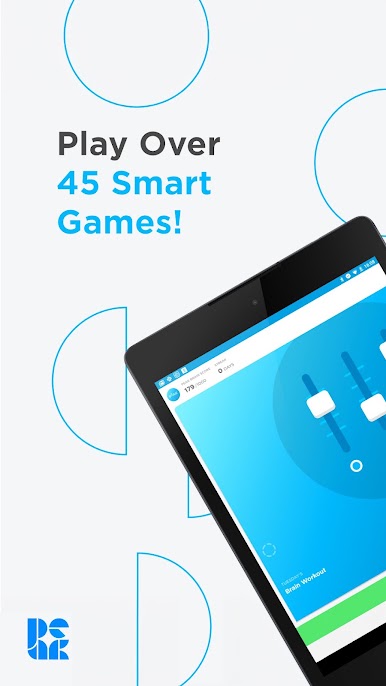
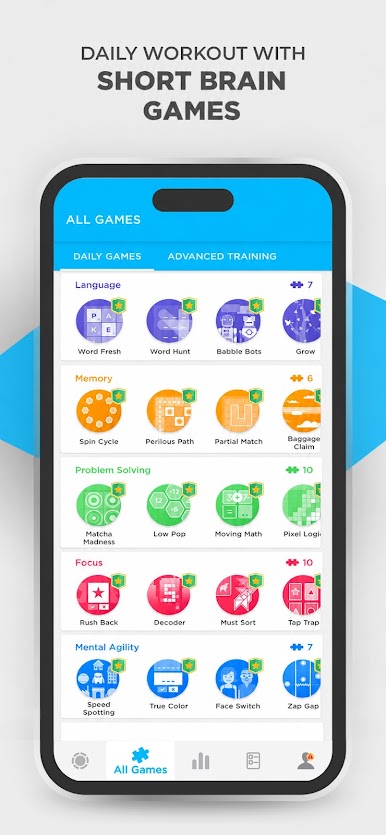
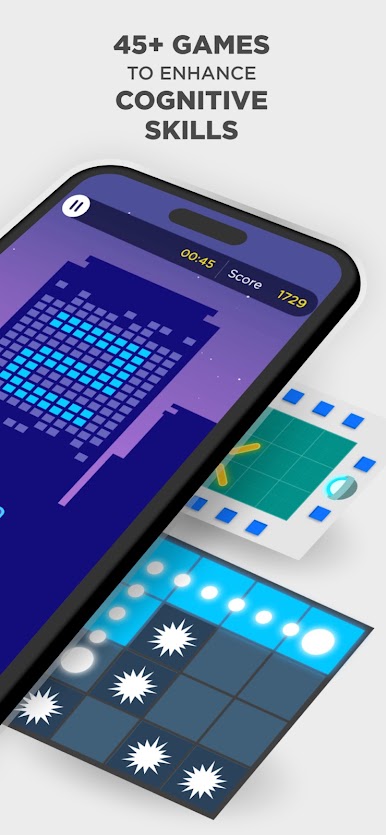
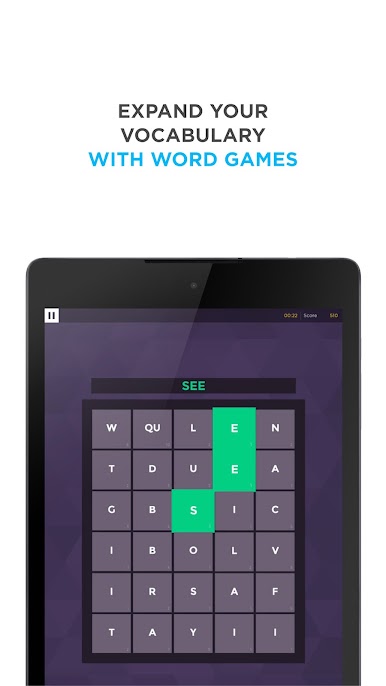
Engaging Brain Games: With over 45 unique games, train key areas like Memory, Attention, Mental Agility, Math, and Creativity.
-
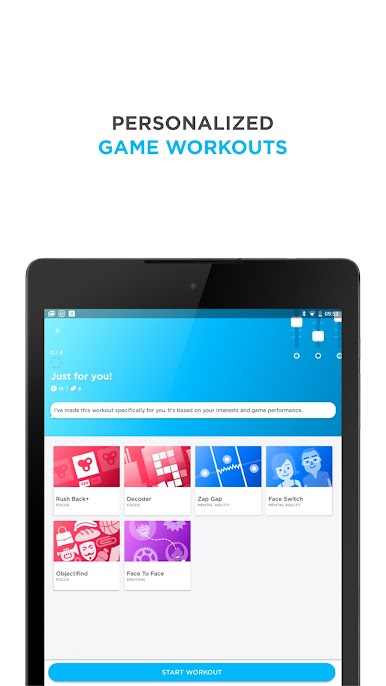
Personalized Workouts: Each day, spend just 10 minutes with a workout tailored specifically for your cognitive development.
-
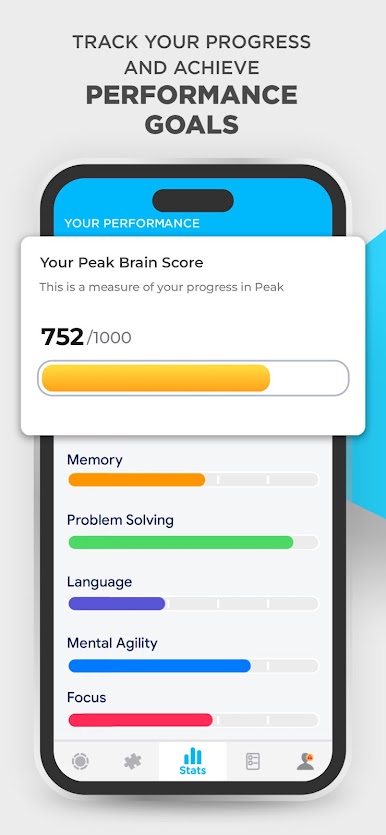
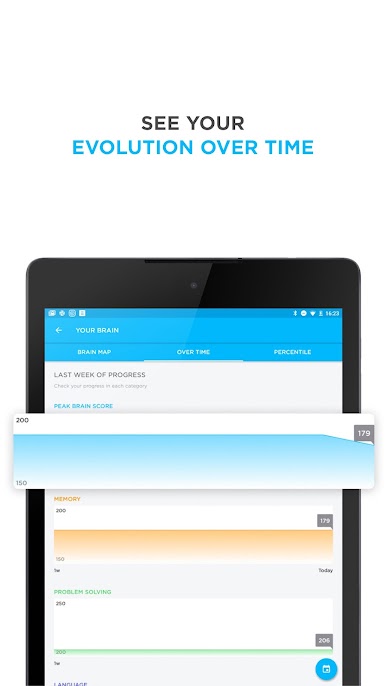
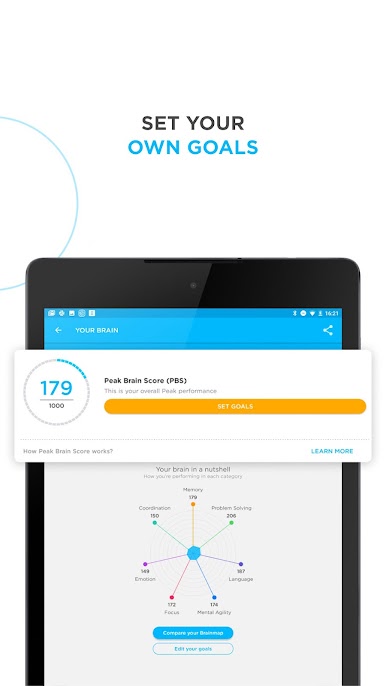
Track Your Progress: The Brain Map feature lets you see your strengths and where you stand in comparison to others.
-
Play Anywhere: No internet? No problem. Enjoy offline games designed to keep your brain active without needing Wi-Fi.
-
Expert-Designed Games: Collaborations with neuroscientists ensure that every game offers impactful cognitive training.
-
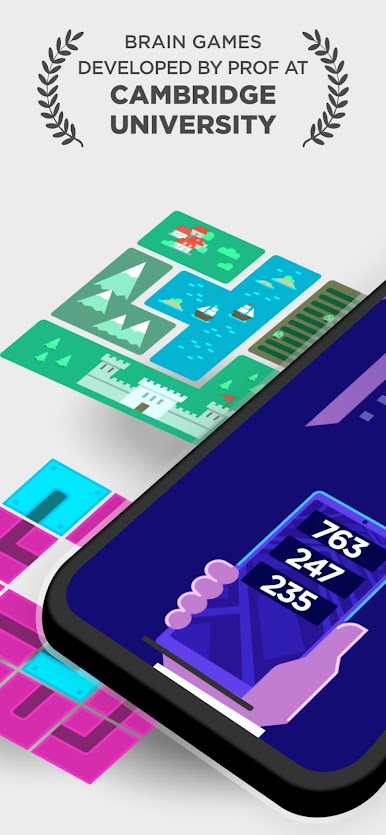
Advanced Training Programs: Target areas like memory with specialized modules, crafted in partnership with experts from Cambridge.
Discover this essential brain training tool on BlueStacks for an unparalleled game-playing adventure.
Big screen. Bigger performance. Use BlueStacks on your PC or Mac to run your favorite apps.

Play Peak – Brain Games & Training on PC. It’s easy to get started.
-
Download and install BlueStacks on your PC
-
Complete Google sign-in to access the Play Store, or do it later
-
Look for Peak – Brain Games & Training in the search bar at the top right corner
-
Click to install Peak – Brain Games & Training from the search results
-
Complete Google sign-in (if you skipped step 2) to install Peak – Brain Games & Training
-
Click the Peak – Brain Games & Training icon on the home screen to start playing

