


Bingorilla
Play on PC with BlueStacks – the Android Gaming Platform, trusted by 500M+ gamers.

Page Modified on: May 22, 2026
Play Bingorilla on PC
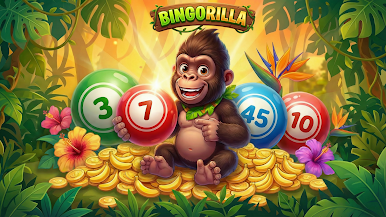
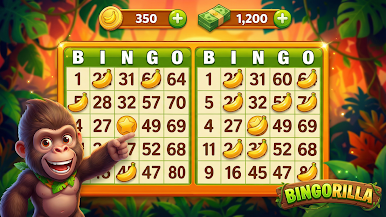
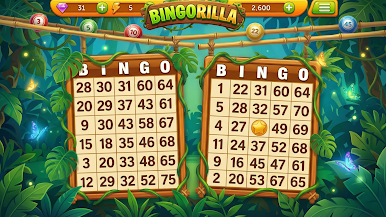
Jump into exciting Bingo rooms, mark your numbers, and chase big wins in a colorful, easy-to-play experience designed for quick fun or long play sessions.
Whether you’re a Bingo pro or just getting started, Bingorilla makes every round exciting with smooth gameplay, playful visuals, and rewarding progress.
🎯 Features:
Classic Bingo gameplay with a fun, modern style
Simple controls — easy to play, hard to put down
Multiple Bingo cards and fast rounds
Earn rewards, coins, and bonuses
Play anytime, anywhere — no stress, just fun
Bingorilla is perfect for casual players who love Bingo and want a lively, entertaining experience.
Grab your cards, watch the numbers roll, and shout BINGO! 🦍💥
Download Bingorilla now and start winning!
Play Bingorilla on PC. It’s easy to get started.
-
Download and install BlueStacks on your PC
-
Complete Google sign-in to access the Play Store, or do it later
-
Look for Bingorilla in the search bar at the top right corner
-
Click to install Bingorilla from the search results
-
Complete Google sign-in (if you skipped step 2) to install Bingorilla
-
Click the Bingorilla icon on the home screen to start playing

