


CarlTune - Chromatic Tuner
Play on PC with BlueStacks – the Android Gaming Platform, trusted by 500M+ gamers.

Page Modified on: Aug 25, 2025
Main CarlTune - Chromatic Tuner on PC
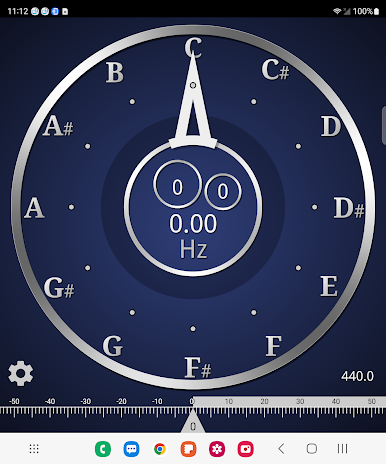
▶Main features:
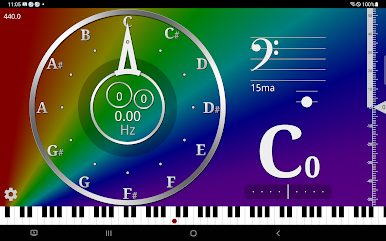
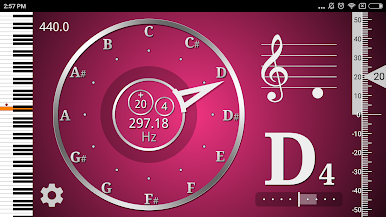
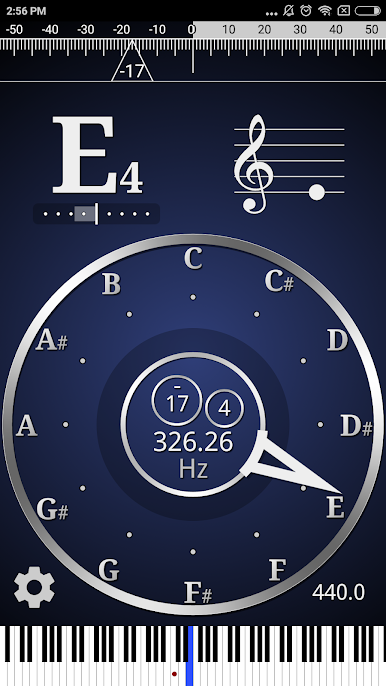
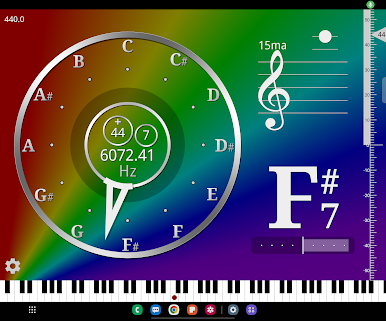
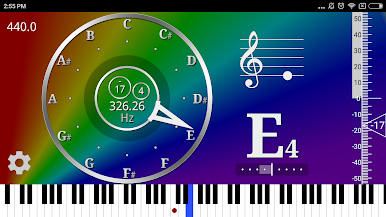
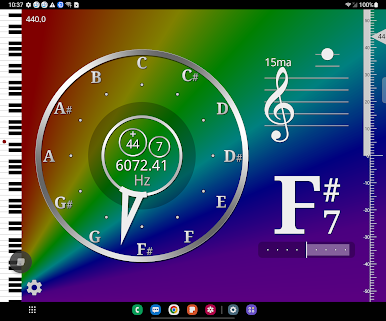
● Colors : You can select almost any color.
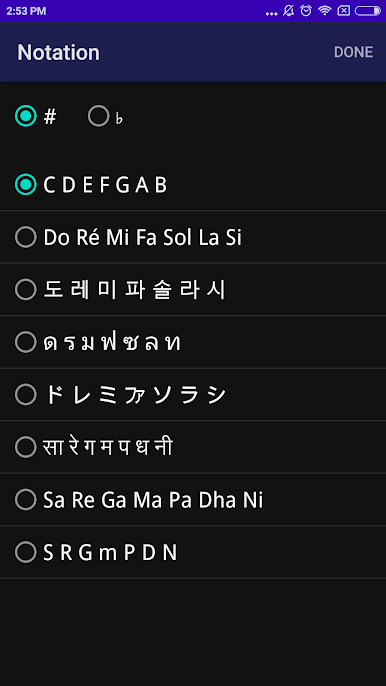
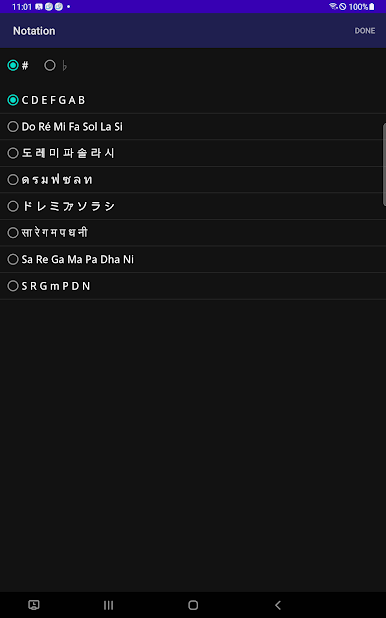
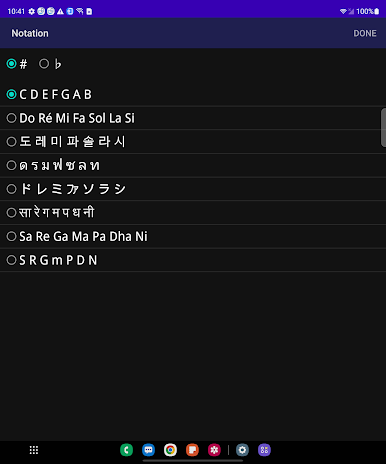
● Notation : Supports US, Europe, Korea, Thailand, Japan, and India.
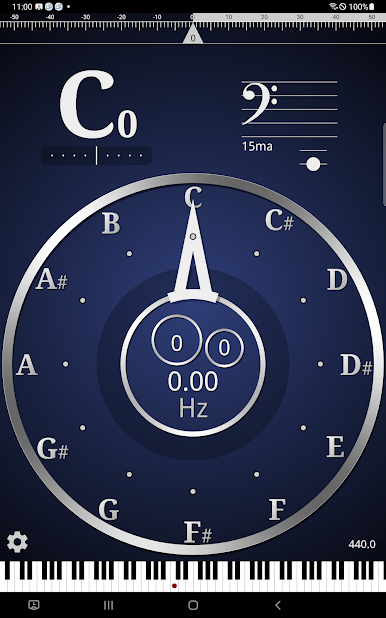
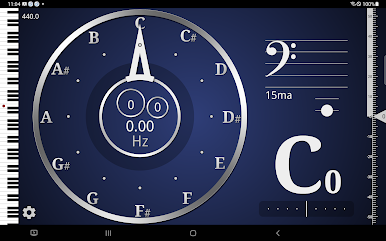
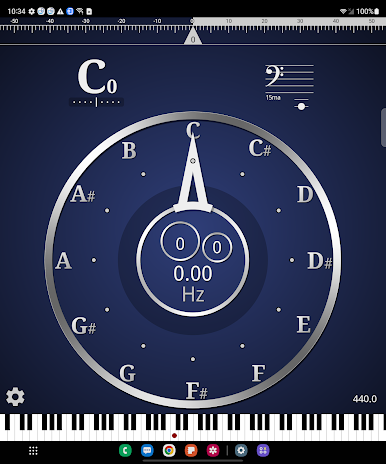
● Rotation : Supports landscape mode and portrait mode screen.
● Hit range : You can fine-tune by adjusting ±Cent value from the standard pitch.
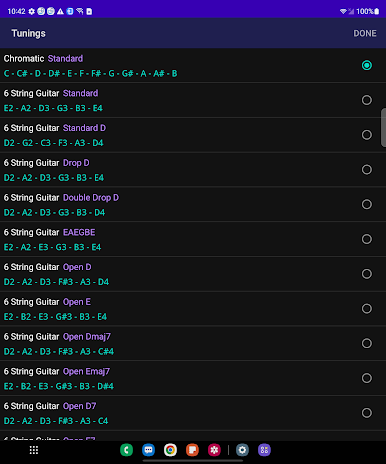
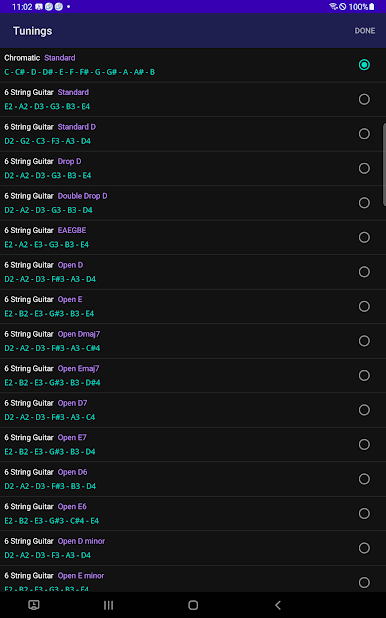
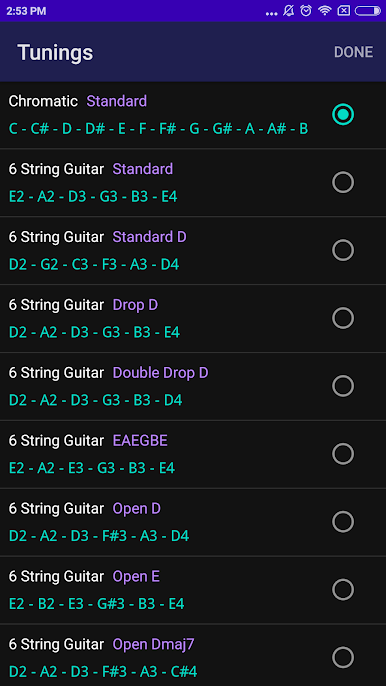
● Tunings: Provides various instruments and custom tuning interfaces.
6 String Guitar (Standard, Standard D, Drop D, Double Drop D, EAEGBE, Open D, Open E, Open Dmaj7, Open Emaj7, Open D7, Open E7, Open D6, Open E6, Open D minor, Open E minor, Open G, Open A, Open Gmaj7, Open C, Open A minor, Dad Gad, Papa Papa), 4-string bass guitar, 6-string bass guitar, ukulele, violin, viola, cello, double bass, mandolin, mandola, Guitarelle
In addition, the default chromatic interface can be used for almost all instruments such as flute, kalimba, daegeum, gayageum, and vocal practice.
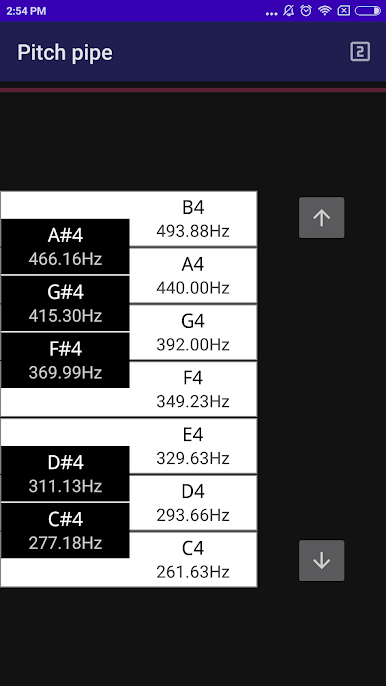
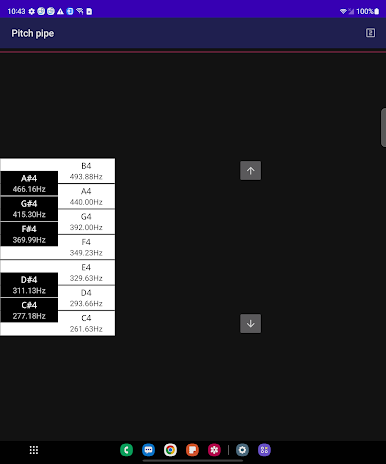
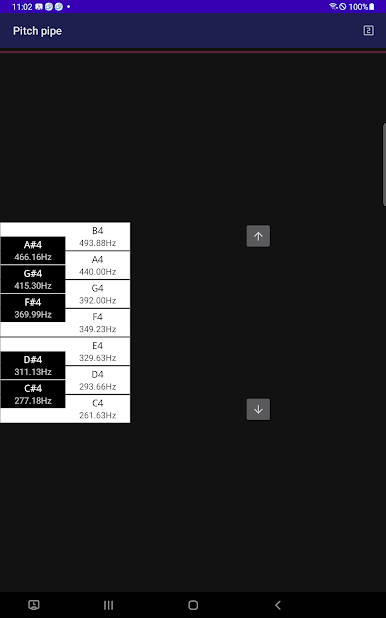
● Pitch pipe : Produces a mathematically accurately calculated frequency tone. Also, the piano keyboard interface and standard frequency values can help you understand sounds and music.
● Visibility : You can adjust the graphic interface aspect ratio to fit the aspect ratio of the device screen.
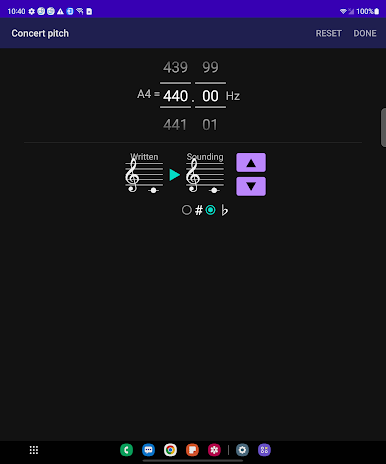
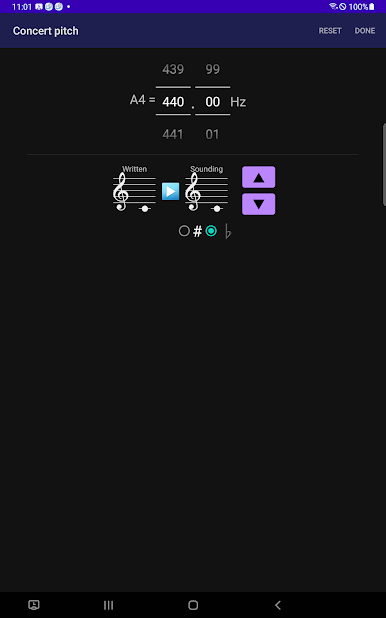
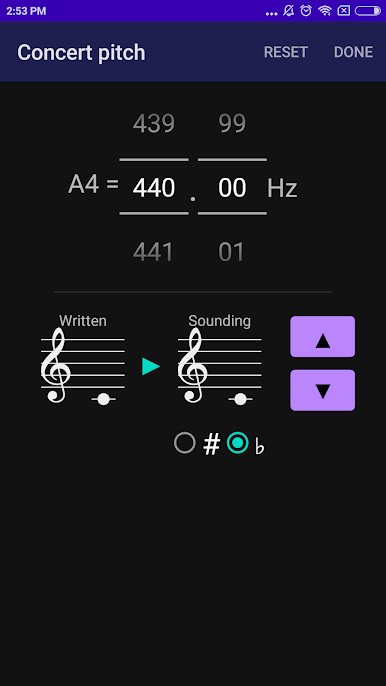
● Transposition, concert pitch : You can change the most well-known tuning standard A4=440Hz. It also provides a transposition function for transposing instruments such as the clarinet, trumpet and saxophone.
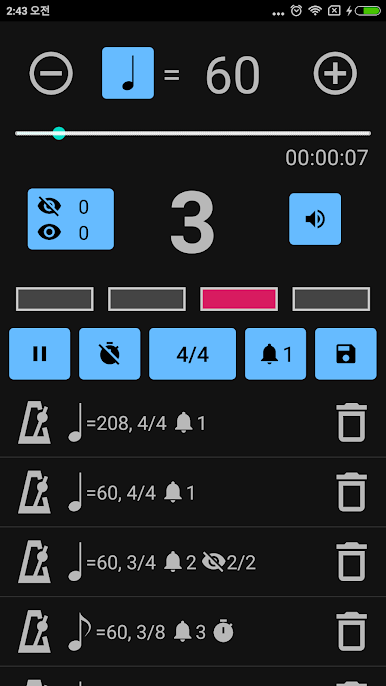
● Metronome
● All features are free, including ads.
● You can remove ads by making in-app payment (paid purchase).
Play CarlTune - Chromatic Tuner on PC. It’s easy to get started.
-
Download and install BlueStacks on your PC
-
Complete Google sign-in to access the Play Store, or do it later
-
Look for CarlTune - Chromatic Tuner in the search bar at the top right corner
-
Click to install CarlTune - Chromatic Tuner from the search results
-
Complete Google sign-in (if you skipped step 2) to install CarlTune - Chromatic Tuner
-
Click the CarlTune - Chromatic Tuner icon on the home screen to start playing

