


MemeRot AR: Mini Challenge
Play on PC with BlueStacks – the Android Gaming Platform, trusted by 500M+ gamers.

Page Modified on: Jan 14, 2026
Main MemeRot AR: Mini Challenge on PC
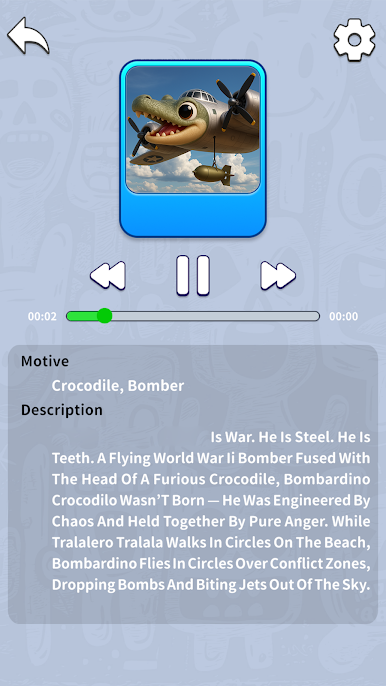
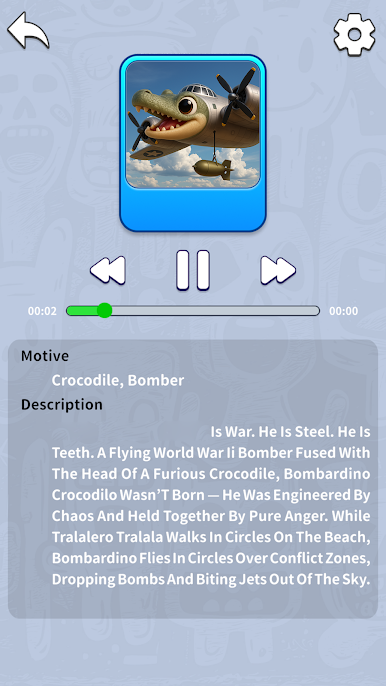
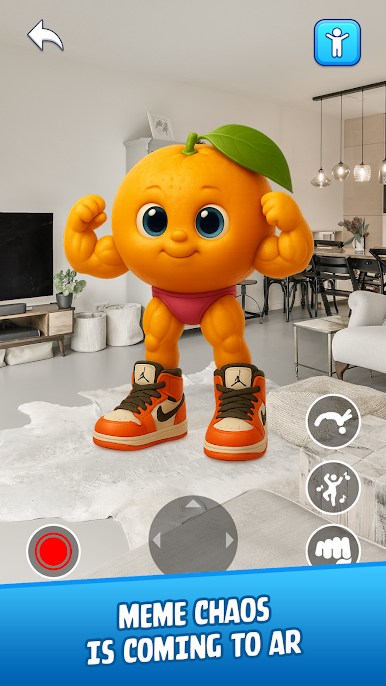
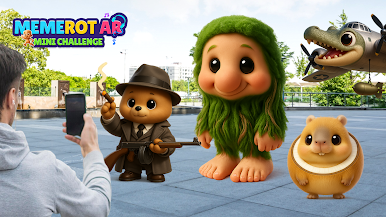
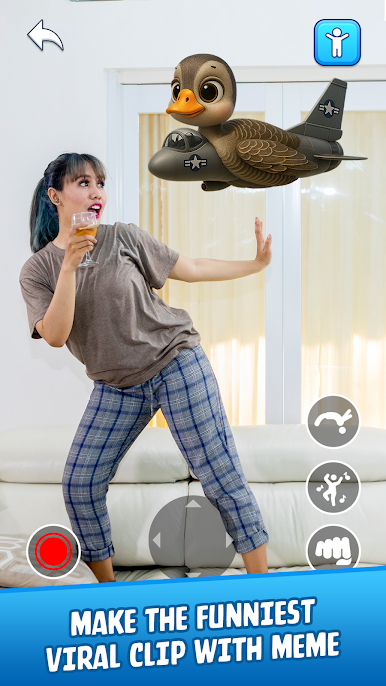
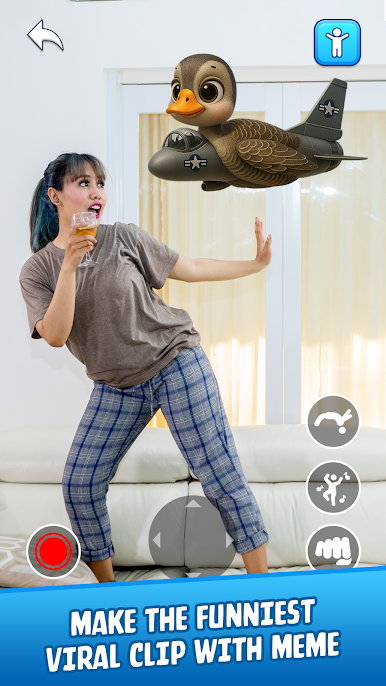
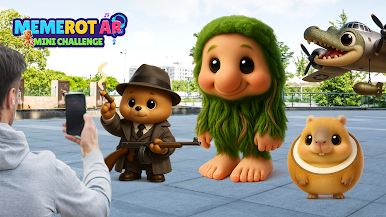
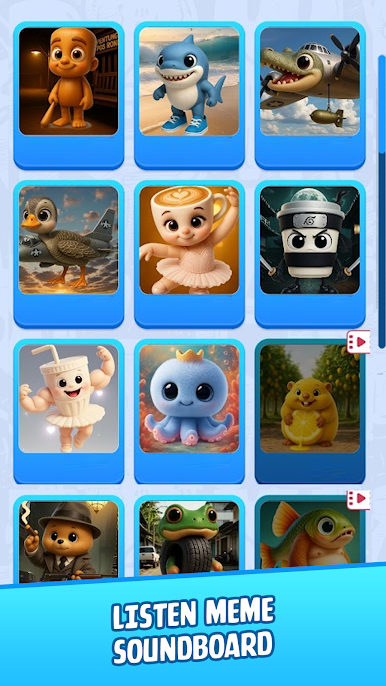
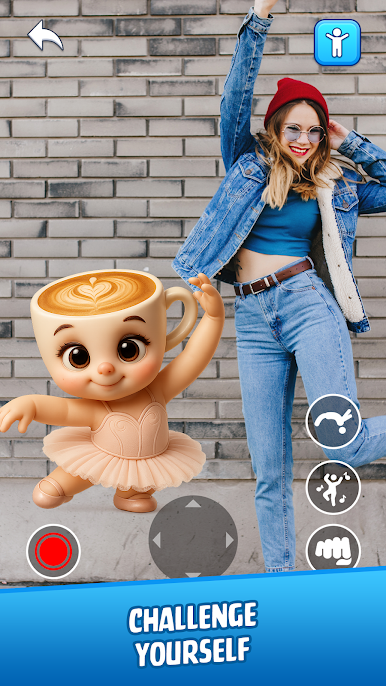
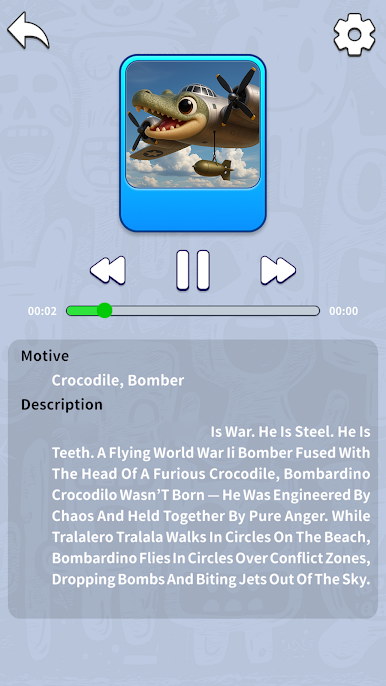
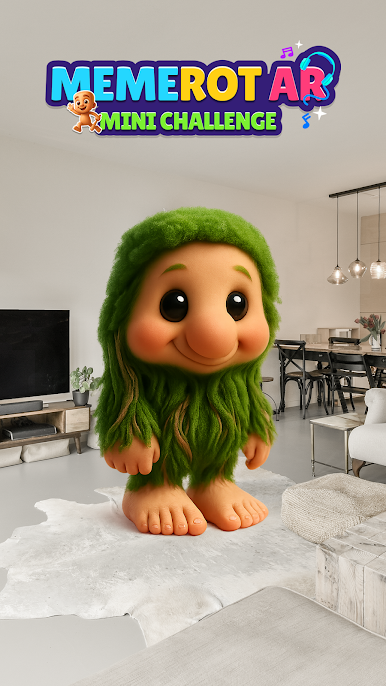
In MemeRot AR: Mini Challenge, your goal is to place, trigger, and combo meme sounds in the most hilarious way possible.
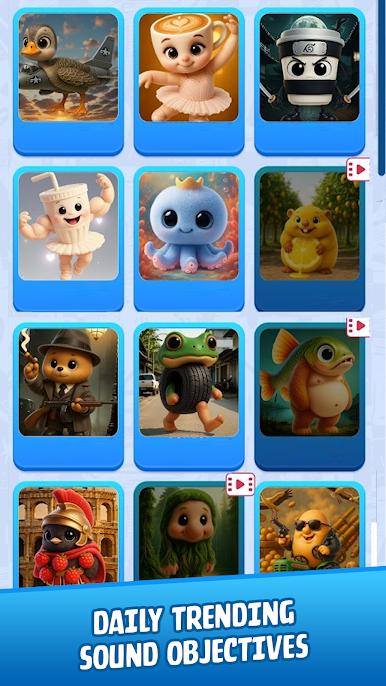
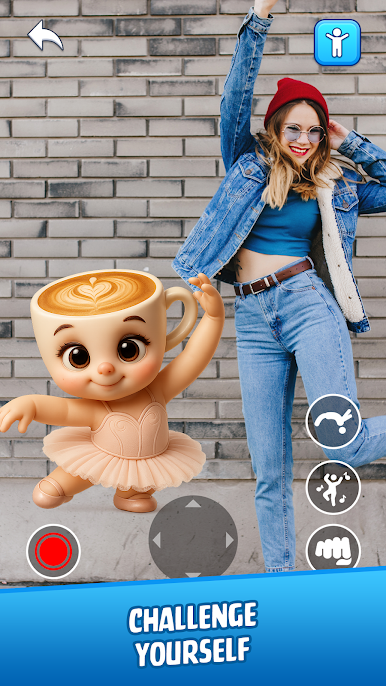
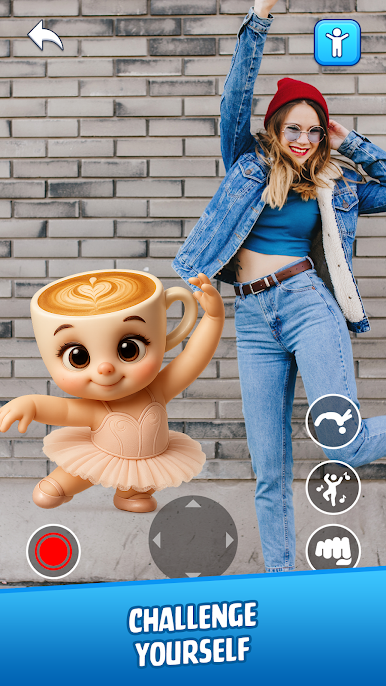
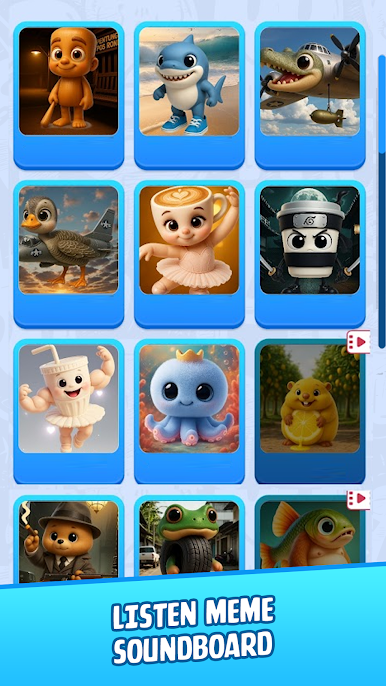
Challenge yourself to make the funniest viral clip using the right combo of Skibidi sounds, meme characters, and real-world placement.
Perfect timing = perfect laugh. Can you figure it out?
🎮 Tap to trigger, hold to drag, and hit record for meme mastery.
💡 Features:
- Meme challenge mode with creative combos
- Time-based meme tasks & reaction goals
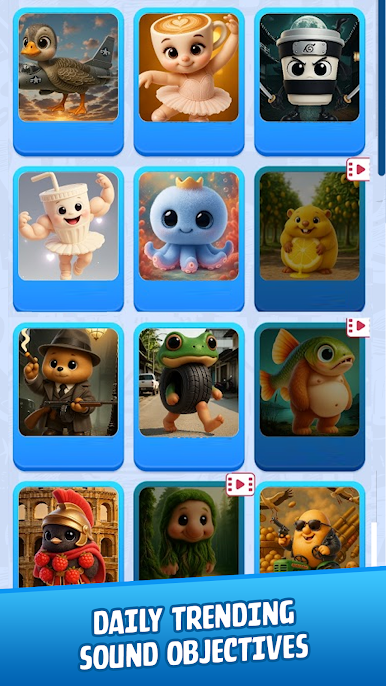
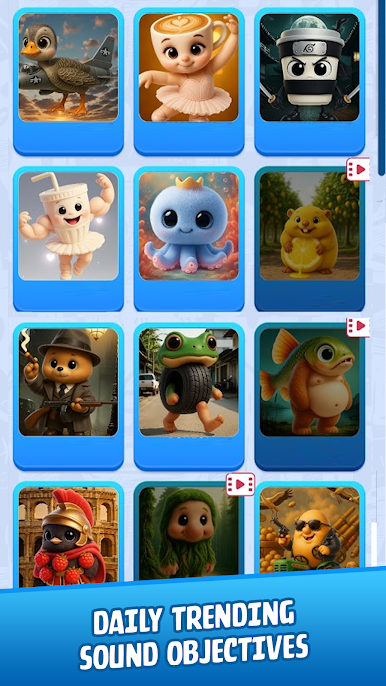
- Daily trending sound objectives
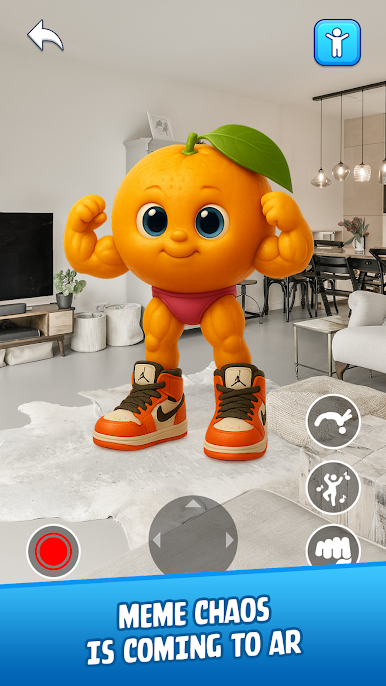
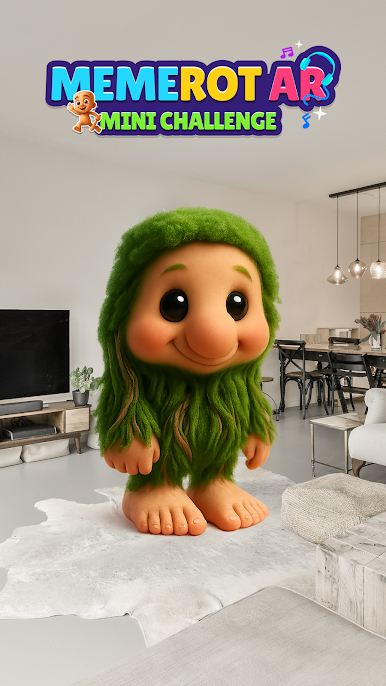
- AR puzzles with sound layering
- Master the chaos. Rule the meme scene.
Download now to become the ultimate Meme Maestro.







Play MemeRot AR: Mini Challenge on PC. It’s easy to get started.
-
Download and install BlueStacks on your PC
-
Complete Google sign-in to access the Play Store, or do it later
-
Look for MemeRot AR: Mini Challenge in the search bar at the top right corner
-
Click to install MemeRot AR: Mini Challenge from the search results
-
Complete Google sign-in (if you skipped step 2) to install MemeRot AR: Mini Challenge
-
Click the MemeRot AR: Mini Challenge icon on the home screen to start playing

