


Snap Glide: Rhythm Dash
Play on PC with BlueStacks – the Android Gaming Platform, trusted by 500M+ gamers.

Page Modified on: Sep 15, 2026
Play Snap Glide: Rhythm Dash on PC
Snap Glide: Rhythm Dash is a 2D rhythm-based arcade game where you race through geometric tunnels to the beat of EDM, Phonk, and techno music. The controls are simple, the movement is smooth, and every attempt helps you perfect your path.
ONE TAP, FULL CONTROL
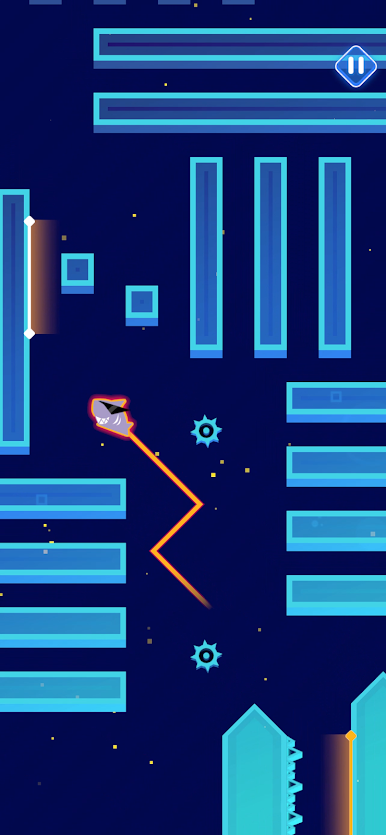
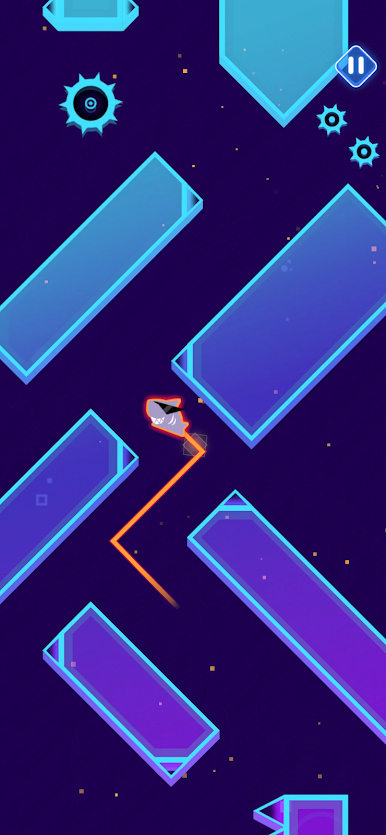
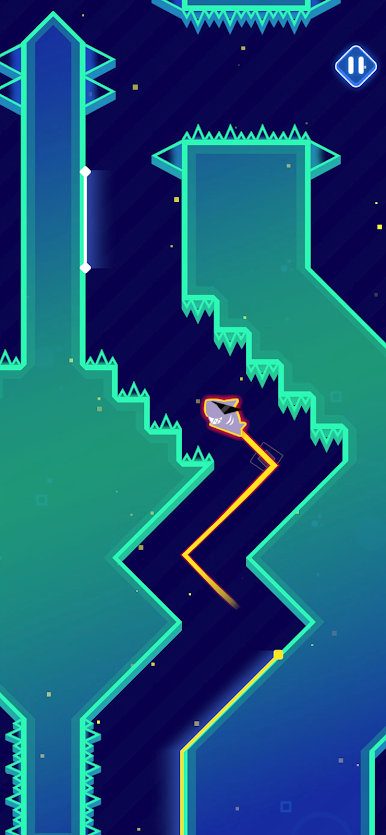
Your avatar automatically sticks to neon blocks and slides along their walls. Tap the screen to launch away from the wall and fly through the air at a 45-degree angle.
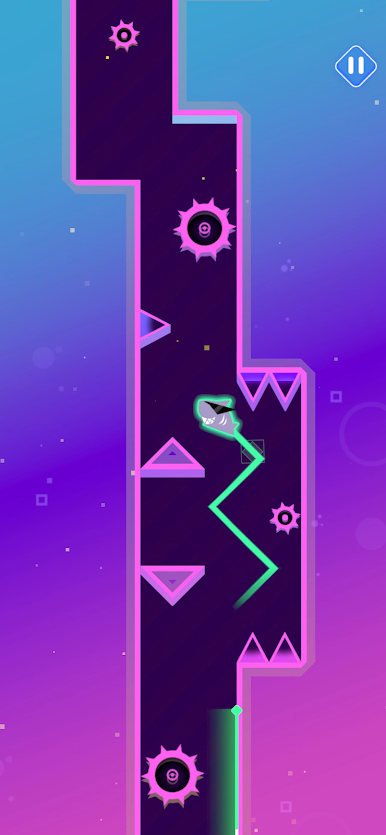
Need to adjust your path? Tap again to instantly switch direction and carve a zigzag path between the obstacles.
There is only one control: tap. Perfect timing is not included.
FOLLOW THE BEAT
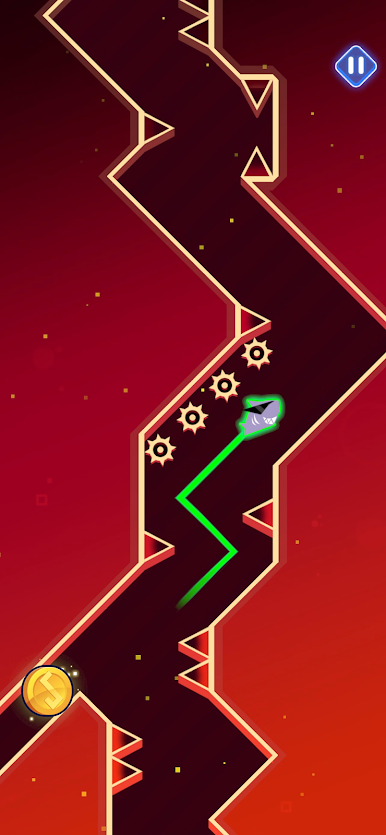
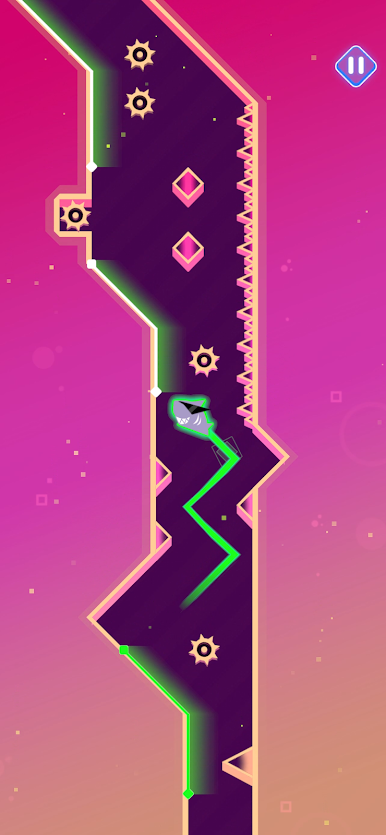
Every level is carefully built around the music. Find the right moment to slip past spinning saws, avoid spikes, and weave between blocks and through narrow passages.
Bright white guide lines show you where to go. Making it to the end is up to you.
Restarts are quick. You will probably be glad they are.
FIND ALL 3 SECRET COINS
Each level hides 3 coins along alternative routes. Follow the guide lines to the finish or leave the main path to search for them.
Following the white lines is pretty safe. Too bad the coins prefer hiding off the safe path.
FEATURES
- Simple and intuitive one-tap controls
- Wall sliding and zigzag direction changes
- Rhythm-based levels featuring EDM, Phonk, and techno music
- 3 secret coins hidden in every level
- Spinning saws, spikes, and geometric obstacles
- Cyberpunk style with neon lights and clean vector graphics
- Quick restarts that keep you in the rhythm
Easy to pick up. Mastering it may take a few tries. Maybe a few more.
Follow the guide lines, find your rhythm, and perfect every glide.
Download Snap Glide: Rhythm Dash and start gliding through neon.

Play Snap Glide: Rhythm Dash on PC. It’s easy to get started.
-
Download and install BlueStacks on your PC
-
Complete Google sign-in to access the Play Store, or do it later
-
Look for Snap Glide: Rhythm Dash in the search bar at the top right corner
-
Click to install Snap Glide: Rhythm Dash from the search results
-
Complete Google sign-in (if you skipped step 2) to install Snap Glide: Rhythm Dash
-
Click the Snap Glide: Rhythm Dash icon on the home screen to start playing

