

Stunt Paradise
Play on PC with BlueStacks – the Android Gaming Platform, trusted by 500M+ gamers.

Page Modified on: May 6, 2026
Play Stunt Paradise on PC or Mac
Explore a whole new adventure with Stunt Paradise, a Racing game created by Brinemedia. Experience great gameplay with BlueStacks, the most popular gaming platform to play Android games on your PC or Mac.
About the Game
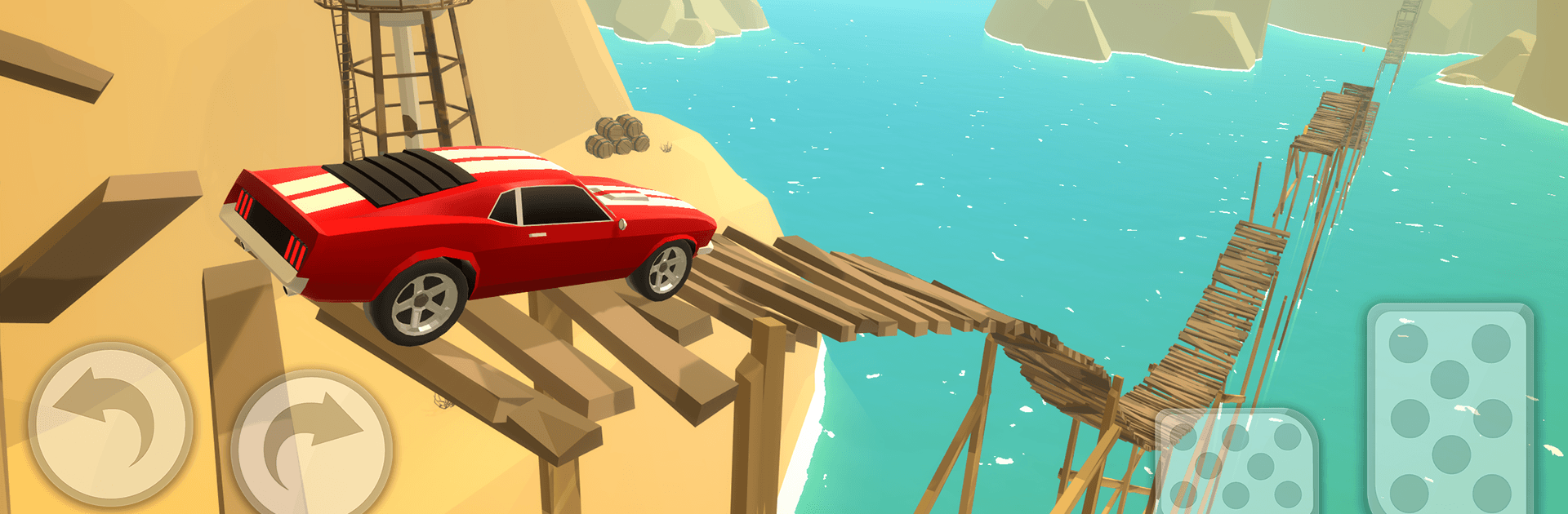
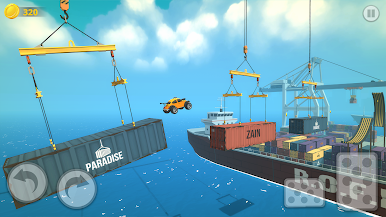
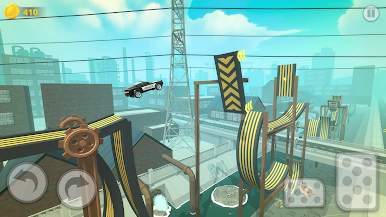
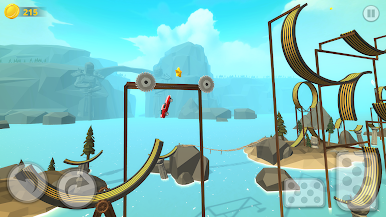
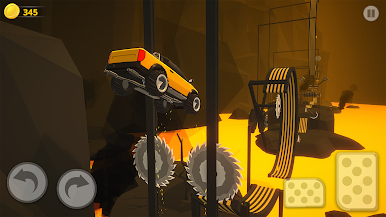
Stunt Paradise is a physics-driven Racing playground built for big jumps, wild flips, and nail-biting landings. It’s easy to get rolling, but mastering each course takes timing, guts, and a little creative chaos. Prefer a bigger screen and keyboard controls? You can fire it up on BlueStacks, too.
Game Features
- Sky-High Stunts: Launch off towering ramps, twist through the air, and stick the landing like a pro. Missed it by a hair? Try a different approach and go bigger next run.
- Varied Track Locales: Tackle courses set across gritty industrial zones, sun-baked deserts, and breezy beach strips—each with its own twists, hazards, and rhythm.
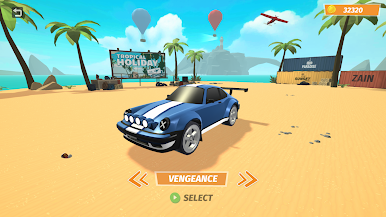
- Distinct Rides: Swap between a lineup of cars that feel different on the track—light and nimble, heavy and grippy, or somewhere in between. Pick what matches your style.
- Pure Physics Feel: Momentum matters. Manage speed, angle, and weight shift to thread tight gaps and clear risky jumps with confidence.
- Escalating Challenges: Early routes warm you up, then the layouts get trickier with sharper turns, bigger gaps, and sneaky obstacles that reward precision.
- Clean, Stylish Look: Bold colors and sharp effects make every explosion, flip, and perfect landing pop without clutter.
- Play on PC with BlueStacks: Enjoy smoother control options and a wider view while you chase cleaner lines and flashier combos.
Start playing Stunt Paradise on BlueStacks and get a smoother, more comfortable PC or Mac setup.
Play Stunt Paradise on PC. It’s easy to get started.
-
Download and install BlueStacks on your PC
-
Complete Google sign-in to access the Play Store, or do it later
-
Look for Stunt Paradise in the search bar at the top right corner
-
Click to install Stunt Paradise from the search results
-
Complete Google sign-in (if you skipped step 2) to install Stunt Paradise
-
Click the Stunt Paradise icon on the home screen to start playing

