


Brobuddy
Play on PC with BlueStacks – the Android Gaming Platform, trusted by 500M+ gamers.

Page Modified on: Sep 7, 2026
Main Brobuddy on PC
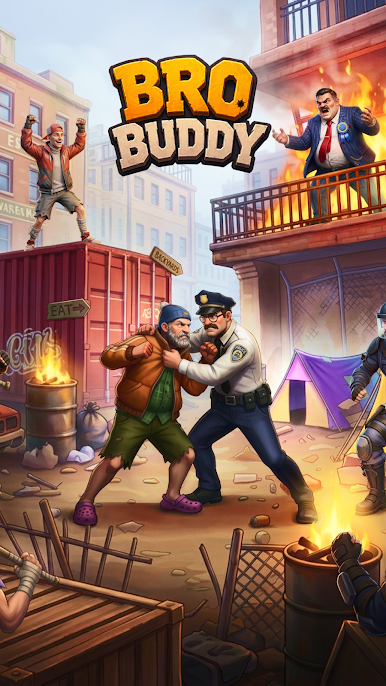
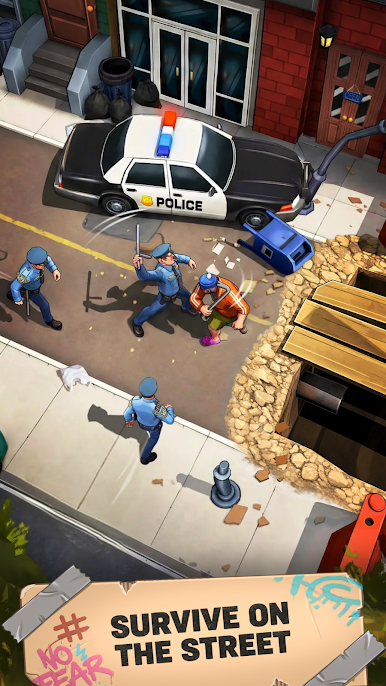
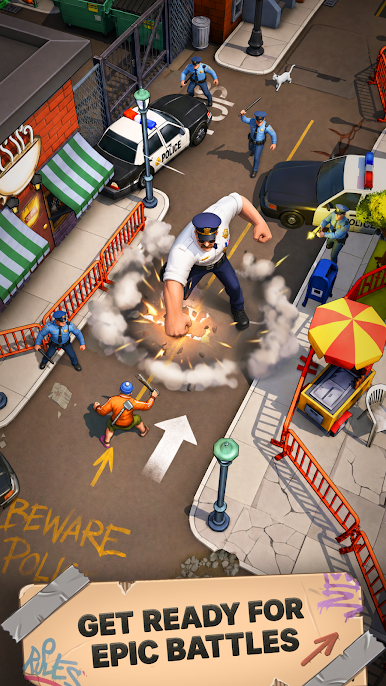
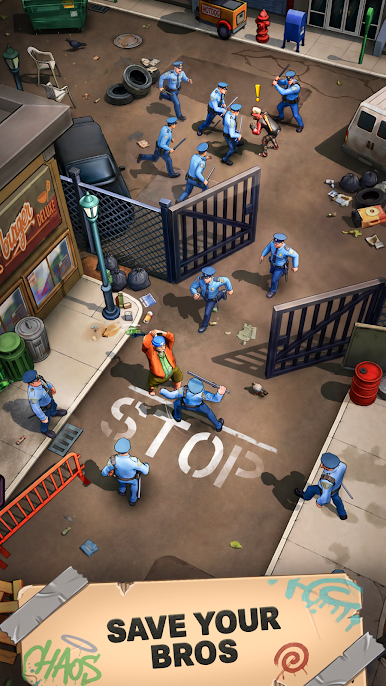
You play as a lone fighter who arrives in a city completely controlled by the mayor’s forces. Streets are blocked, districts are locked down, and every step forward means facing squads of enemies trying to stop you.
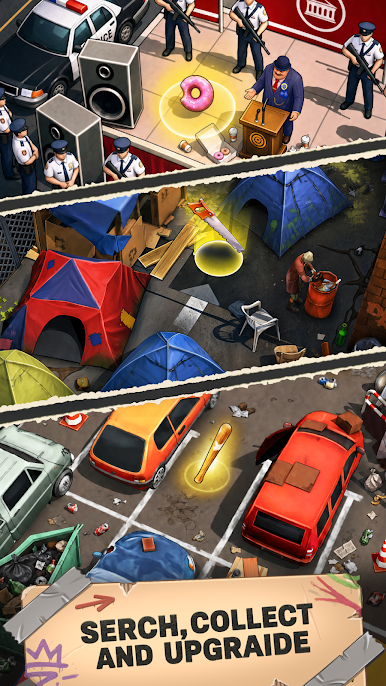
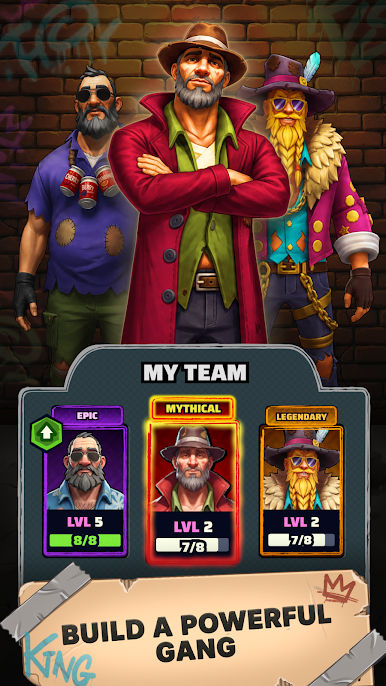
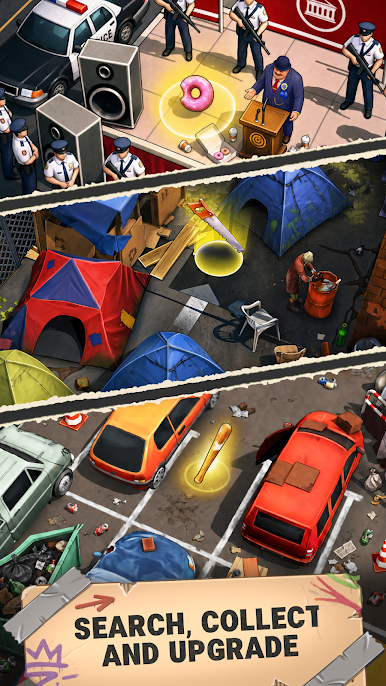
Gather resources, break obstacles, defeat enemies, and upgrade your weapon and tool to push deeper into the city. Improve your gear, unlock new areas, and grow stronger with every run.
Fight through the mayor’s squads, reclaim the city district by district, and reach the mayor to end his control once and for all.
Play Brobuddy on PC. It’s easy to get started.
-
Download and install BlueStacks on your PC
-
Complete Google sign-in to access the Play Store, or do it later
-
Look for Brobuddy in the search bar at the top right corner
-
Click to install Brobuddy from the search results
-
Complete Google sign-in (if you skipped step 2) to install Brobuddy
-
Click the Brobuddy icon on the home screen to start playing

