

Sys-I: Android System Info
Play on PC with BlueStacks – the Android Gaming Platform, trusted by 500M+ gamers.

Page Modified on: Nov 26, 2024
Run Sys-I (Android System Info) on PC or Mac
Get freedom from your phone’s obvious limitations. Use Sys-I (Android System Info), made by Bryan C, a Tools app on your PC or Mac with BlueStacks, and level up your experience.
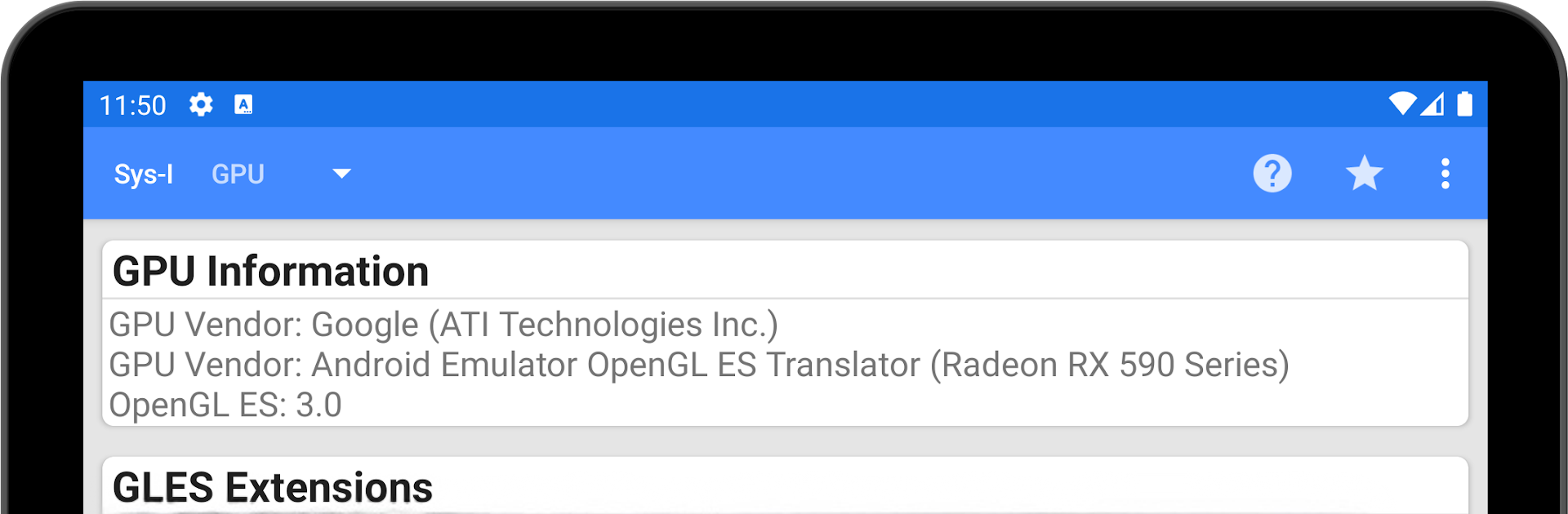
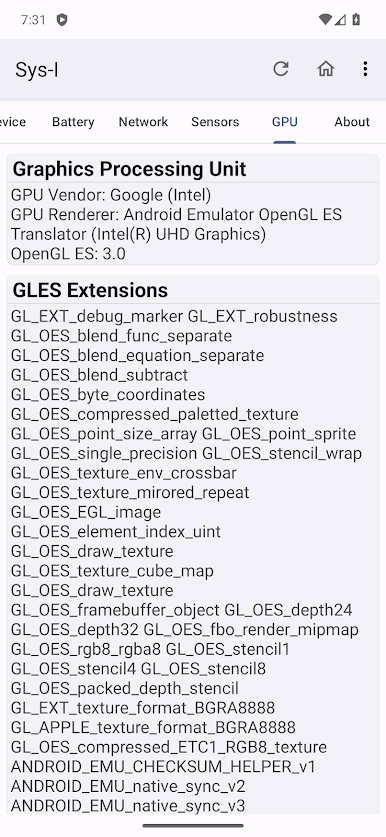
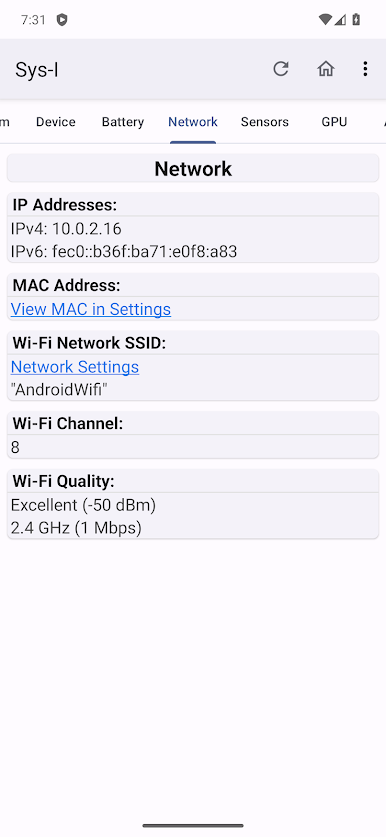
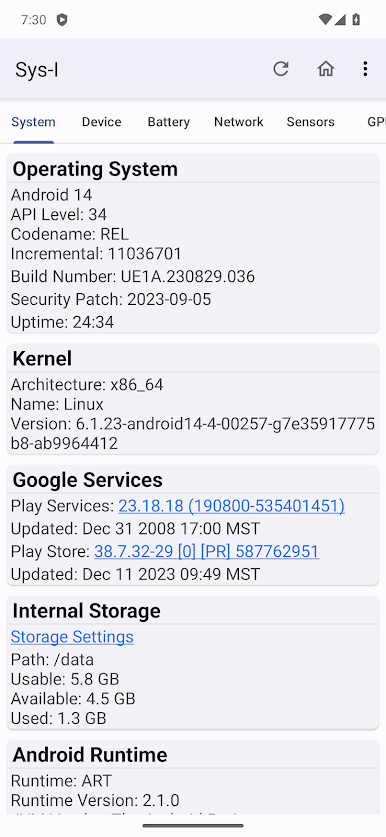
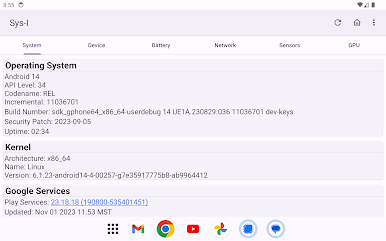
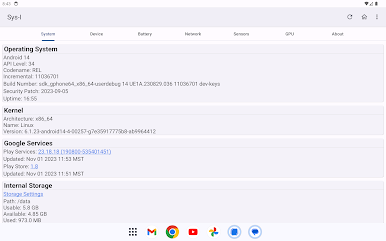
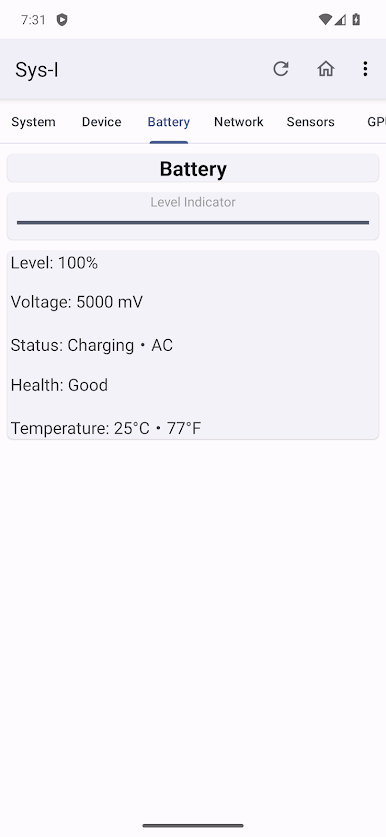
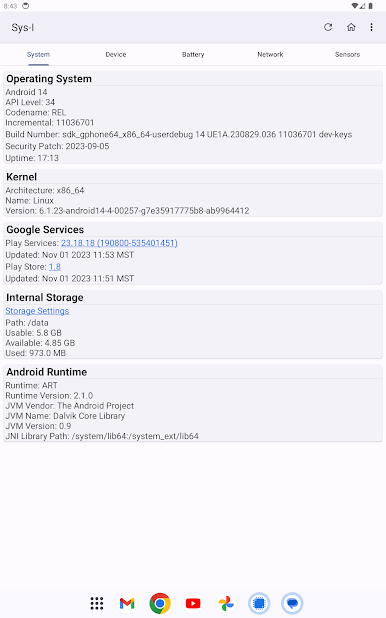
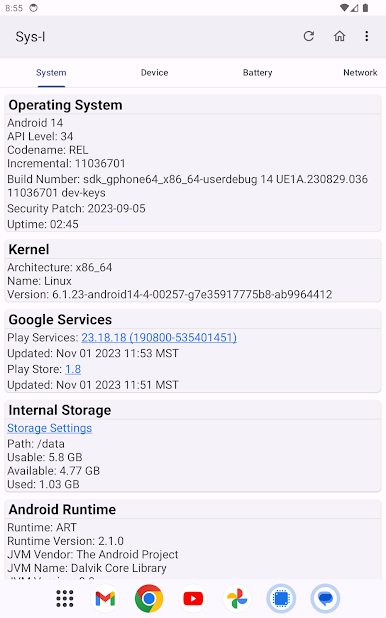
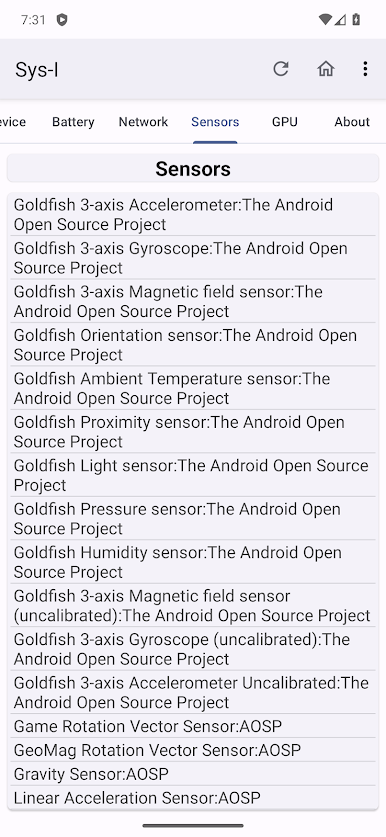
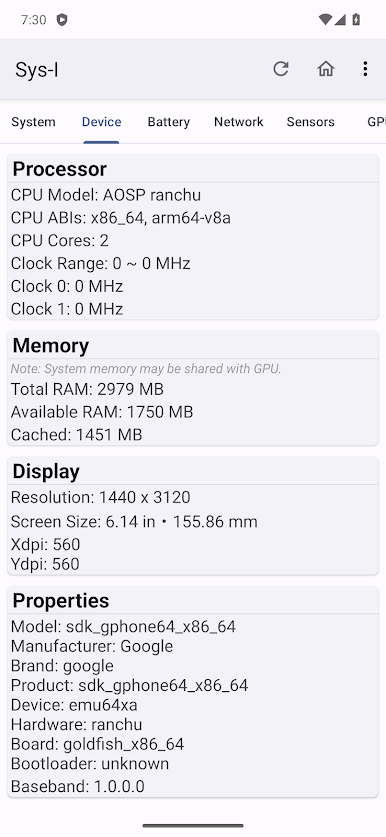
Sys-I is basically a clean dashboard for everything happening inside an Android device. It lays out info on tidy cards, so flipping between operating system details, Google services, processor model, memory use, storage, display, sensors, battery, network, and GPU stuff feels quick and obvious. The Material Design look makes it easy to scan, nothing noisy. On a PC with BlueStacks, the bigger window helps a lot because the tabs and numbers are easier to read, and clicking through sections feels closer to a desktop utility than a phone app.
A couple details stand out. It can show GPU clocks, but only on certain Adreno and Mali chips, so if a device or emulator does not have those, that field will just not be there. The device tab also shows the CID value, which is super handy for anyone trying to tell if a Pixel is a Google or Verizon variant without digging through ADB commands. Physical screen size might be off on some phones because of bad pixel density values from the manufacturer, so if a size looks wrong, that is why, not the app. It runs fast, does not ask for a bunch of nonsense, and just presents the data. On BlueStacks, some hardware readings reflect the virtual setup instead of a real phone, but for checking versions, RAM, storage, or general specs, it does exactly what it says and stays out of the way.
Switch to BlueStacks and make the most of your apps on your PC or Mac.
Play Sys-I: Android System Info on PC. It’s easy to get started.
-
Download and install BlueStacks on your PC
-
Complete Google sign-in to access the Play Store, or do it later
-
Look for Sys-I: Android System Info in the search bar at the top right corner
-
Click to install Sys-I: Android System Info from the search results
-
Complete Google sign-in (if you skipped step 2) to install Sys-I: Android System Info
-
Click the Sys-I: Android System Info icon on the home screen to start playing

