


Busy Farm
Play on PC with BlueStacks – the Android Gaming Platform, trusted by 500M+ gamers.

Page Modified on: Mar 12, 2026
Play Busy Farm on PC
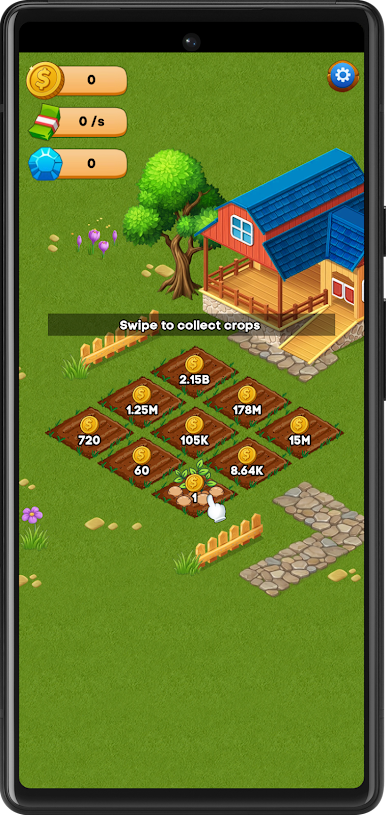
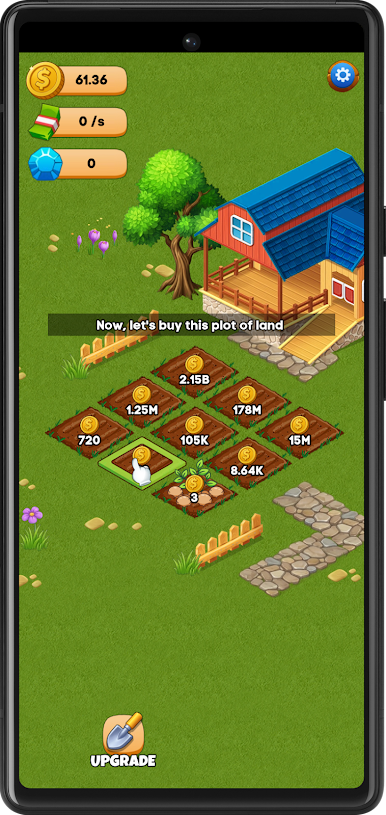
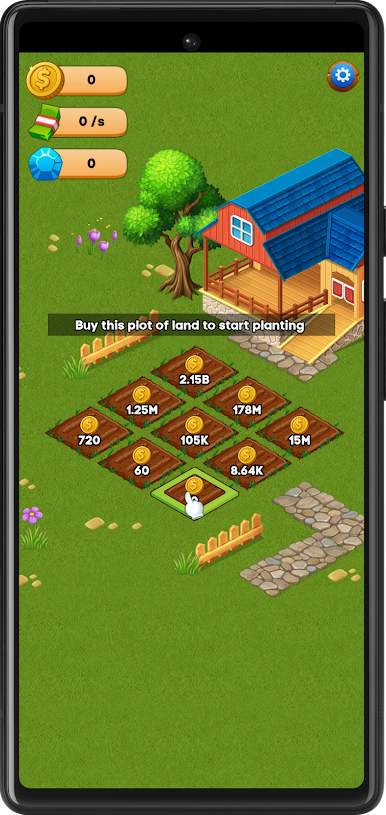
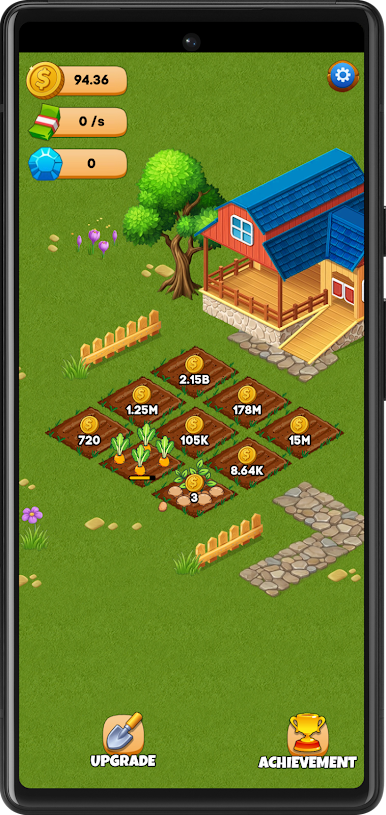
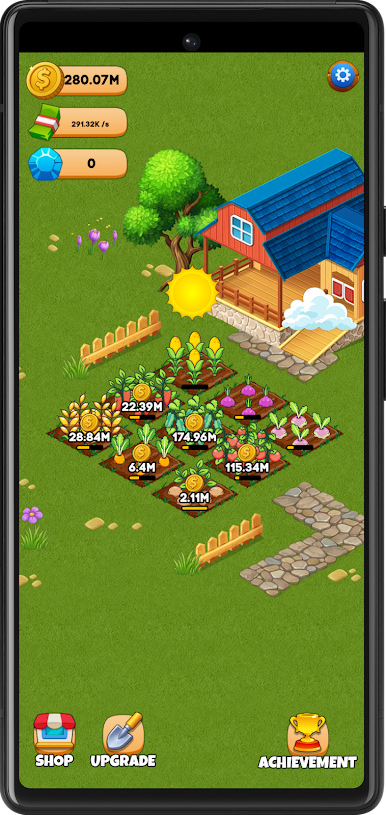
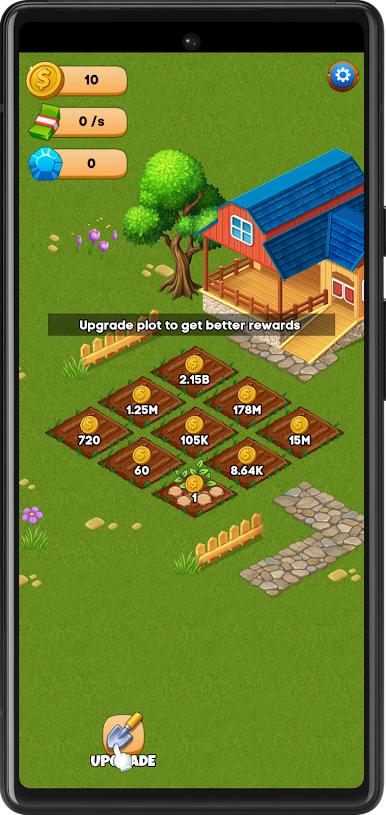
Start with a tiny piece of land and gradually expand your farming area. Plant crops, collect harvests, and upgrade your plots to increase production and earn more coins.
The gameplay is simple and satisfying. With just a few taps and swipes, you can collect crops, unlock new plots, and grow your farm step by step.
As your farm develops, crops become more valuable and the income grows faster, allowing you to unlock new upgrades and achievements.
Whether you play for a few minutes or longer sessions, Busy Farm provides a calm and rewarding farming experience.
🌱 Game Features
🚜 Simple farming gameplay
Plant crops, harvest them, and watch your farm grow.
💰 Incremental income system
Each upgraded plot produces more coins over time.
🌾 Unlock new farmland
Expand your field by purchasing new plots.
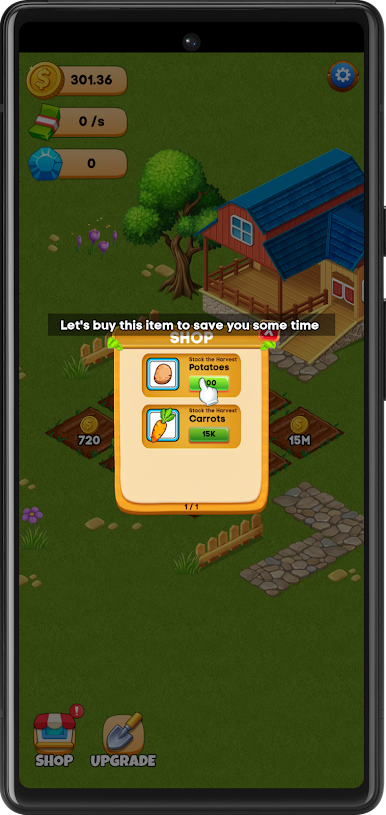
⚡ Upgrade your crops
Improve productivity to increase your rewards.
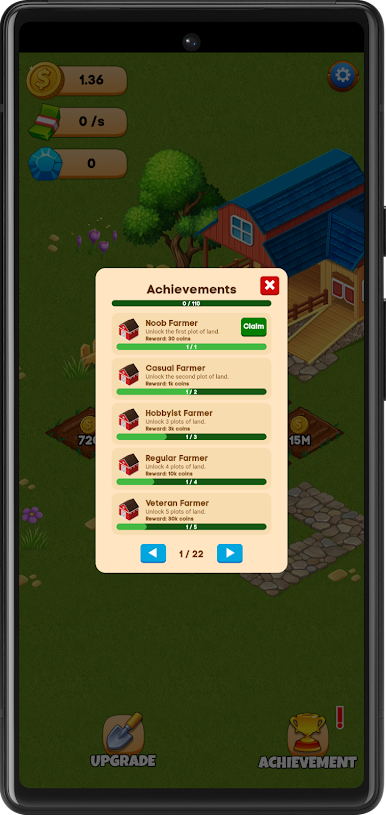
🏆 Achievement system
Complete milestones and collect bonus rewards.
👆 Easy controls
Tap and swipe to harvest crops quickly.
🌿 Relaxing farming atmosphere
Enjoy a calm and satisfying farming experience.
Build your farmland step by step, harvest crops, upgrade your plots, and see how far your farm can grow in Busy Farm.
Play Busy Farm on PC. It’s easy to get started.
-
Download and install BlueStacks on your PC
-
Complete Google sign-in to access the Play Store, or do it later
-
Look for Busy Farm in the search bar at the top right corner
-
Click to install Busy Farm from the search results
-
Complete Google sign-in (if you skipped step 2) to install Busy Farm
-
Click the Busy Farm icon on the home screen to start playing

