


Sky Sports International
Play on PC with BlueStacks – the Android Gaming Platform, trusted by 500M+ gamers.

Page Modified on: Dec 06, 2025
Overview
The winning features:
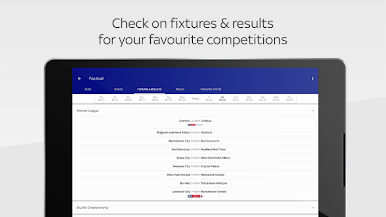
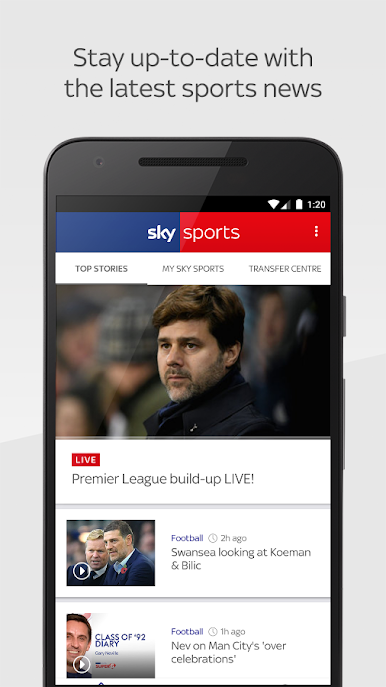
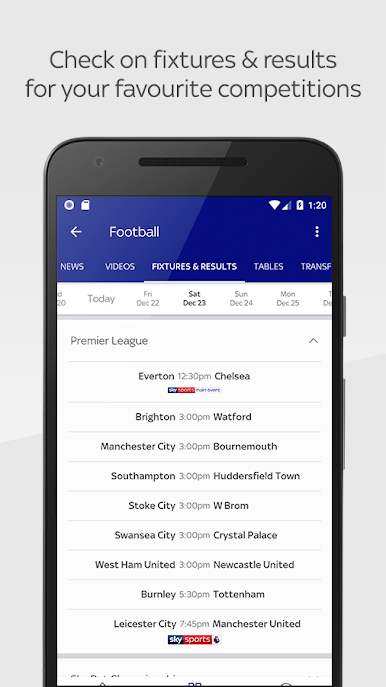
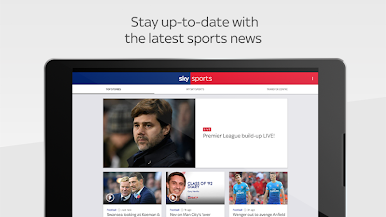
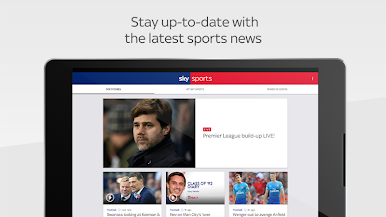
- The biggest and latest sports stories
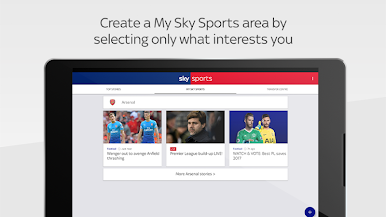
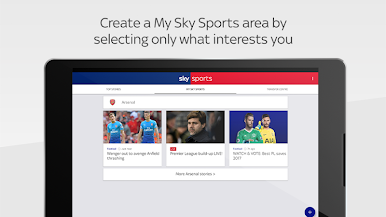
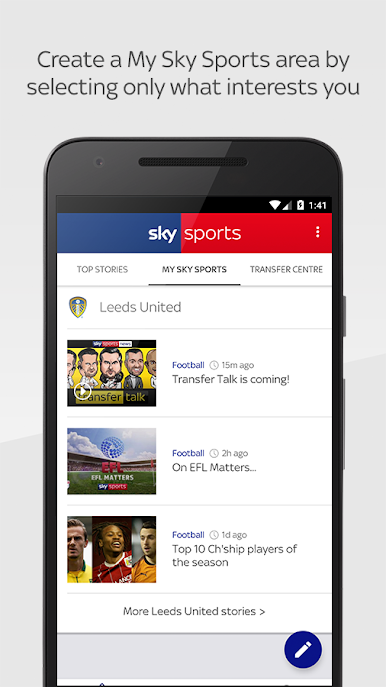
- Personalised "My Sky Sports" area where you can follow your favourite teams, stars, experts and sports
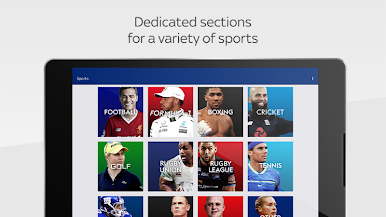
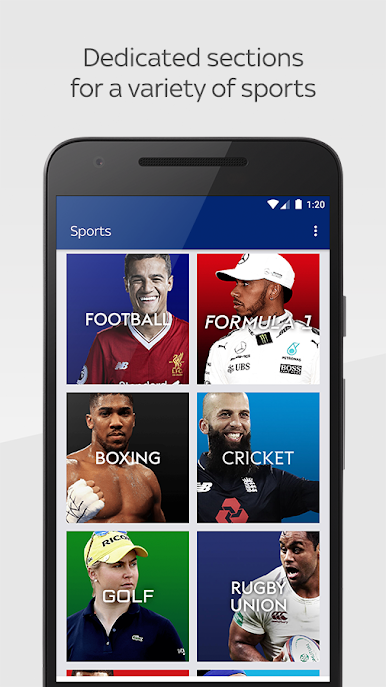
- Dedicated sports sections for Football, F1, Boxing, Golf, Cricket, Rugby Union, Rugby League, Tennis, NFL, Darts, WWE and Other Sports
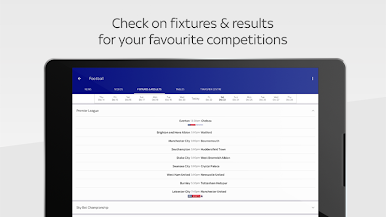
- Live blogs for the biggest sport events, including: Premier League football, international cricket, rugby, golf, tennis as well as NFL and much more
- Exclusive insight and analysis from the Sky Sports talent roster including Gary Neville, Martin Brundle and Stuart Barnes
- Interviews with the biggest names in sport, such as Paul Pogba, Jurgen Klopp, Rory McIlroy, Roger Federer and Jay Ajayi to name only a few
- Article pages optimised to take video, social media, interactive tool and live blogs
- Optimised design for both phone and tablet displays
Please note:
Selected Video on Demand content is only available in the UK and Ireland. Additional mobile network and/or WiFi charges may apply.
Sky's privacy notice explains how Sky uses your information. You can view this notice at: https://www.sky.com/help/articles/sky-privacy-and-cookies-notice
Please read the Terms & Conditions carefully before using the app.
Play Sky Sports International on PC. It’s easy to get started.
-
Download and install BlueStacks on your PC
-
Complete Google sign-in to access the Play Store, or do it later
-
Look for Sky Sports International in the search bar at the top right corner
-
Click to install Sky Sports International from the search results
-
Complete Google sign-in (if you skipped step 2) to install Sky Sports International
-
Click the Sky Sports International icon on the home screen to start playing

