

Buses Away
Play on PC with BlueStacks – the Android Gaming Platform, trusted by 500M+ gamers.

Page Modified on: Mar 18, 2026
Play Buses Away on PC or Mac
Step into the World of Buses Away, a thrilling Puzzle game from the house of ByteTyper. Play this Android game on BlueStacks App Player and experience immersive gaming on PC or Mac.
About the Game
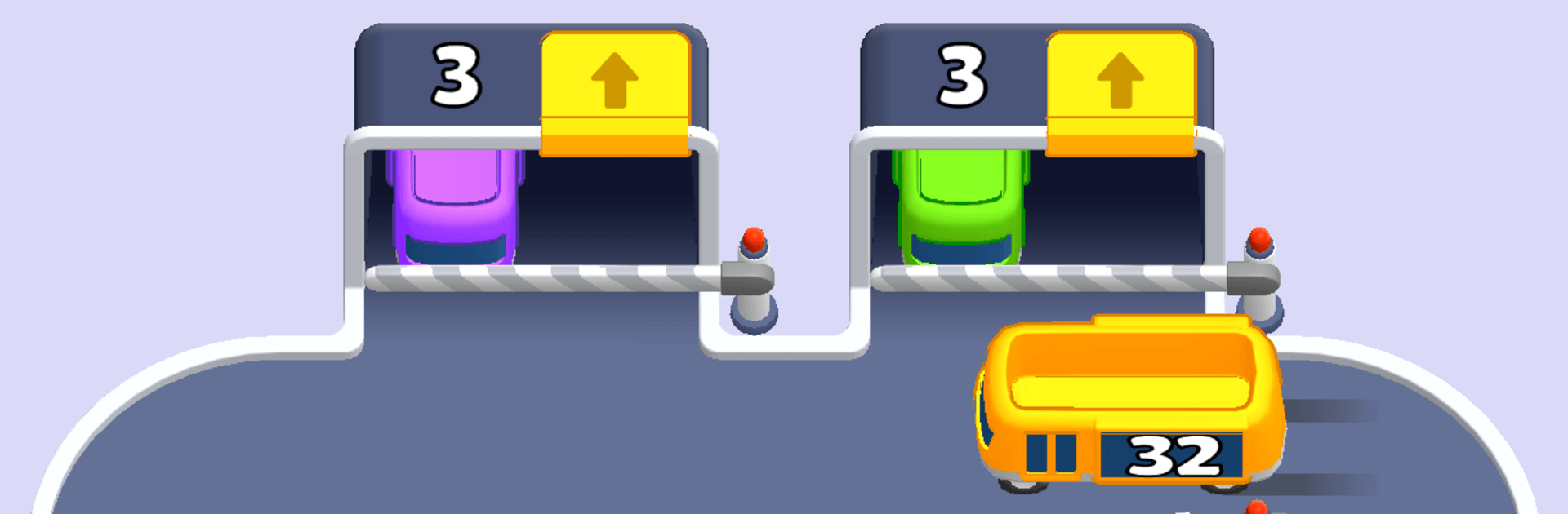
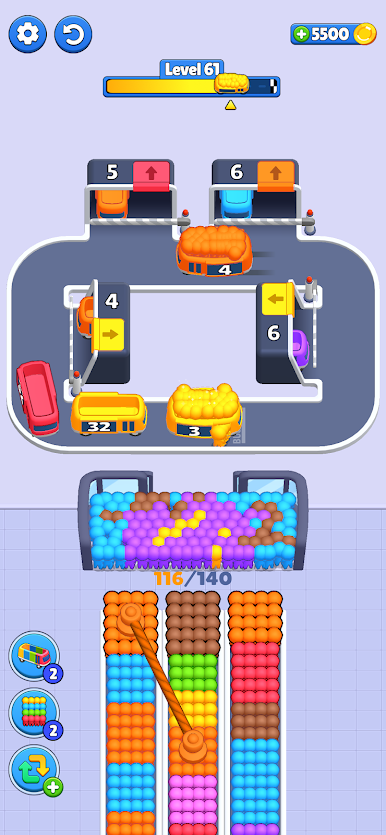
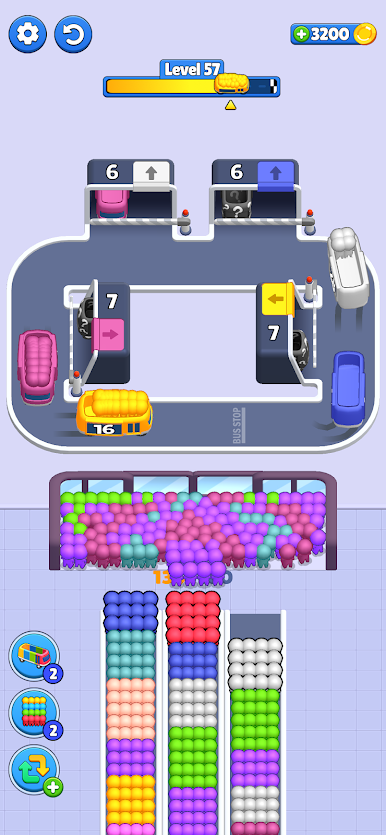
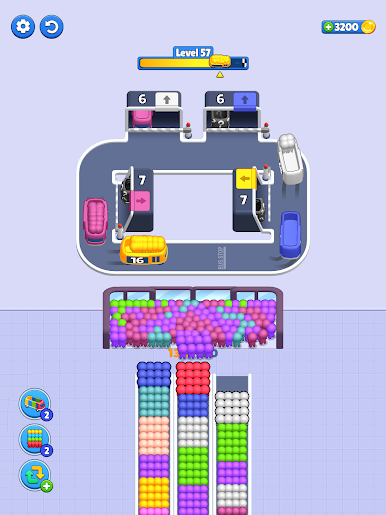
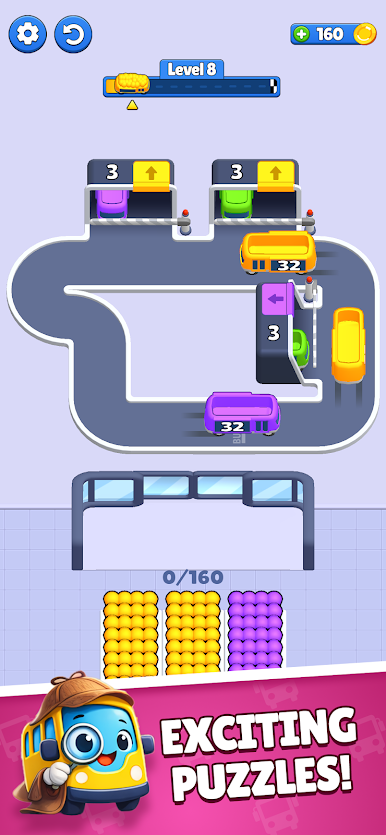
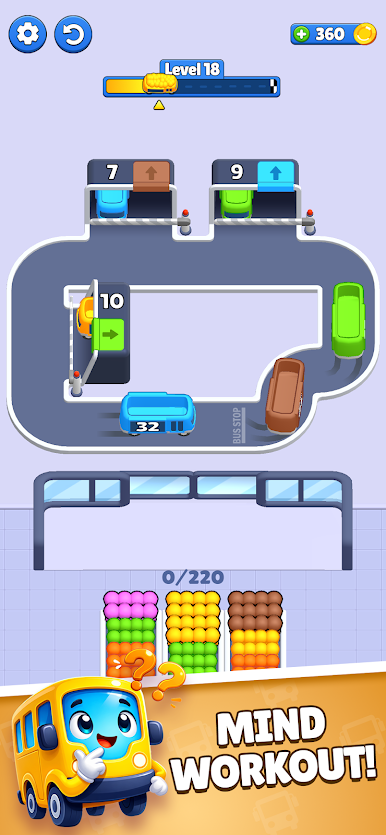
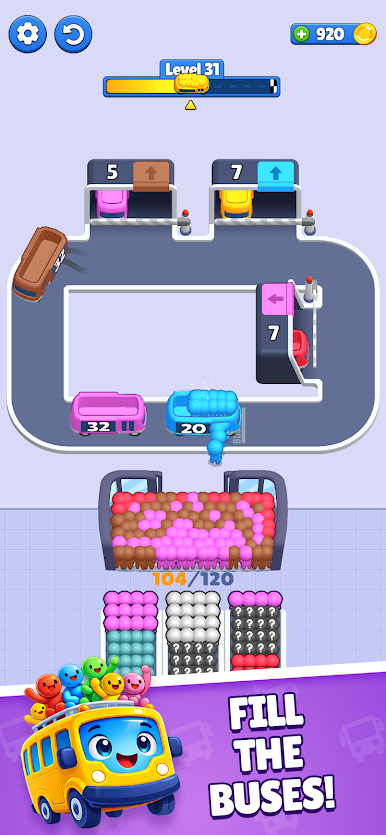
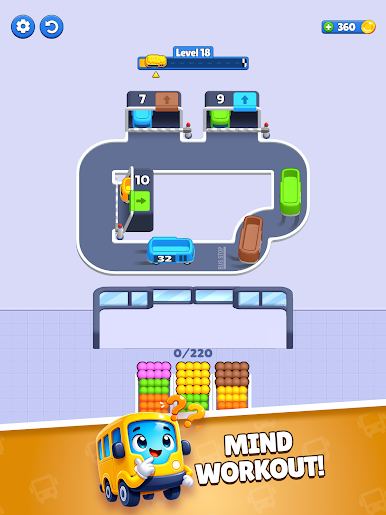
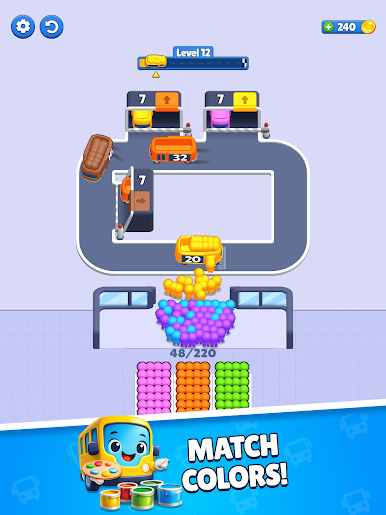
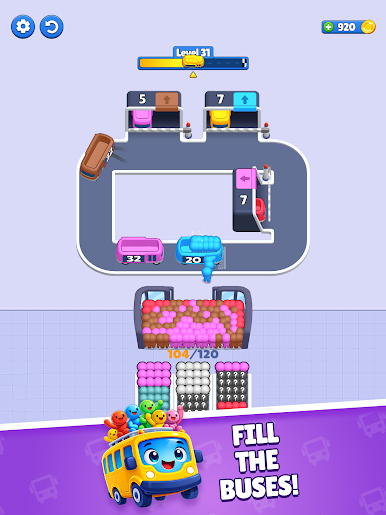
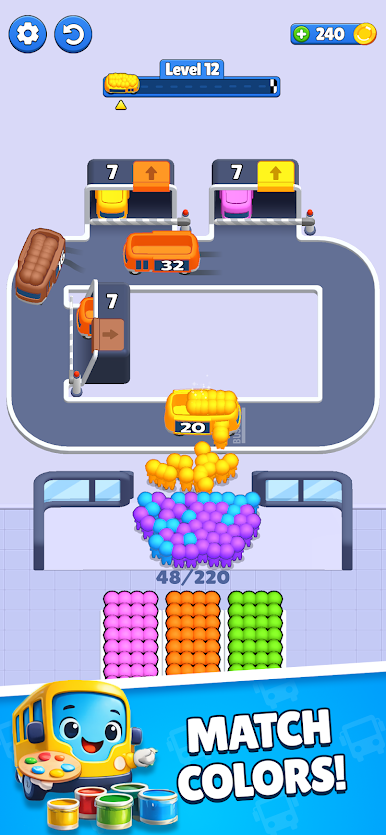
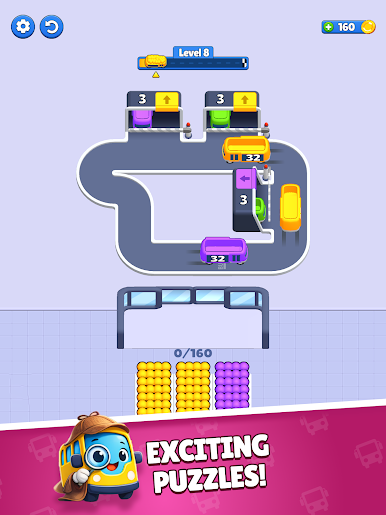
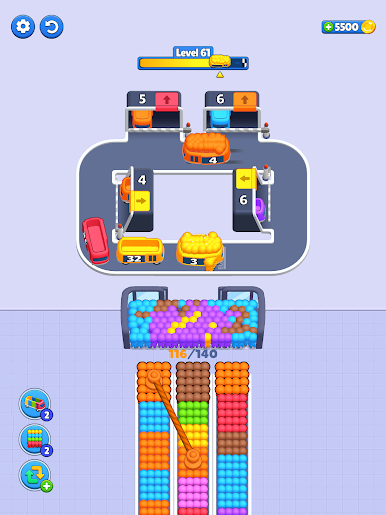
Buses Away is a laid-back Puzzle from ByteTyper where you organize colorful riders onto circling buses and make sure everyone hops off at the right stop. It’s simple to pick up, refreshingly tidy, and surprisingly brainy once those routes start overlapping. Perfect for a quick mental break or a longer session—and it feels great on a bigger screen with BlueStacks too.
Game Features
- Color-Match Boarding: Seat passengers by color so each one lands at their matching stop as the bus loops around the route.
- Circling Routes, Clever Timing: Buses run on continuous loops, so choosing when and where to board riders becomes the heart of every puzzle.
- Tap-Easy Controls: Clean, intuitive interactions keep the focus on planning your moves, not wrestling with menus or clunky UI.
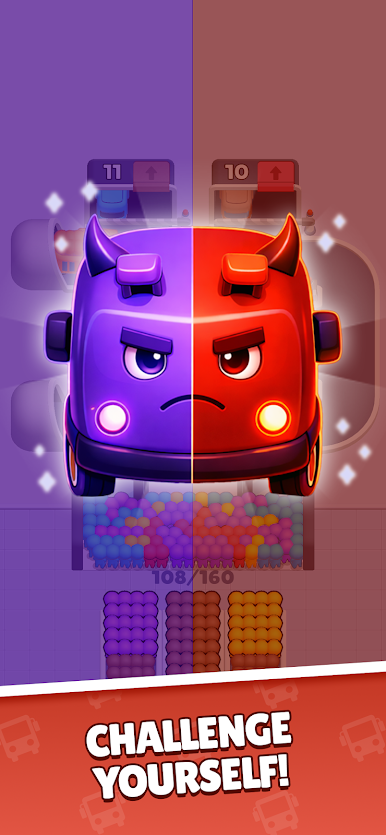
- Calm, But Not Too Easy: Levels start friendly and grow more intricate, striking that sweet spot between relaxing and engaging.
- Cute, Polished Look: Soft visuals and smooth animations make every successful drop-off feel extra satisfying.
- Short-and-Snackable Stages: Quick levels fit neatly into a spare minute, while tougher setups invite you to think a step (or three) ahead.
- Satisfying Flow: When your timing clicks, buses glide, colors line up, and the whole puzzle snaps into place in the most pleasing way.
Get ready for a buttery smooth, high-performance gaming action only on BlueStacks.
Play Buses Away on PC. It’s easy to get started.
-
Download and install BlueStacks on your PC
-
Complete Google sign-in to access the Play Store, or do it later
-
Look for Buses Away in the search bar at the top right corner
-
Click to install Buses Away from the search results
-
Complete Google sign-in (if you skipped step 2) to install Buses Away
-
Click the Buses Away icon on the home screen to start playing

