


Bubble Boxes - Matching Games
Play on PC with BlueStacks – the Android Gaming Platform, trusted by 500M+ gamers.

Page Modified on: Dec 10, 2025
Play Bubble Boxes - Classic Match on PC or Mac
Bubble Boxes – Classic Match is a puzzle game developed by Higgs Studio. BlueStacks app player is the best platform to play this Android game on your PC or Mac for an immersive gaming experience.
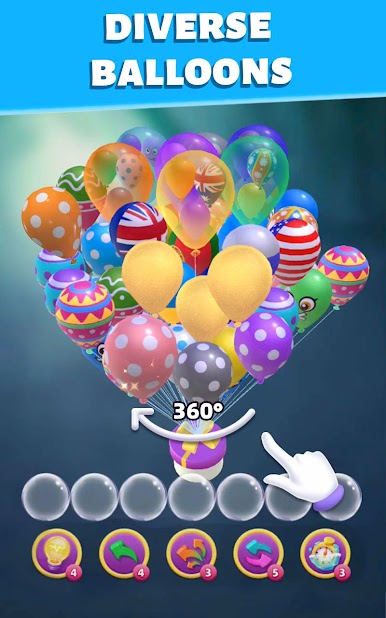
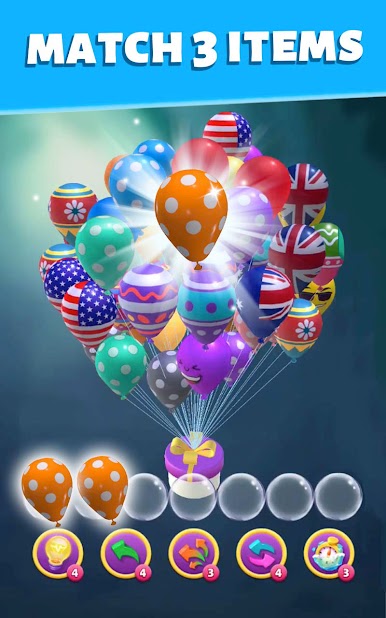
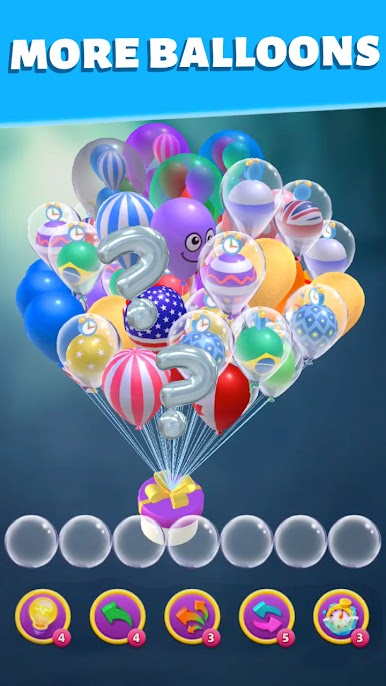
Bubble Boxes – Classic Match is a captivating and enjoyable puzzle game that offers a nostalgic twist on the classic bubble-shooting concept. Get ready to embark on a delightful journey filled with bubbles and colorful boxes!
Your mission is to match bubbles with similarly colored boxes by launching them from the bottom of the screen. When you match three or more bubbles with boxes of the same color, they burst into a shower of points. But here’s the catch: as you progress through the game, the boxes keep moving downward, increasing the challenge.
This game’s charm lies in its simplicity and addictive nature. It’s easy to grasp, making it perfect for players of all ages. The vibrant graphics and catchy sound effects enhance the overall experience, making it hard to put down.
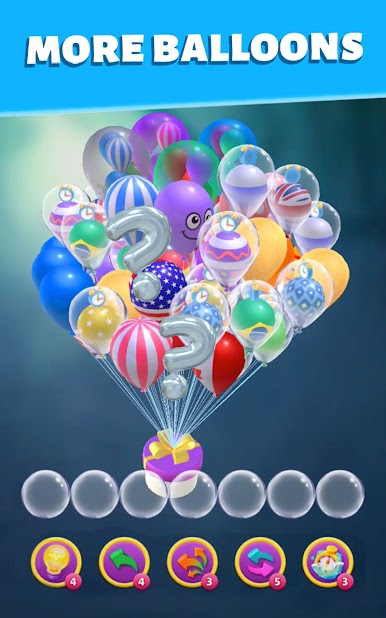
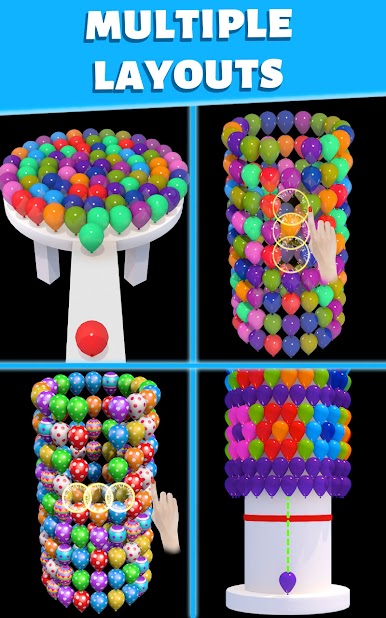
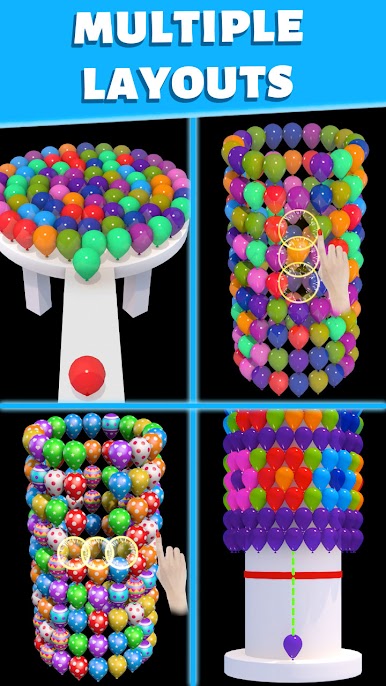
Bubble Boxes – Classic Match offers a variety of levels, each with its own unique challenges and surprises. You will find yourself strategizing and aiming carefully to clear the screen. It’s a fantastic way to pass the time and test your matching skills.
Whether you’re a puzzle enthusiast or just looking for a fun and engaging game, Bubble Boxes – Classic Match is a fantastic choice that will keep you entertained for hours on end.
Download the Bubble Boxes – Classic Match Game now and play on PC with BlueStacks to experience the best Android games on your computer.
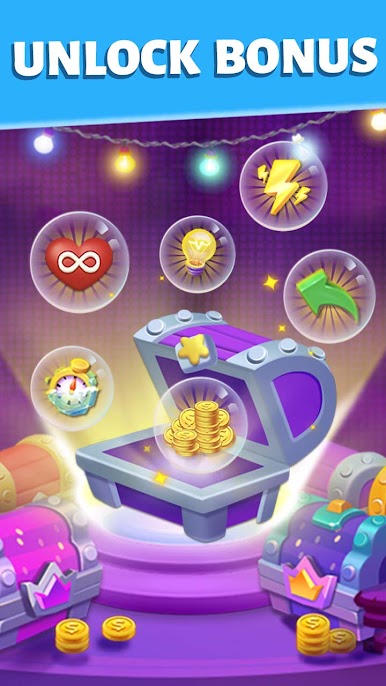
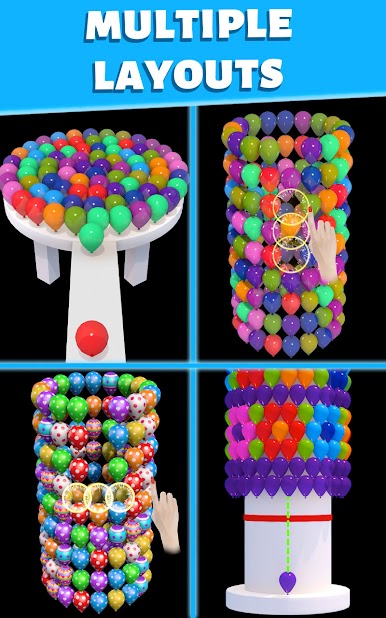
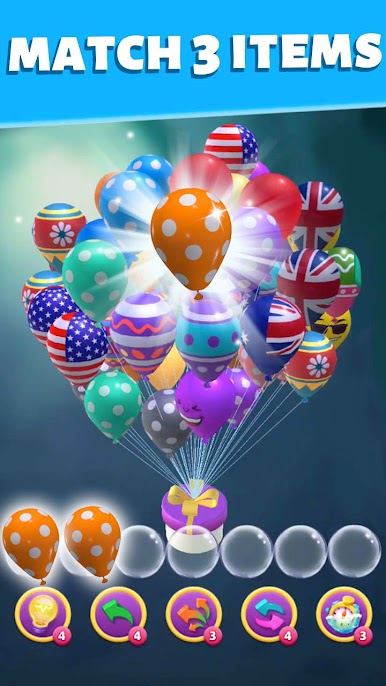
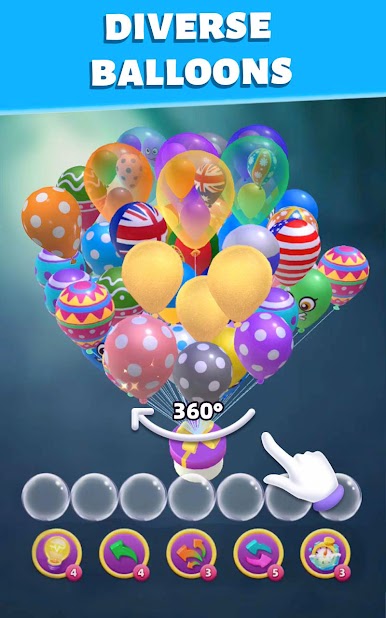
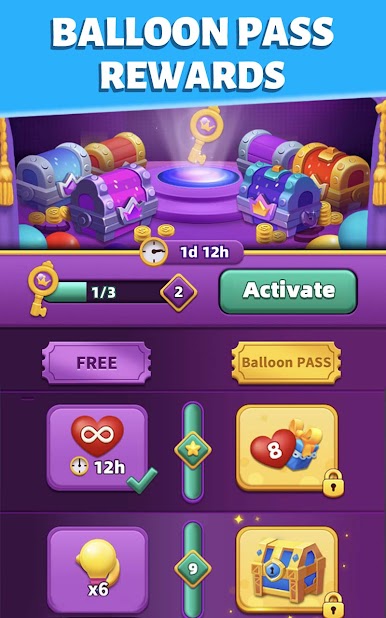
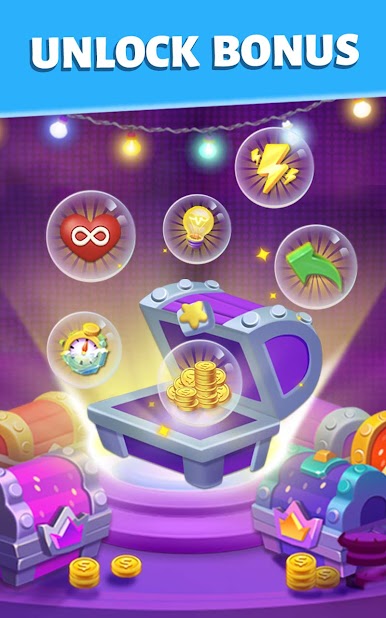
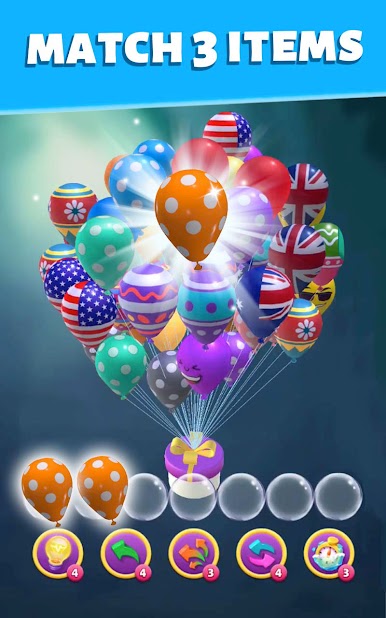
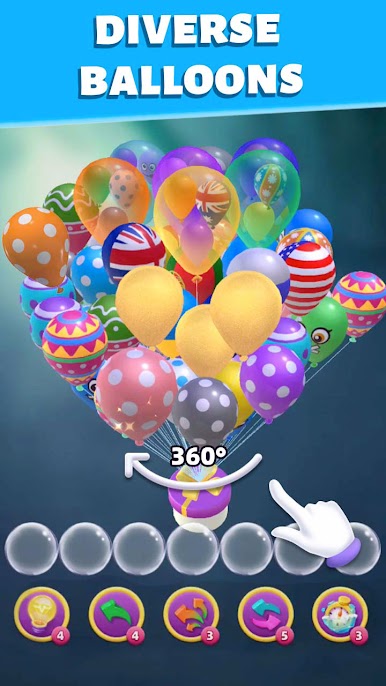
Play Bubble Boxes - Matching Games on PC. It’s easy to get started.
-
Download and install BlueStacks on your PC
-
Complete Google sign-in to access the Play Store, or do it later
-
Look for Bubble Boxes - Matching Games in the search bar at the top right corner
-
Click to install Bubble Boxes - Matching Games from the search results
-
Complete Google sign-in (if you skipped step 2) to install Bubble Boxes - Matching Games
-
Click the Bubble Boxes - Matching Games icon on the home screen to start playing

