


BuddyDo All-in-1 Group App
Play on PC with BlueStacks – the Android Gaming Platform, trusted by 500M+ gamers.

Page Modified on: Dec 8, 2025
Play BuddyDo All-in-1 Group App on PC
Use BuddyDo to:
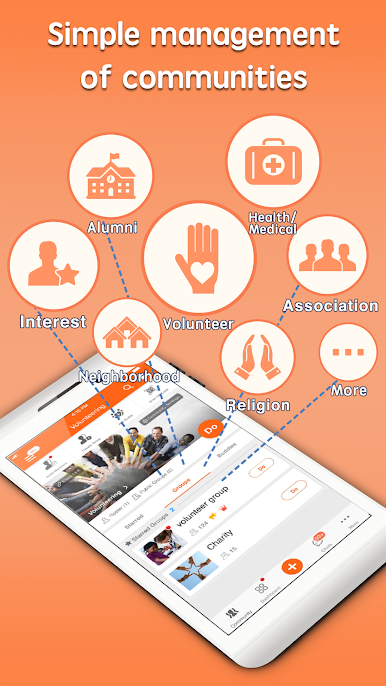
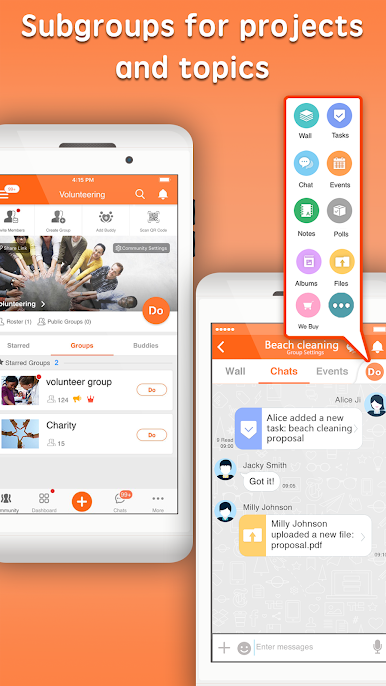
- Organize members with groups by team, location, event, project or however fits with the nature of your community.
- Broadcast information to your whole organization through the community wall or just share with selected groups by posting individual group walls.
- Chat with your whole community, chat with a group or chat individually to a person
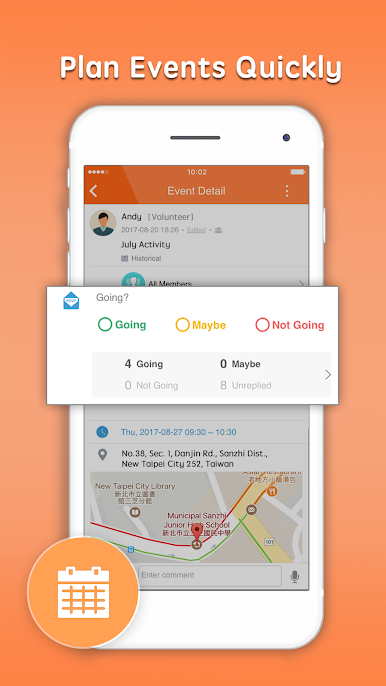
- Invite members to participate in events, know who is coming with RSVPs, publish date/time, location and share additional information.
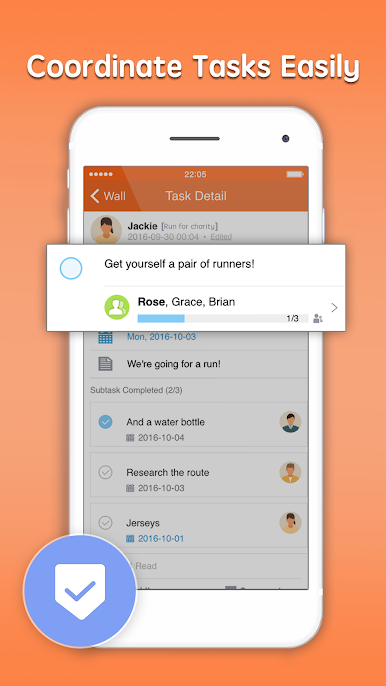
- Work together with shared tasks. You can manage progress by assigning people, setting due dates, creating sub-tasks, monitor progress and send reminders.
- Use polls to collect feedback or make group decisions.
- Create shared photo albums to record events, capture special moments, share achievements or just for fun.
- Always know which member you have reached for every information you share, every event, every task.
- Easily invite members to join, manage your members with community roster, and control your community space with flexible privacy and permission settings.
- Internal management including Organization tool for community structure and Approvals for everything that requires multiple personnel approvals.
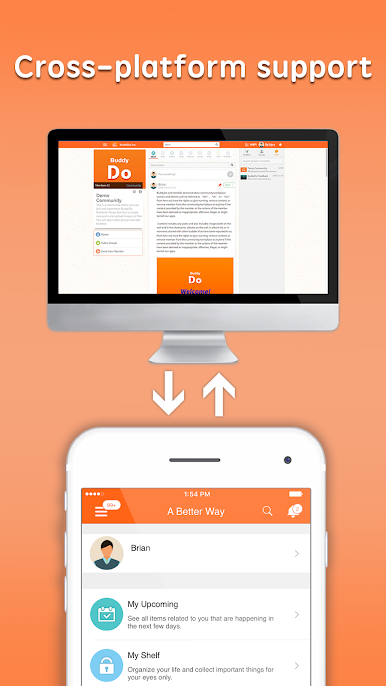
Play BuddyDo All-in-1 Group App on PC. It’s easy to get started.
-
Download and install BlueStacks on your PC
-
Complete Google sign-in to access the Play Store, or do it later
-
Look for BuddyDo All-in-1 Group App in the search bar at the top right corner
-
Click to install BuddyDo All-in-1 Group App from the search results
-
Complete Google sign-in (if you skipped step 2) to install BuddyDo All-in-1 Group App
-
Click the BuddyDo All-in-1 Group App icon on the home screen to start playing

