


Bullet Storm: Rogue Shooting
Play on PC with BlueStacks – the Android Gaming Platform, trusted by 500M+ gamers.

Page Modified on: Jul 8, 2026
Play Bullet Storm: Rogue Shooting on PC
MASSIVE HORDES, INSANE ACTION
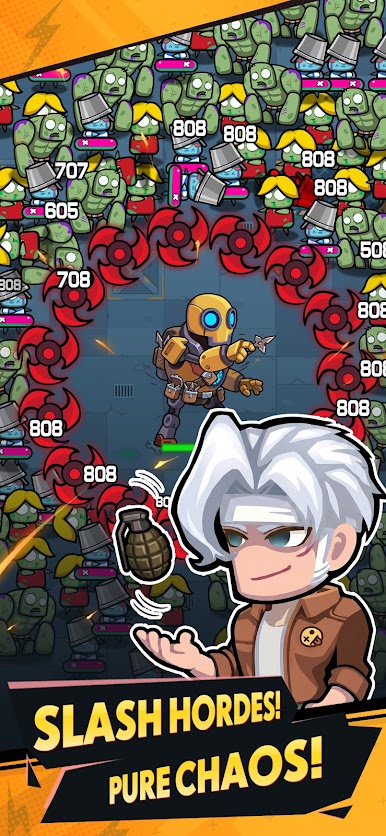
Face over 1000 enemies on screen at once in a bullet-heaven frenzy. Dodge, weave, and let your weapons do the talking with auto-fire combat. Master the art of the "one-hand control"—perfect for quick sessions on the go.
ROGUELIKE PROGRESSION
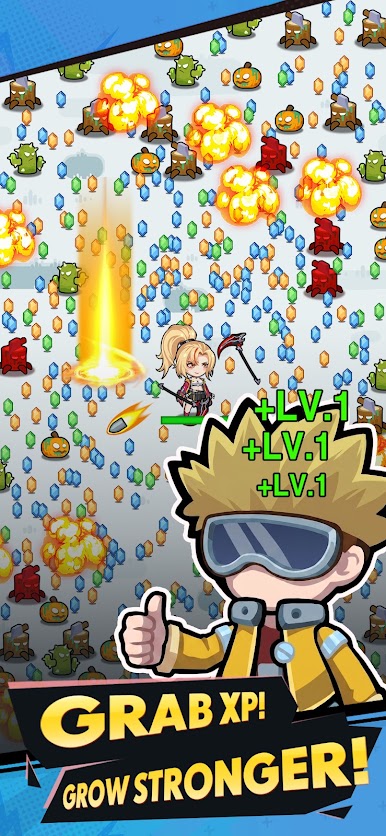
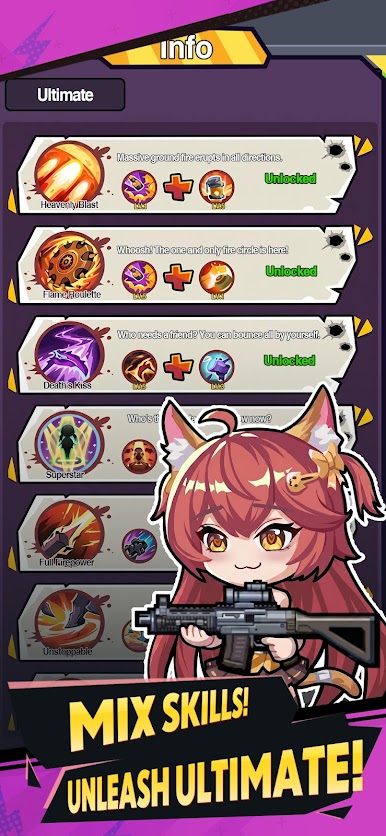
Every run is different. Defeat enemies to collect XP, level up, and choose from a wide array of powerful skills. But the real game-changer? Combining specific skills unlocks different Ultimate abilities—each with its own unique powerful effect.
EPIC BOSS BATTLES
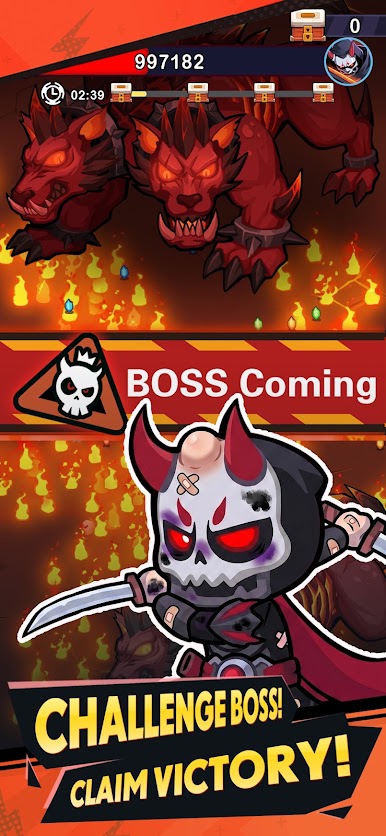
It's not just about surviving the horde. At the end of each stage, face off against towering bosses that will test your reflexes, build, and skill. Can you take them down?
UNIQUE HEROES
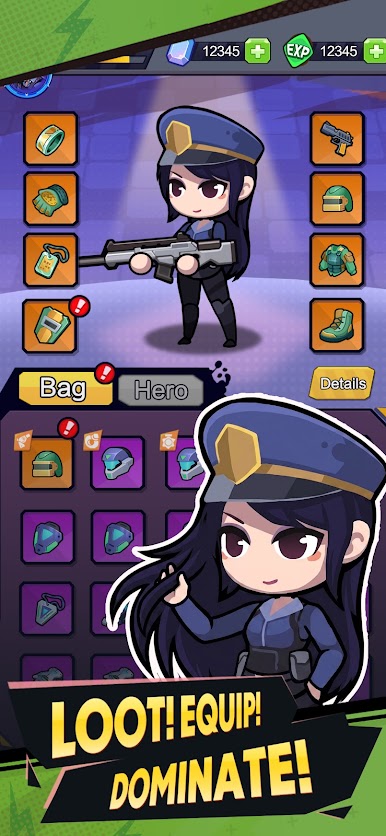
Unlock and recruit a roster of distinctive characters, each with their own special abilities and playstyles. Find the hero that fits your strategy and dominate the battlefield.
The world has fallen. The monsters are closing in. Download Bullet Storm now and rain down bullet hell on your foes!
Play Bullet Storm: Rogue Shooting on PC. It’s easy to get started.
-
Download and install BlueStacks on your PC
-
Complete Google sign-in to access the Play Store, or do it later
-
Look for Bullet Storm: Rogue Shooting in the search bar at the top right corner
-
Click to install Bullet Storm: Rogue Shooting from the search results
-
Complete Google sign-in (if you skipped step 2) to install Bullet Storm: Rogue Shooting
-
Click the Bullet Storm: Rogue Shooting icon on the home screen to start playing

