

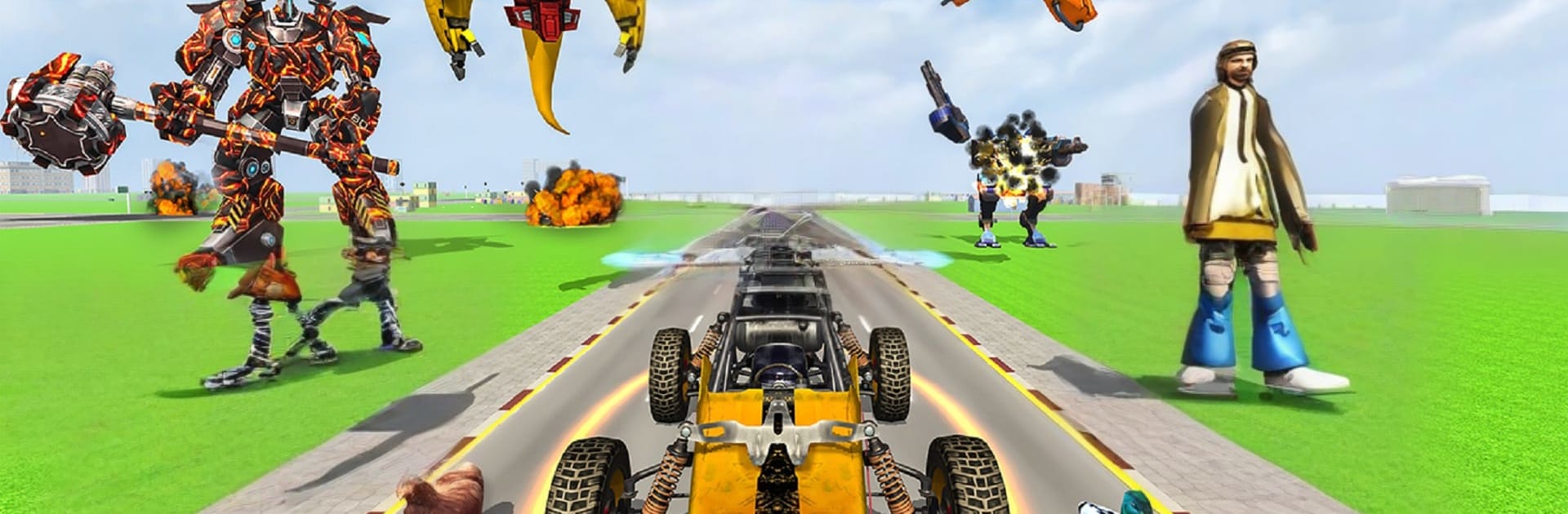
Robot Games: Robot Wali Gadi
Play on PC with BlueStacks – the Android Gaming Platform, trusted by 500M+ gamers.

Page Modified on: Aug 8, 2025
Play Robot Games: Robot Wali Gadi on PC or Mac
Robot Games: Robot Wali Gadi brings the Strategy genre to life, and throws up exciting challenges for gamers. Developed by Buntoo Games, this Android game is best experienced on BlueStacks, the World’s #1 app player for PC and Mac users.
About the Game
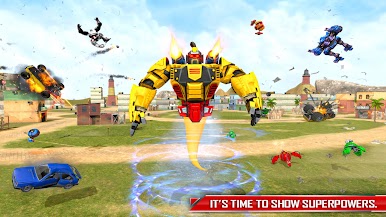
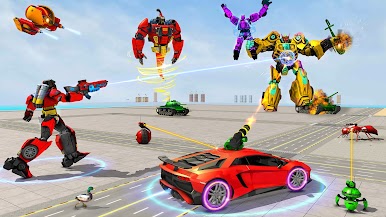
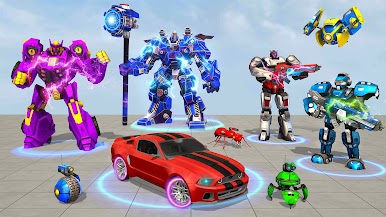
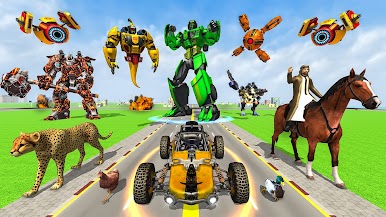
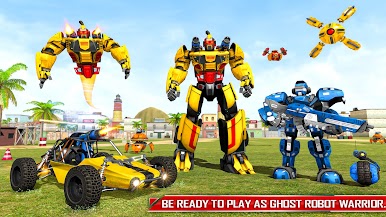
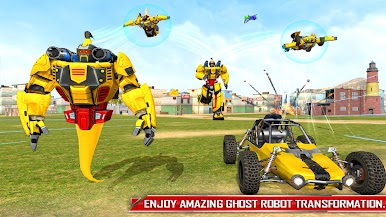
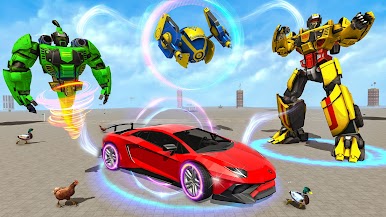
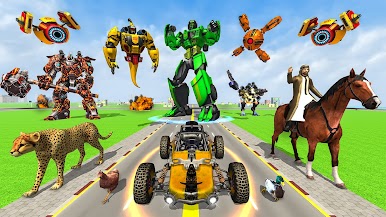
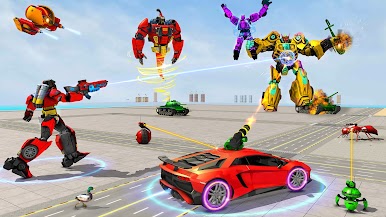
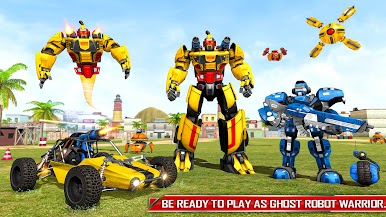
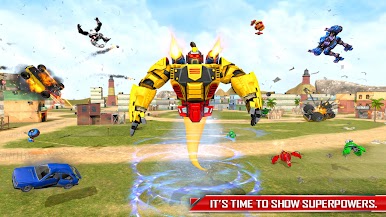
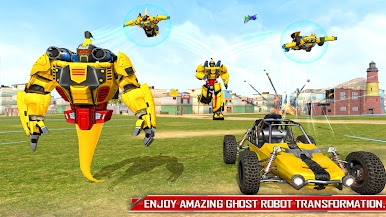
Robot Games: Robot Wali Gadi throws you into fast, punchy mech combat where smart decisions matter as much as raw power. You’ll swap between robot, car, and even flying forms mid-fight to hold the line, crush enemy squads, and protect a sprawling city under attack. It’s an action-forward Strategy experience from Buntoo Games that mixes slick transformations with mission-focused gameplay, whether you’re online or playing offline.
Prefer a keyboard and mouse? It plays smoothly on BlueStacks too.
Game Features
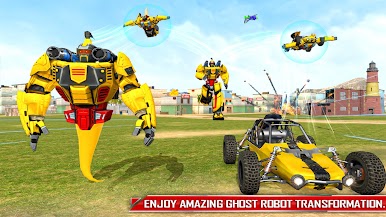
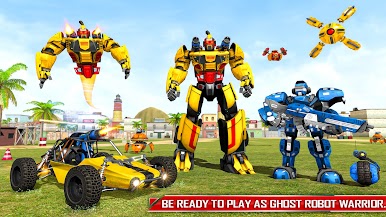
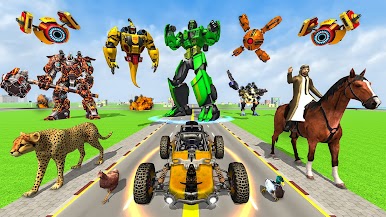
- Transform on the fly: Shift between a towering mech, a speedy car, a nimble flying machine, and other surprise forms. Each one handles differently and changes how you approach a battle.
- Tactical city battles: Pick angles, prioritize targets, and time your transformations to outsmart enemy waves and boss machines across dense urban zones.
- Multiple modes, fresh challenges: Tackle story-style missions, bite-size challenges, and bigger showdowns that keep you adapting instead of button-mashing.
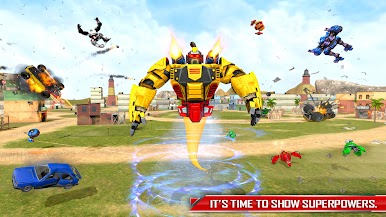
- Superpowers that matter: Unleash aerial slams, energy bursts, shields, and other abilities to break defenses or escape bad spots when the pressure spikes.
- Earn, unlock, dominate: Grab coins from missions to unlock stronger transformations and new robots, then tune your loadout for the next objective.
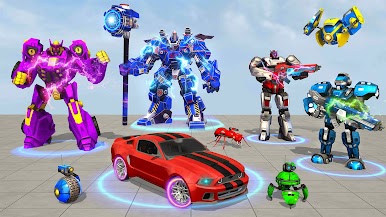
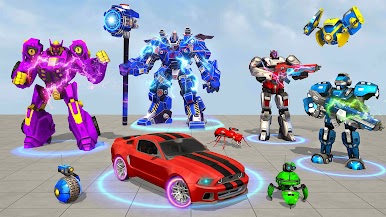
- Big roster of heroes: Try different robot characters with distinct strengths—bruisers, flyers, all-rounders—so you can play your way.
- Crisp 3D sights and sound: Punchy effects, clean visuals, and chunky impacts sell every hit, boost, and transformation.
- Solid offline play: No problem if you’re away from Wi‑Fi—you can still clear missions, grind rewards, and experiment with builds.
Make your gaming sessions memorable with precise controls that give you an edge in close combats and visuals that pop up, bringing every character to life.



Play Robot Games: Robot Wali Gadi on PC. It’s easy to get started.
-
Download and install BlueStacks on your PC
-
Complete Google sign-in to access the Play Store, or do it later
-
Look for Robot Games: Robot Wali Gadi in the search bar at the top right corner
-
Click to install Robot Games: Robot Wali Gadi from the search results
-
Complete Google sign-in (if you skipped step 2) to install Robot Games: Robot Wali Gadi
-
Click the Robot Games: Robot Wali Gadi icon on the home screen to start playing

