


BURMESE TV Hub
Play on PC with BlueStacks – the Android Gaming Platform, trusted by 500M+ gamers.

Page Modified on: Nov 21, 2025
Overview
⭐ Key Features
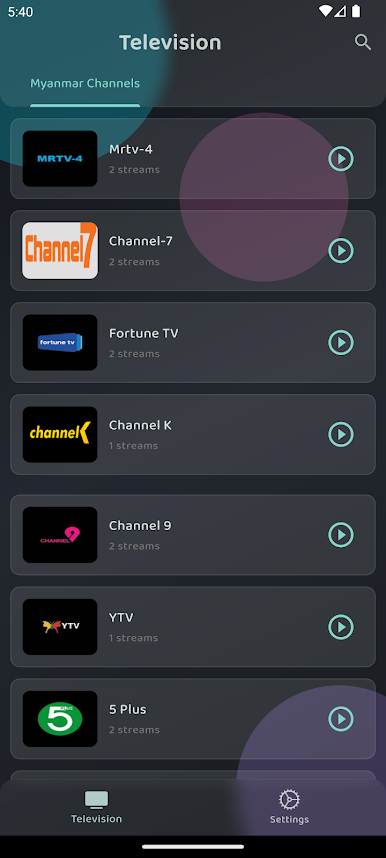
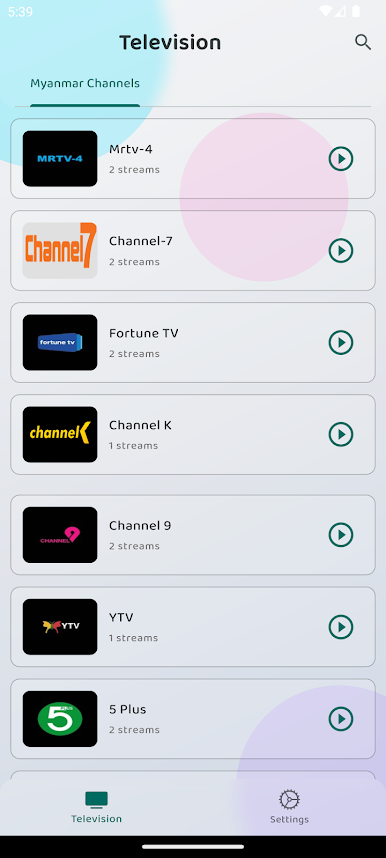
Live Myanmar TV Channels
Watch popular local channels in real-time with stable streaming.
Burmese, Thai, Korean, Chinese & international collections updated daily.
Beautiful, Easy UI
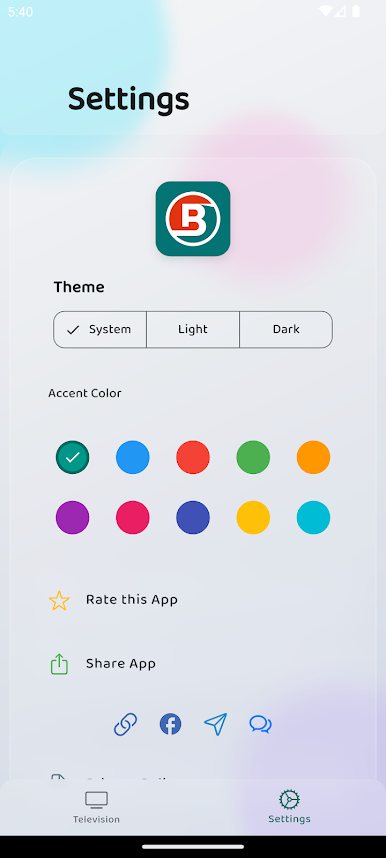
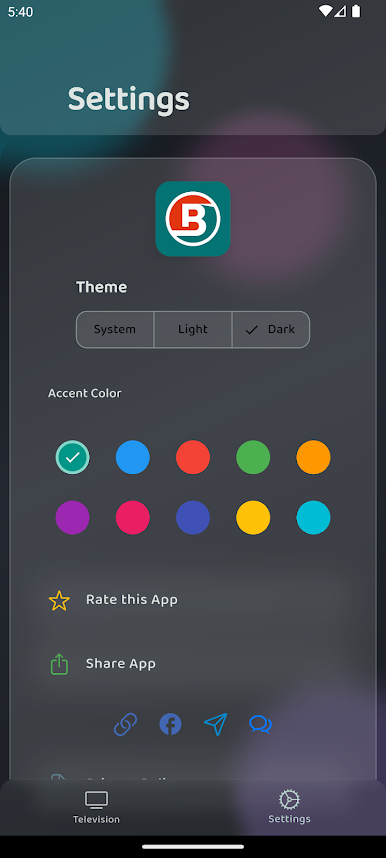
Clean dark theme, responsive layout for phone & tablet.
📌 Why Choose Burmese TV Hub?
No need for multiple apps
No complicated setup
Works smoothly even on older devices
Friendly for Myanmar users with simple design
📲 Perfect for Daily Entertainment
Whether you love football, movies, drama series, or live news — Burmese TV Hub brings everything together for you.
Play BURMESE TV Hub on PC. It’s easy to get started.
-
Download and install BlueStacks on your PC
-
Complete Google sign-in to access the Play Store, or do it later
-
Look for BURMESE TV Hub in the search bar at the top right corner
-
Click to install BURMESE TV Hub from the search results
-
Complete Google sign-in (if you skipped step 2) to install BURMESE TV Hub
-
Click the BURMESE TV Hub icon on the home screen to start playing

