


Timber Color
Play on PC with BlueStacks – the Android Gaming Platform, trusted by 500M+ gamers.

Page Modified on: Sep 10, 2026
Play Timber Color on PC
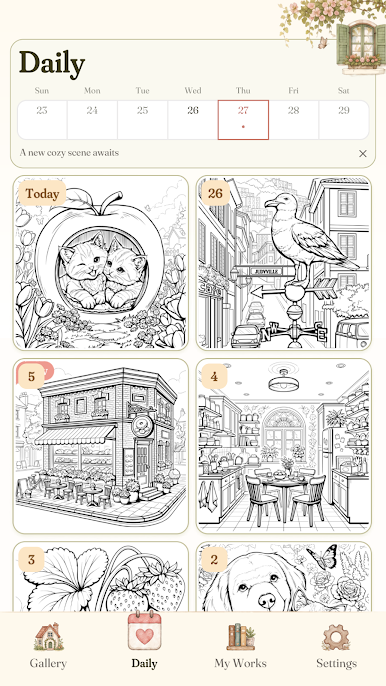
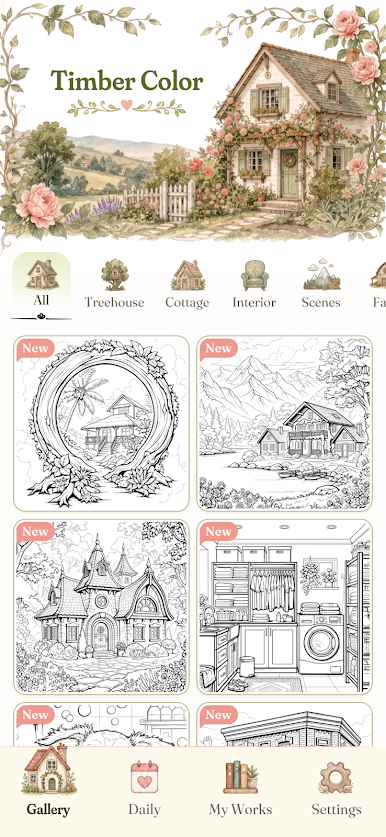
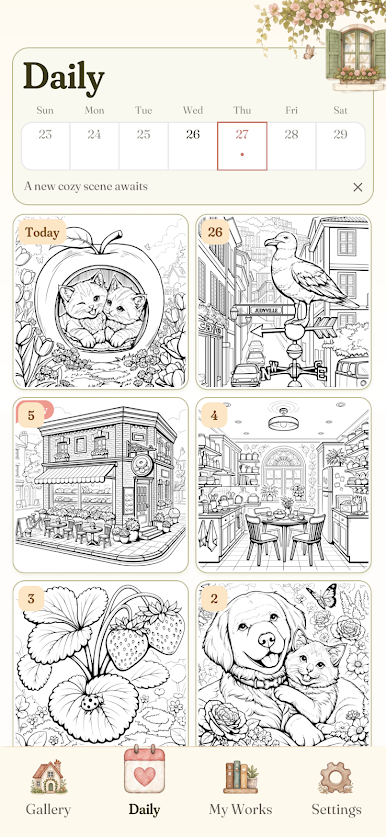
A lamp left on in the window. A garden path after rain. A small kitchen with flowers in a jar and quiet still hanging in the air.
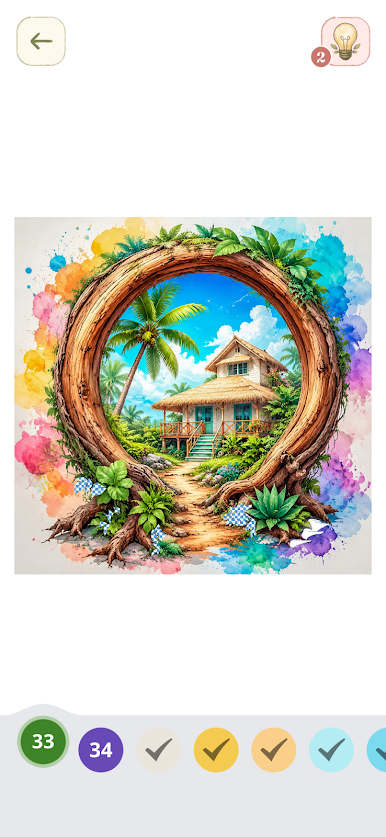
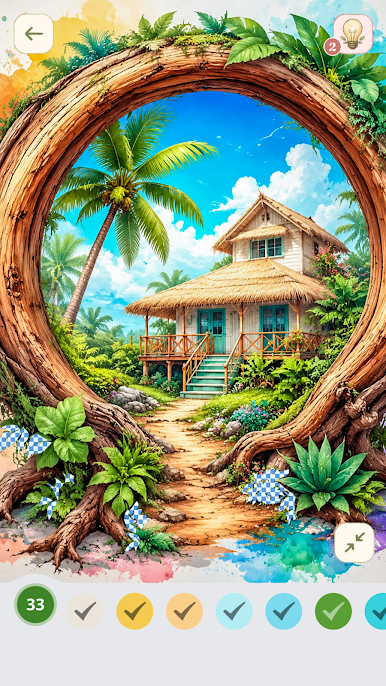
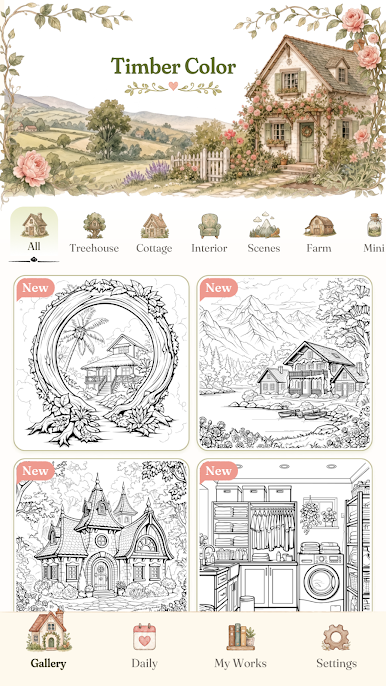
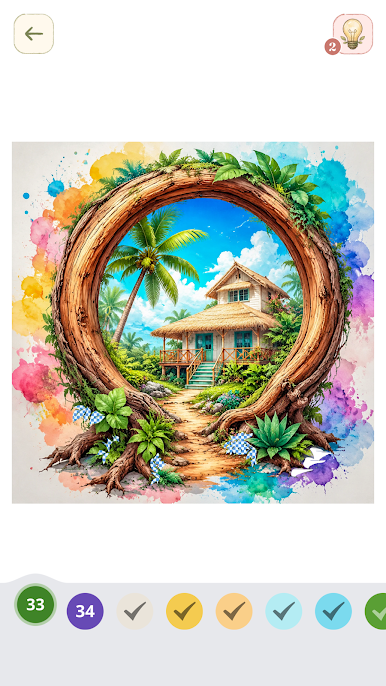
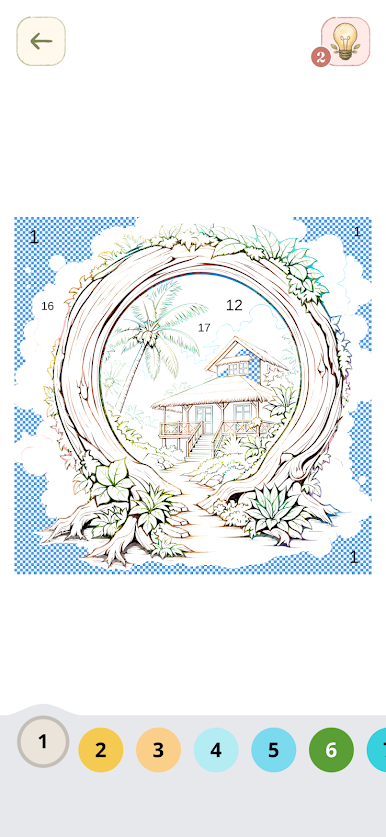
I open the app and there it is again: a cottage, a porch, a reading nook, a room with warmth in the walls. Nothing rushes. Nothing asks too much. I just follow the numbers, tap by tap, and the house begins to remember its colors.
This is simple gameplay, easy to slip into when the day has been loud.
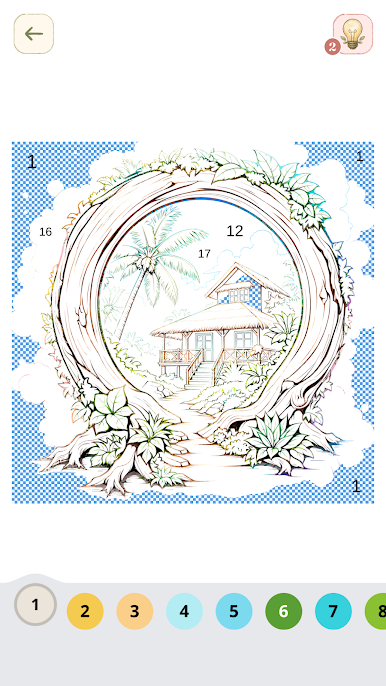
Color by number.
Tap to fill each space.
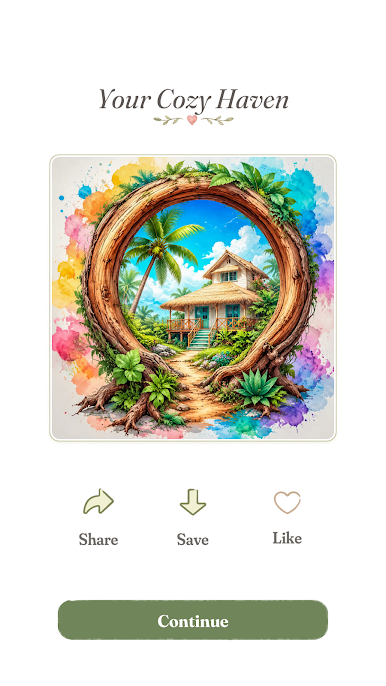
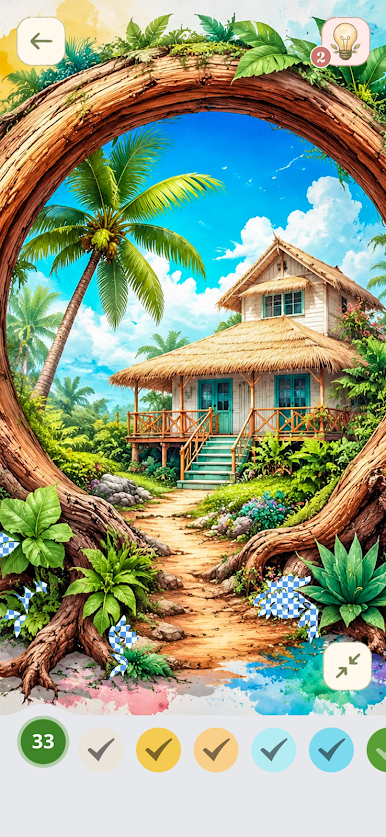
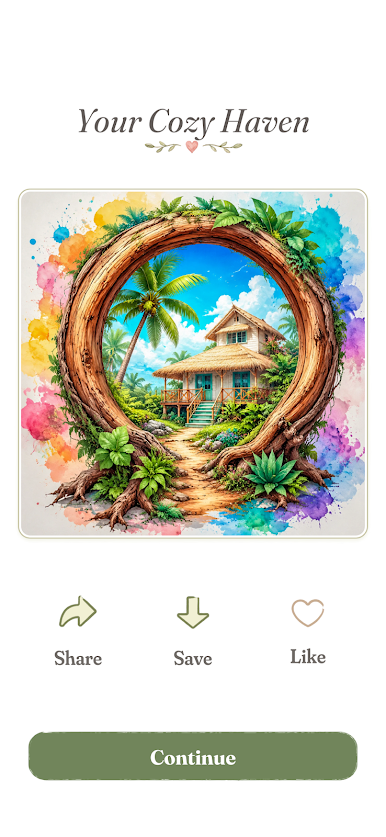
Watch cozy homes, peaceful gardens, and soft interiors come back to life.
But Timber Color is less about finishing a picture than about entering it.
A checked curtain. Weathered wood. A teacup on the table. The glow from a window at dusk. Each scene feels like a place someone loved enough to keep warm.
Play for a few quiet minutes in the morning. Settle in on a slow weekend afternoon. Unwind at night when you want your mind to soften instead of spin. Timber Color offers a gentle kind of creativity: no pressure, no performance, just color arriving where it belongs.
If you love cozy living, home decoration, countryside charm, and the feeling of being tucked away somewhere peaceful, Timber Color gives you a small place to return to.
A house appears.
You light the windows.
For a little while, it feels like home.
Play Timber Color on PC. It’s easy to get started.
-
Download and install BlueStacks on your PC
-
Complete Google sign-in to access the Play Store, or do it later
-
Look for Timber Color in the search bar at the top right corner
-
Click to install Timber Color from the search results
-
Complete Google sign-in (if you skipped step 2) to install Timber Color
-
Click the Timber Color icon on the home screen to start playing

