


Video Editor & Maker - InShot
Play on PC with BlueStacks – the Android Gaming Platform, trusted by 500M+ gamers.

Page Modified on: Feb 11, 2026
Run Video Editor & Maker - InShot on PC or Mac
Multitask effortlessly on your PC or Mac as you try out Video Editor & Maker – InShot, a Photography app by InShot Video Editor on BlueStacks.
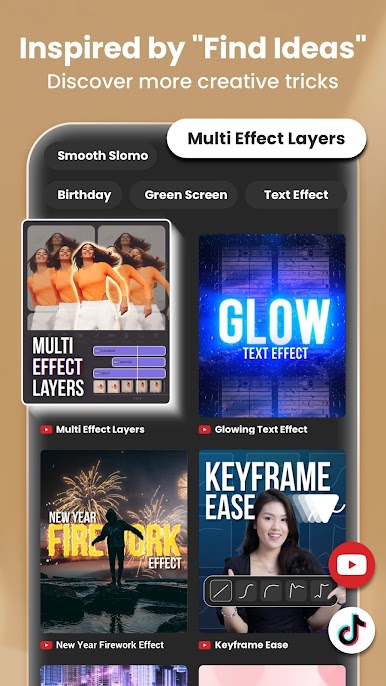
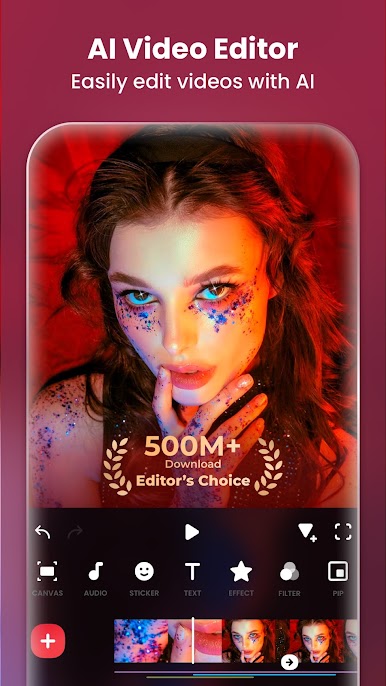
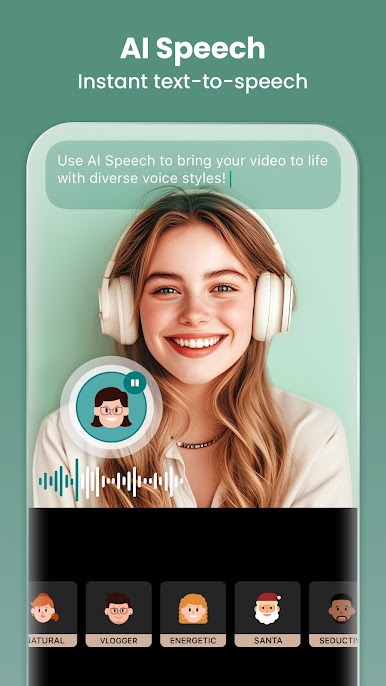
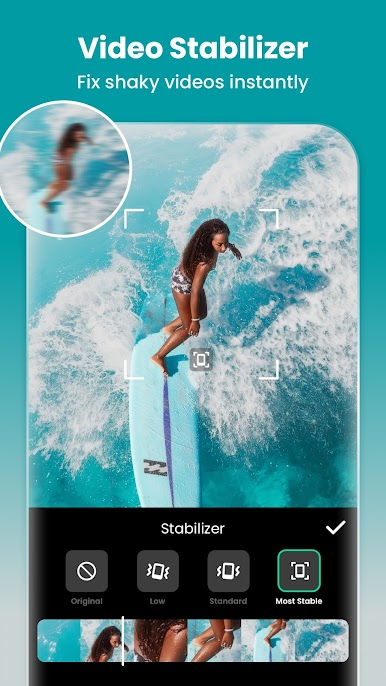
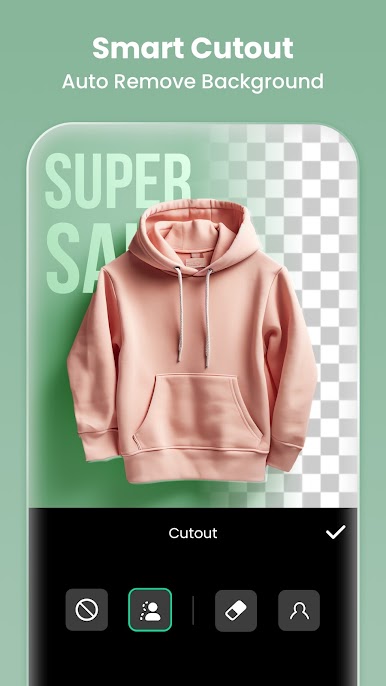
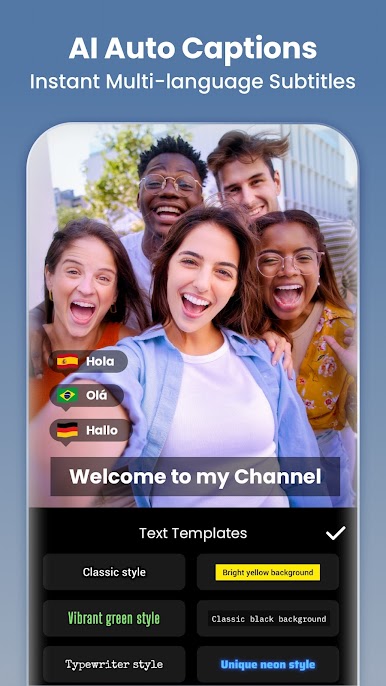
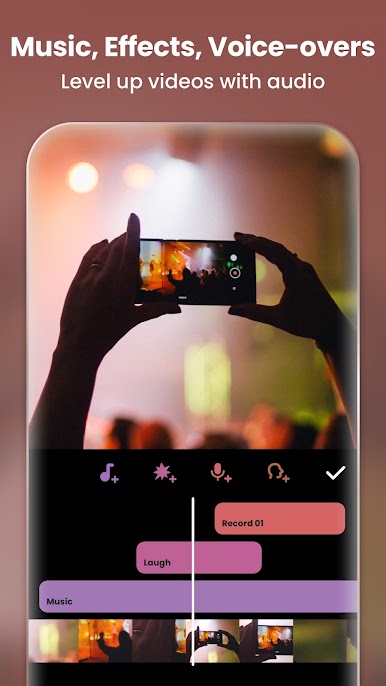
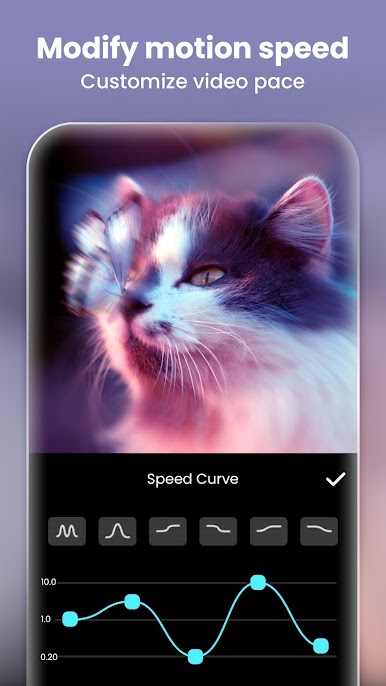
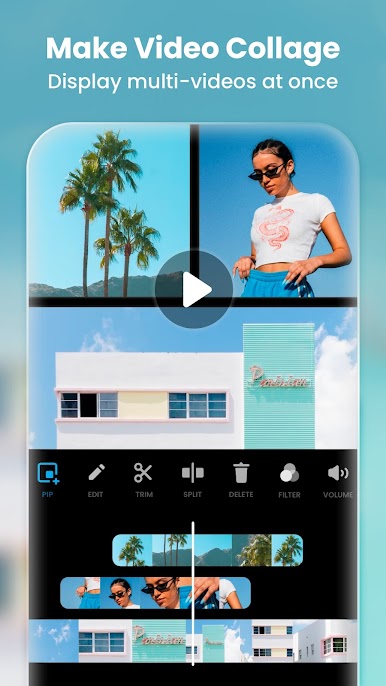
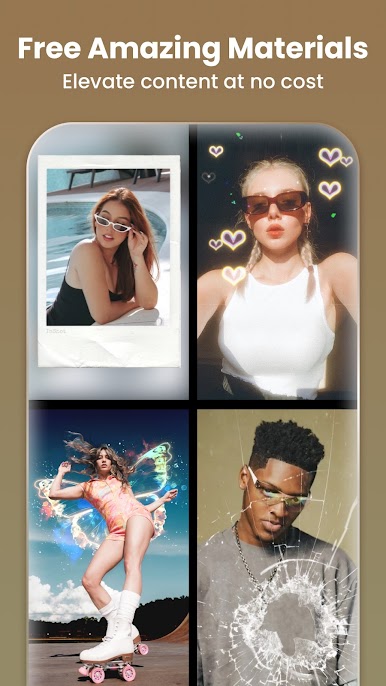
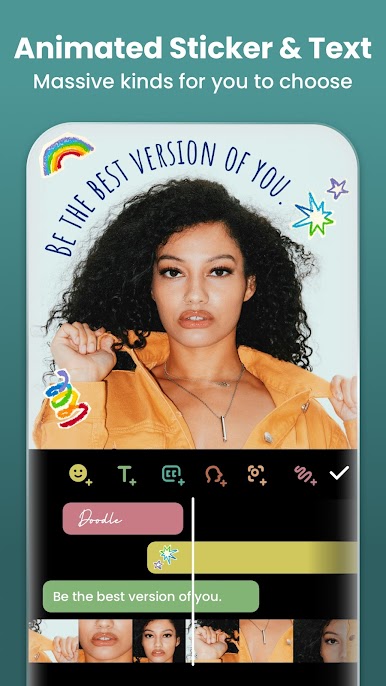
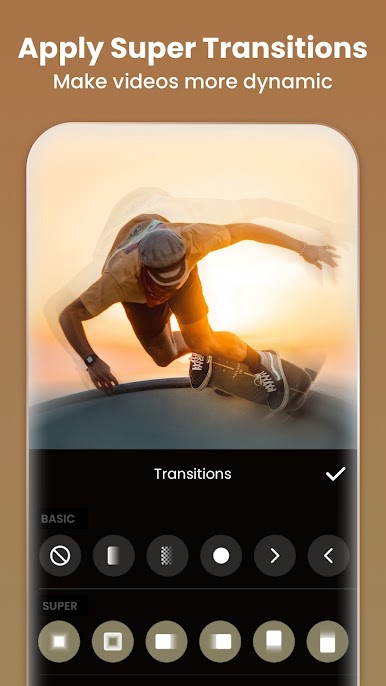
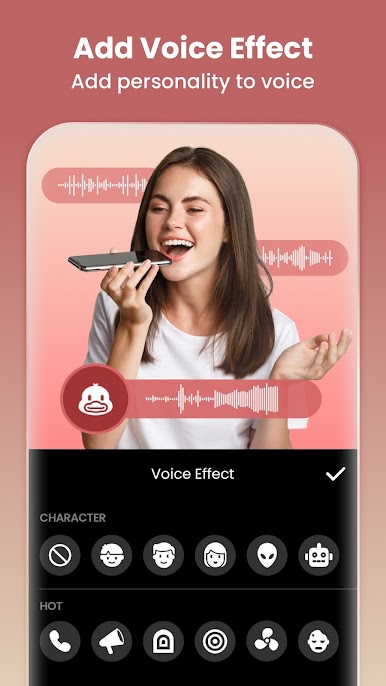
InShot feels like that editor a casual creator actually finishes videos with. The timeline is clean, clips snap into place, trimming and merging are quick, and the slow motion looks smooth instead of choppy. There are a bunch of transitions and filters, from simple fades to those glitchy, retro looks, plus text, emojis, and sticker packs that do not feel like an afterthought. Audio is easy too, with music, sound effects, voice-over, and even fun voice filters if someone wants to play around. The AI bits help more than expected: auto captions save a ton of typing, background removal is one tap when it works right, and smart tracking keeps text or stickers locked onto a moving object so the edit feels intentional. Keyframes, picture-in-picture, blend modes, chroma key for green screens, it is all in there when more control is needed.
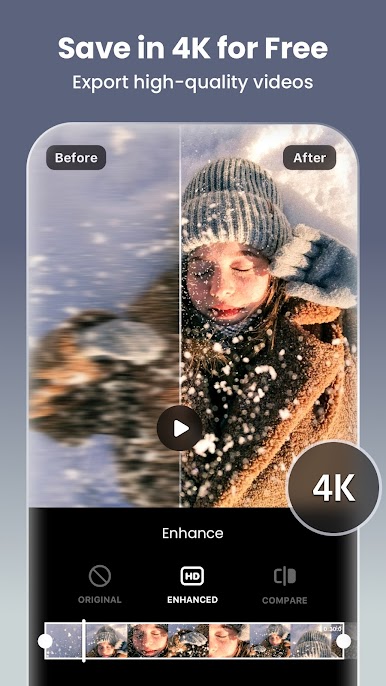
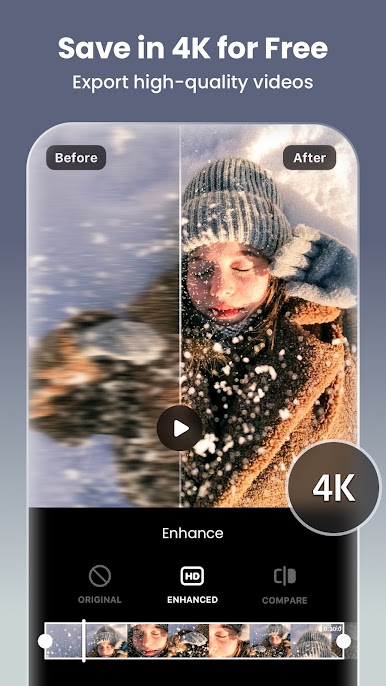
It also doubles as a photo editor, so quick collages, background blur, and an AI photo fixer for soft shots are right beside the video tools. Canvas presets make sizing for Shorts, Reels, TikTok and regular landscape painless, and export can go up to 4K 60fps if the project needs it. On PC with BlueStacks, dragging clips and lining up cuts with a mouse on a bigger screen is just easier, especially when nudging keyframes or stacking layers. It is friendly for beginners, but it does not hit a wall when someone wants to get nerdy with color, speed ramping, or more precise animation.
Big screen. Bigger performance. Use BlueStacks on your PC or Mac to run your favorite apps.


Play Video Editor & Maker - InShot on PC. It’s easy to get started.
-
Download and install BlueStacks on your PC
-
Complete Google sign-in to access the Play Store, or do it later
-
Look for Video Editor & Maker - InShot in the search bar at the top right corner
-
Click to install Video Editor & Maker - InShot from the search results
-
Complete Google sign-in (if you skipped step 2) to install Video Editor & Maker - InShot
-
Click the Video Editor & Maker - InShot icon on the home screen to start playing

