


Hide & Find: Roblock vs Props
Play on PC with BlueStacks – the Android Gaming Platform, trusted by 500M+ gamers.

Page Modified on: May 31, 2023
Play Hide & Find: Roblock vs Props on PC or Mac
Hide & Find: Roblock vs Props is an Action game developed by Lanna Gomez Game. BlueStacks app player is the best platform to play this Android game on your PC or Mac for an immersive gaming experience.
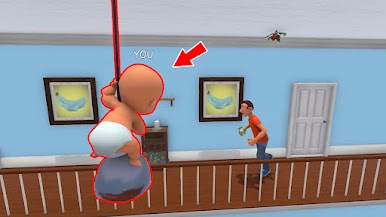
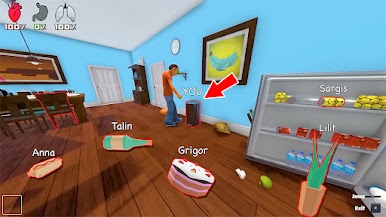
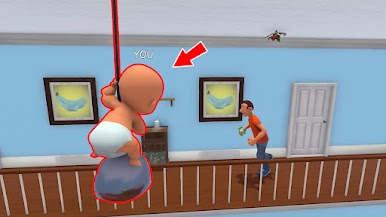
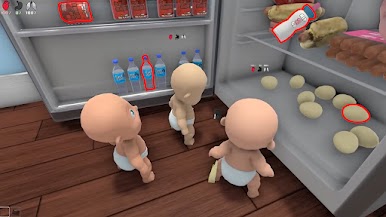
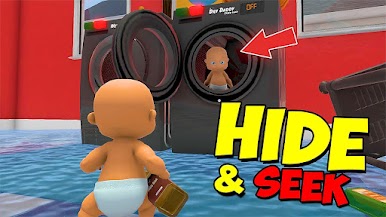
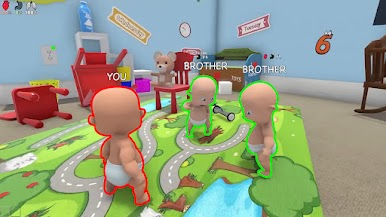
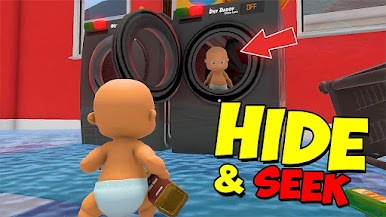
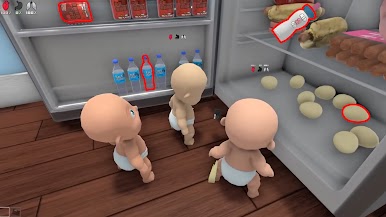
Hide & Find: Roblock vs Props is a thrilling game that brings the classic hide and seeks to life with a twist! Play as either a roblock hunter or a prop hider, and immerse yourself in an action-packed adventure.
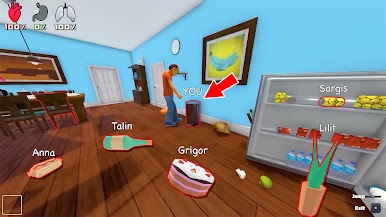
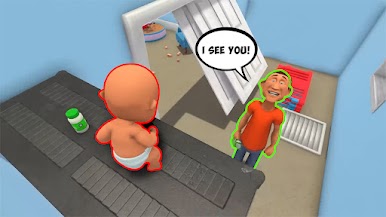
As a hider, explore the arena, searching for the ultimate hiding spot before the seekers show up. Transform into different props and blend in with your surroundings. Be cautious and stay unnoticed, because if the seekers find your hideout and smash you, it’s game over.
On the other hand, as a seeker, roam the map and locate those sneaky hiders. They might be in roblock form or disguised as objects. Use your trusty hammer to smash all the hiders before time runs out to claim victory.
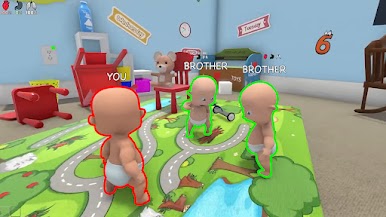
Hide & Find: Roblock vs Props offers endless fun for players of all ages with its exciting hunt-and-seek gameplay. Customize your character with various roblock and impostor outfits that you can unlock. Discover multiple hide-and-seek maps, each presenting new challenges and experiences.
Download Hide & Find: Roblock vs Props on PC with BlueStacks and let the epic battles of hide and seek to begin.
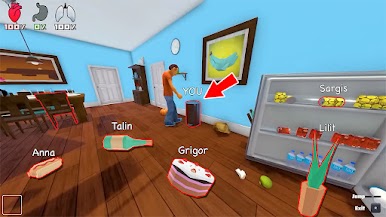
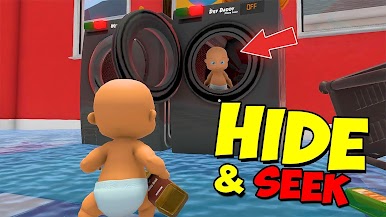
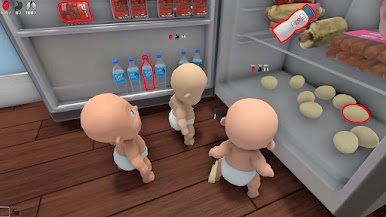
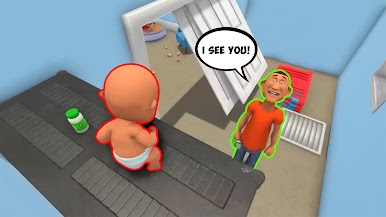

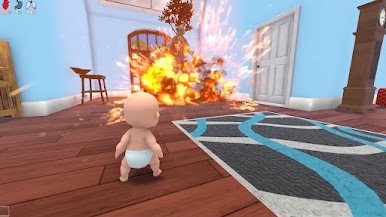
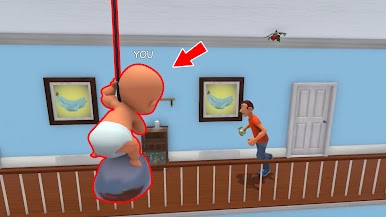

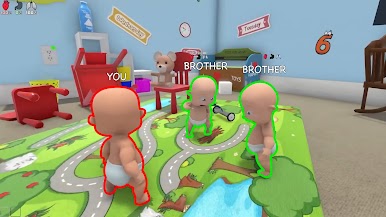
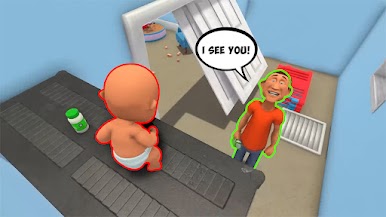

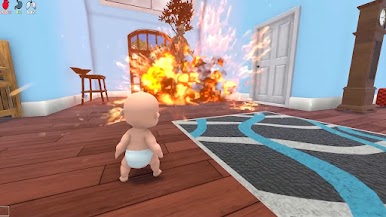
Play Hide & Find: Roblock vs Props on PC. It’s easy to get started.
-
Download and install BlueStacks on your PC
-
Complete Google sign-in to access the Play Store, or do it later
-
Look for Hide & Find: Roblock vs Props in the search bar at the top right corner
-
Click to install Hide & Find: Roblock vs Props from the search results
-
Complete Google sign-in (if you skipped step 2) to install Hide & Find: Roblock vs Props
-
Click the Hide & Find: Roblock vs Props icon on the home screen to start playing

