

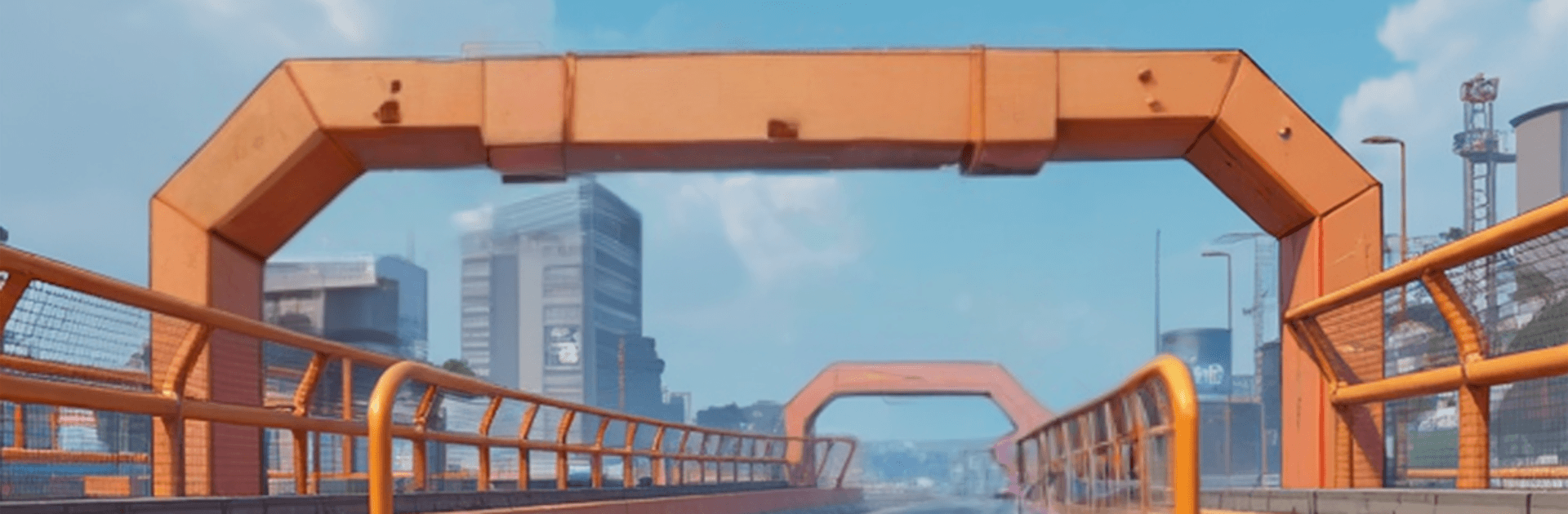
Car Racing: Mega Ramp
Play on PC with BlueStacks – the Android Gaming Platform, trusted by 500M+ gamers.

Page Modified on: Aug 27, 2026
Play Car Racing: Mega Ramp on PC or Mac
Bring your A-game to Car Racing: Mega Ramp, the Racing game sensation from XGAME STUDIO. Give your gameplay the much-needed boost with precise game controls, high FPS graphics, and top-tier features on your PC or Mac with BlueStacks.
About the Game
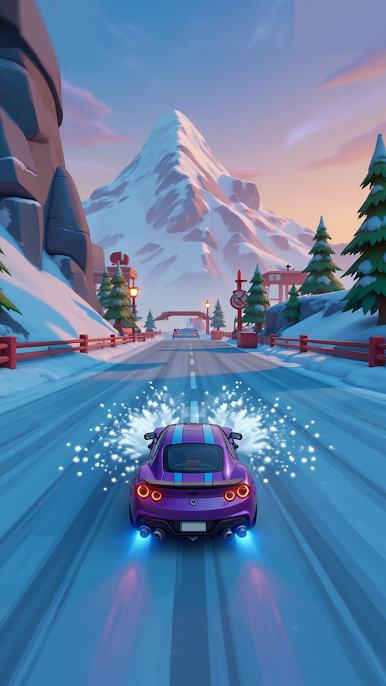
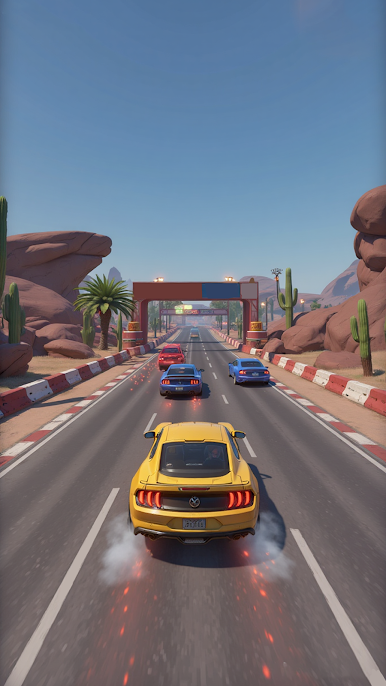
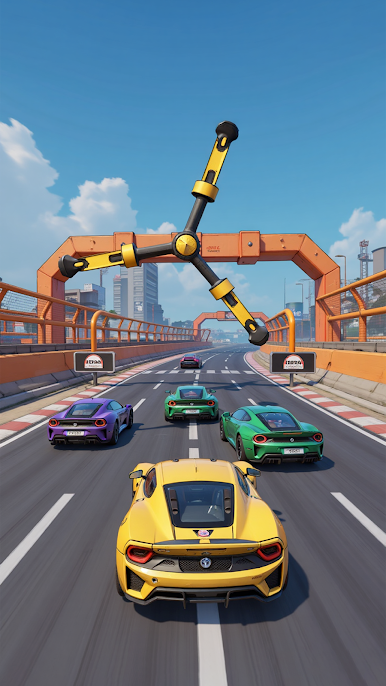
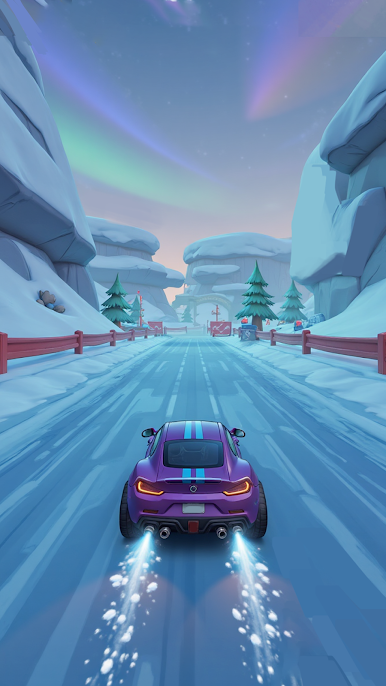
Car Racing: Mega Ramp is all about fast runs, huge airtime, and that sweet feeling when you stick a landing and rocket to the finish. It’s a Racing game from XGAME STUDIO that mixes clean drifting with wild stunt ramps, so every attempt feels like a quick, high-stakes puzzle. Play it on your phone or fire it up on BlueStacks if you like tight controls on a bigger screen.
Game Features
- Mega Ramp Jumps: Soar off towering ramps, thread the needle midair, and touch down without losing momentum.
- Tight Drift Control: Smooth, responsive steering rewards clean lines and confident cornering.
- Timed Boosts: Hit the boost at the perfect moment to clear tricky gaps or steal back a few precious seconds.
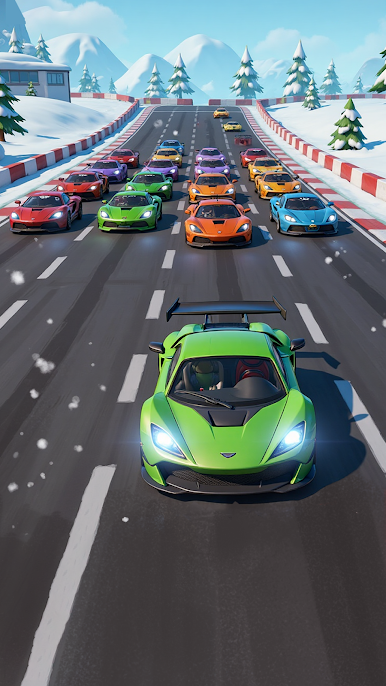
- Build Your Garage: Unlock a lineup of cars that each bring their own personality—grippy, floaty, twitchy, or just plain fast.
- Upgrades That Matter: Tune handling, acceleration, and top speed to match tougher tracks and bigger ramps.
- Quick, Addictive Runs: Short stages make it easy to squeeze in a round, then another, then… okay, one more.
- Skill-Based Progress: Learn the track flow, tighten your route, and shave time by mastering drift angles and landings.
- Punchy 3D Visuals: Crisp effects sell the rush—blur, sparks, and that satisfying thud when you nail a landing.
- Simple to Start, Hard to Perfect: Easy controls get you moving fast; precision and timing separate a good run from a great one.
- Chase Your Best Times: Replay stages to refine your line, beat your ghost, and set a new personal record.
Make your gaming sessions memorable with precise controls that give you an edge in close combats and visuals that pop up, bringing every character to life.
Play Car Racing: Mega Ramp on PC. It’s easy to get started.
-
Download and install BlueStacks on your PC
-
Complete Google sign-in to access the Play Store, or do it later
-
Look for Car Racing: Mega Ramp in the search bar at the top right corner
-
Click to install Car Racing: Mega Ramp from the search results
-
Complete Google sign-in (if you skipped step 2) to install Car Racing: Mega Ramp
-
Click the Car Racing: Mega Ramp icon on the home screen to start playing

