


Endless Escape: Subway Running
Play on PC with BlueStacks – the Android Gaming Platform, trusted by 500M+ gamers.

Page Modified on: Apr 9, 2026
Play Endless Escape: Subway Running on PC
🏃 Ready to Rush & Race?
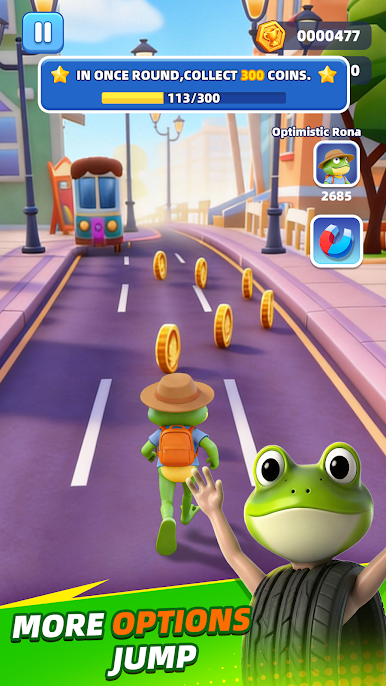
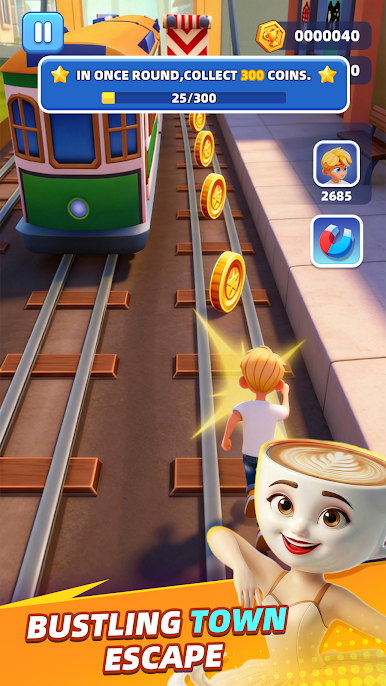
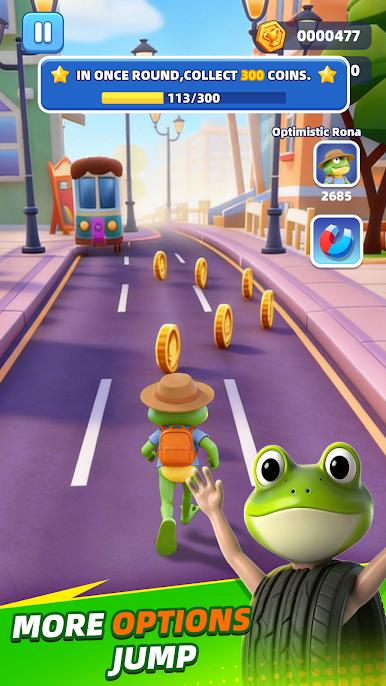
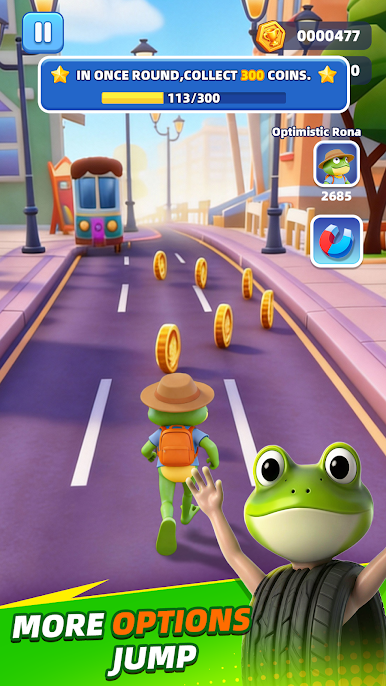
Dive into the most heart-pounding subway chase ever! Sprint at breakneck speed, weave past oncoming trains, and outrun the furious inspector hot on your heels—this is nonstop thrills!
🎮 Epic Game Features
Classic Endless Runner, Elevated: Run, leap, slide and dash to dodge deadly obstacles. How far can your ultimate rush take you?
100% Offline Play: No Wi-Fi? Zero worries! Chase the high score anytime, anywhere, no strings attached.
Iconic Characters & Hoverboards: Unlock one-of-a-kind skins and sleek hoverboards to cruise the subway in bold style.
Game-Changing Power-Ups: Blast past the competition with Jetpacks, Super Sneakers, Coin Magnets and more—boost your way to victory!
Global Leaderboards: Go head-to-head with friends and elite players worldwide. Claim your spot at the top!
🔥 Why Endless Escape: Subway Running Is Your New Obsession
Forget generic running games—we deliver ultra-smooth controls and stunning optimized graphics that look amazing on all devices. Whether you’re a street parkour fanatic or a die-hard subway surfing lover, this is the endless runner you’ve been waiting for!
Download Subway Rush: Endless Runner NOW—100% FREE—and start your subway legend today!









Play Endless Escape: Subway Running on PC. It’s easy to get started.
-
Download and install BlueStacks on your PC
-
Complete Google sign-in to access the Play Store, or do it later
-
Look for Endless Escape: Subway Running in the search bar at the top right corner
-
Click to install Endless Escape: Subway Running from the search results
-
Complete Google sign-in (if you skipped step 2) to install Endless Escape: Subway Running
-
Click the Endless Escape: Subway Running icon on the home screen to start playing

