


Sweet Up!
Play on PC with BlueStacks – the Android Gaming Platform, trusted by 500M+ gamers.

Page Modified on: Nov 15, 2026
Play Sweet Up! on PC
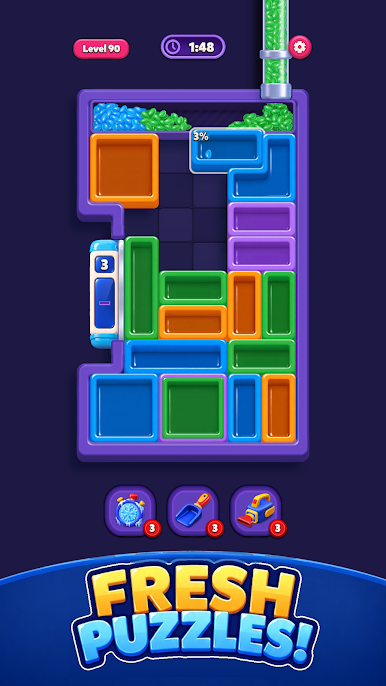
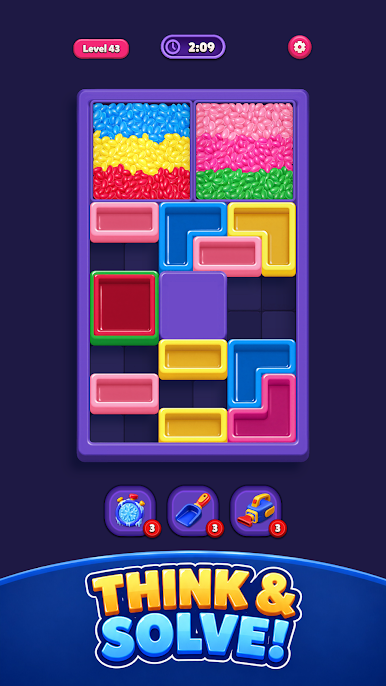
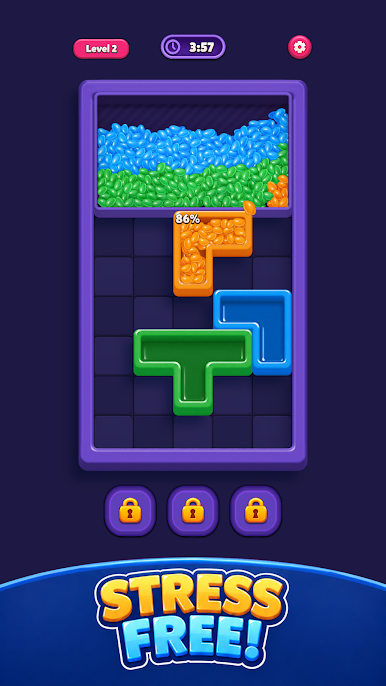
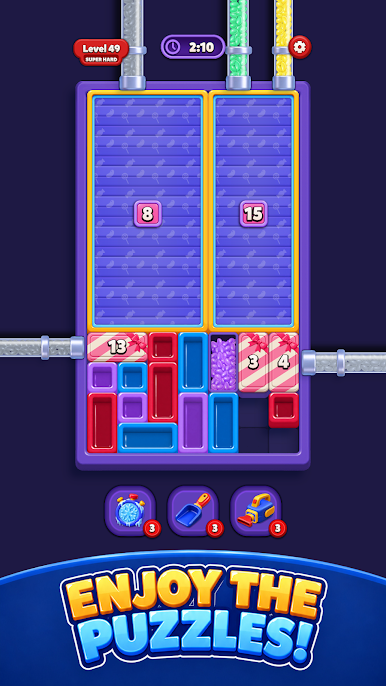
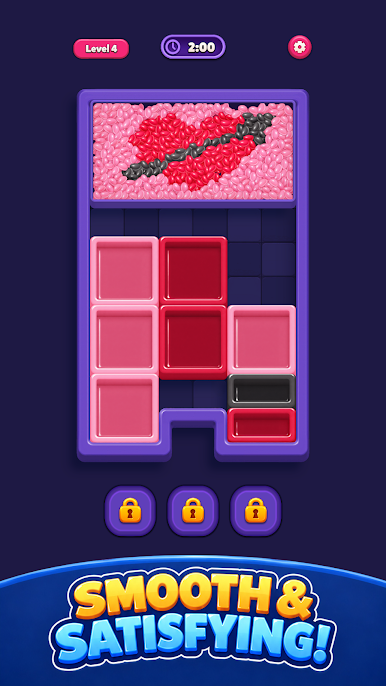
Slide the blocks, fill them with candy, and solve every puzzle! Sweet Up! is a relaxing, free-to-play candy puzzle game that combines the satisfying feel of block-sliding games with a brand-new candy drop mechanic you haven't seen before.
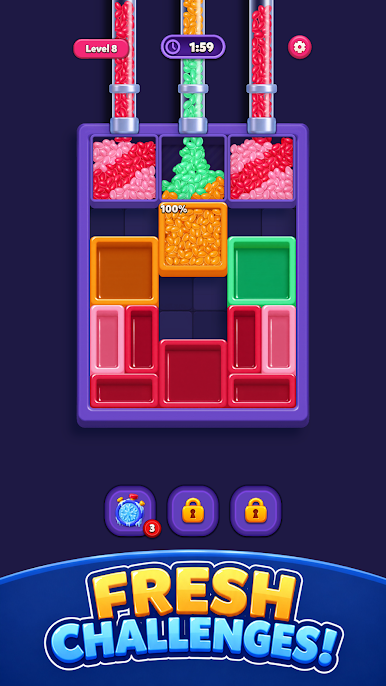
Slide colorful cube blocks to open a path, then watch as piles of candy beans drop, tumble and fill their matching color blocks. Simple, one-finger controls make it easy to pick up, but each level brings a fresh logic challenge that will keep your brain busy.
WHY PLAY SWEET UP!
✔ A unique candy-drop mechanic that is so satisfying to watch — no other block puzzle game plays quite like this
✔ Bright, sweet visuals with satisfying candy bean physics
✔ Simple slide block controls, easy for all ages
✔ Hundreds of hand-crafted puzzle levels
✔ New block types and obstacles as you progress
✔ Hidden Pixel Art: Clear the board to reveal fun pixel-art pictures made of candy
✔ Race the clock and sharpen your puzzle-solving speed
✔ Helpful boosters — Time Freeze, Scoop and Vacuum — for the trickiest levels
HOW TO PLAY
Slide the blocks on the board to clear out a path. Fill each block with candy beans of its matching color before time runs out. Some paths are trickier than others — plan your moves carefully, because one wrong slide can block the candy and cost you the puzzle!
WHO IS THIS GAME FOR?
If you enjoy block puzzle games, candy games, color match games, sort puzzles, or relaxing brain games and logic puzzles, Sweet Up! is your next favorite puzzle game. It's perfect for a quick coffee-break puzzle or a long relaxing session before bed.
Download Sweet Up! now, free to play, and let the candy drop!
Play Sweet Up! on PC. It’s easy to get started.
-
Download and install BlueStacks on your PC
-
Complete Google sign-in to access the Play Store, or do it later
-
Look for Sweet Up! in the search bar at the top right corner
-
Click to install Sweet Up! from the search results
-
Complete Google sign-in (if you skipped step 2) to install Sweet Up!
-
Click the Sweet Up! icon on the home screen to start playing

