

Desert Golfing
Play on PC with BlueStacks – the Android Gaming Platform, trusted by 500M+ gamers.

Page Modified on: Sep 8, 2025
Play Desert Golfing on PC or Mac
Bring your A-game to Desert Golfing, the Sports game sensation from Captain Games. Give your gameplay the much-needed boost with precise game controls, high FPS graphics, and top-tier features on your PC or Mac with BlueStacks.
About the Game
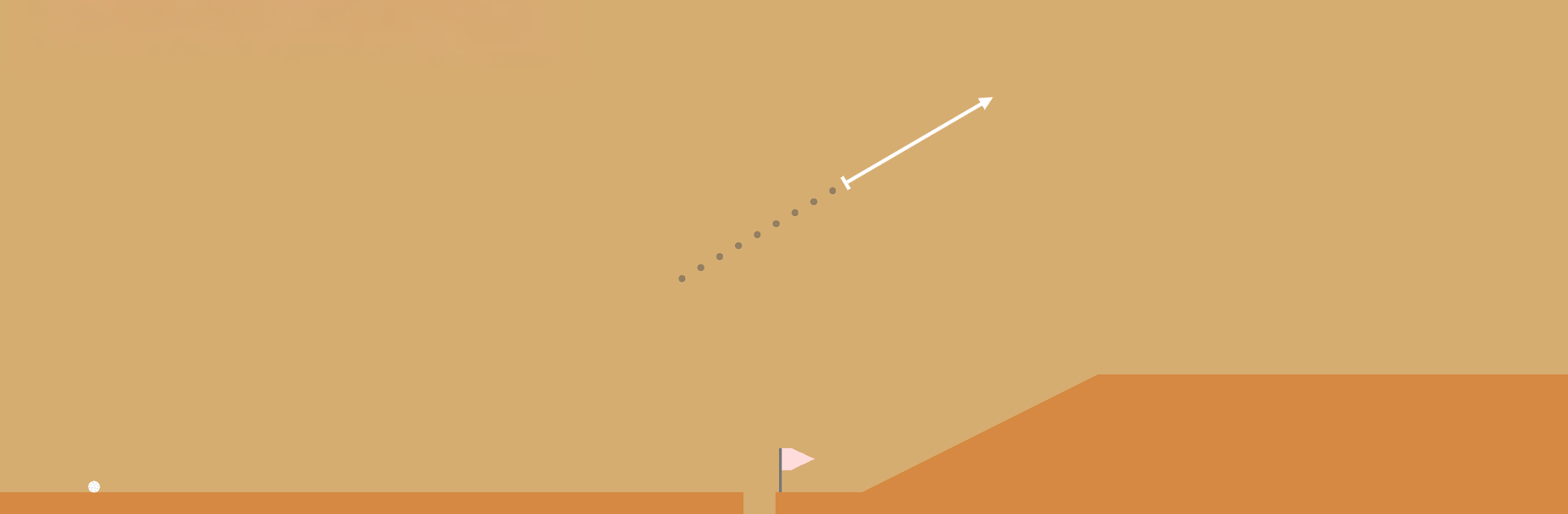
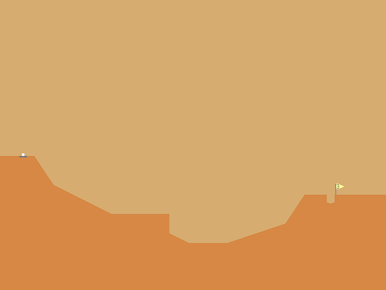
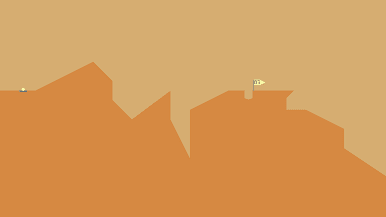
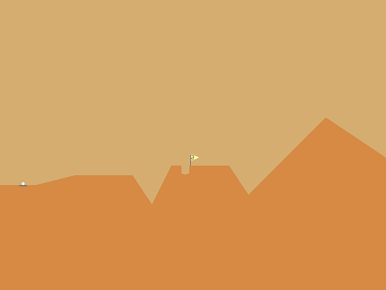
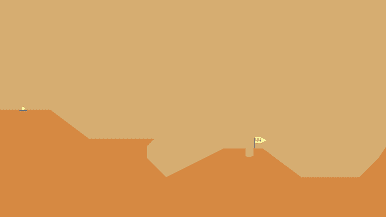
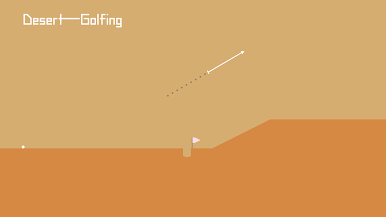
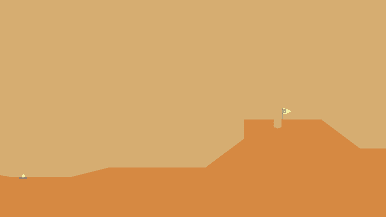
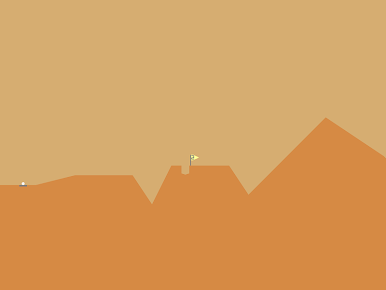
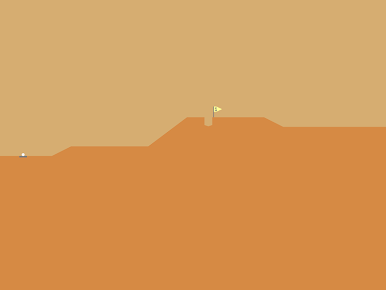
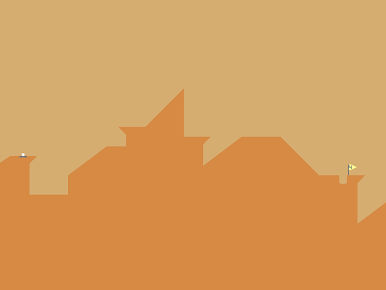
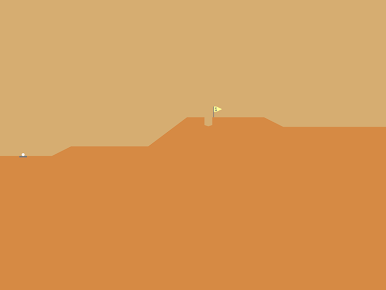
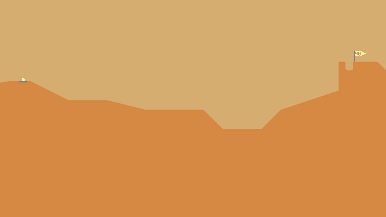
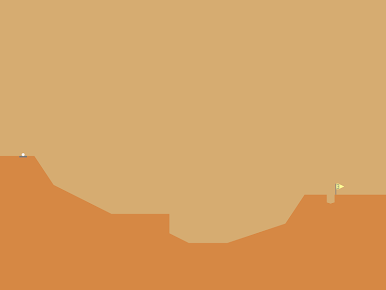
Desert Golfing is a quiet, oddly soothing Sports game from Captain Games where a single good shot can make your day. It’s just you, a ball, and a never-ending stretch of dunes shaped into simple, tricky holes. Line up your angle, judge the bump ahead, and send the ball arcing through a heat-hazy sky.
Game Features
- Clean desert vibe: A minimal sand-and-sky look keeps the focus on the terrain—every ridge, dip, and cactus matters when you’re trying to stick the landing.
- One-touch precision: Drag to aim, set your power, and release. The physics feel grounded, so tiny adjustments actually pay off.
- Seemingly endless holes: The course keeps rolling with fresh layouts, so there’s always one more flag just over the next hill.
- Persistent play: Miss a shot? You’ll take the next one from where the ball stopped, which makes every stroke feel meaningful.
- Subtle challenge curve: Early holes teach the basics; later ones ask for bank shots, soft landings, and clever use of slope.
- Quick-and-quiet sessions: No timers or noise—perfect for a few thoughtful shots during a break or an hour-long trance.
- Satisfying feedback: Crisp arcs, gentle bounces, and that tiny “thunk” when it drops in the cup scratch the same itch as landing a perfect putt.
- Play your way: Works great on mobile, and if you prefer a bigger screen and mouse control, you can run it on BlueStacks without changing the vibe.
Ready to top the leaderboard? We bet you do. Let precise controls and sharp visuals optimized on BlueStacks lead you to victory.

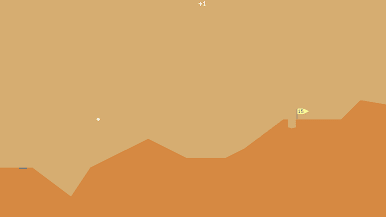
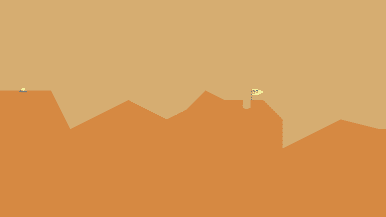
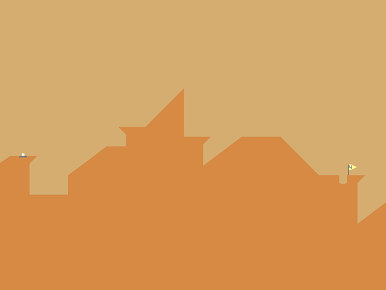
Play Desert Golfing on PC. It’s easy to get started.
-
Download and install BlueStacks on your PC
-
Complete Google sign-in to access the Play Store, or do it later
-
Look for Desert Golfing in the search bar at the top right corner
-
Click to install Desert Golfing from the search results
-
Complete Google sign-in (if you skipped step 2) to install Desert Golfing
-
Click the Desert Golfing icon on the home screen to start playing

