


Conflict-TY Blood War
Play on PC with BlueStacks – the Android Gaming Platform, trusted by 500M+ gamers.

Page Modified on: Feb 9, 2026
Play Conflict-TY Blood War on PC
Provide EN / FR / DE / ZH-TW / KR versions
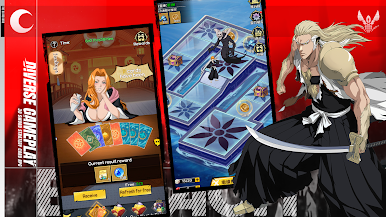
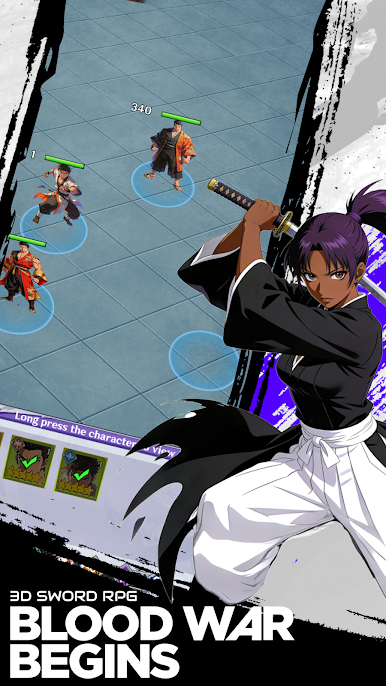
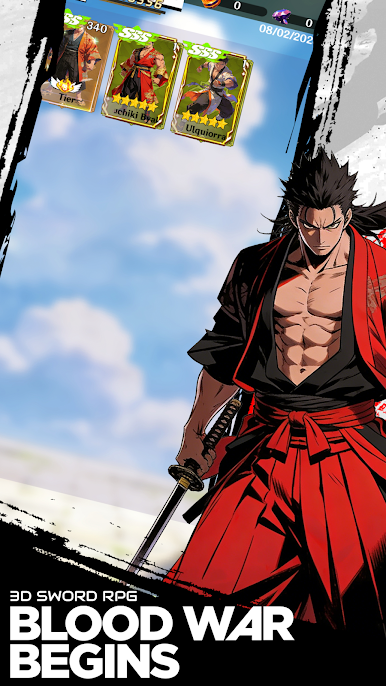
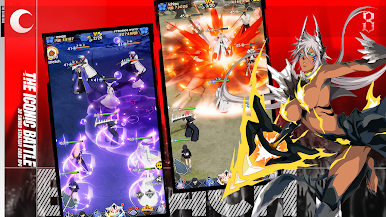
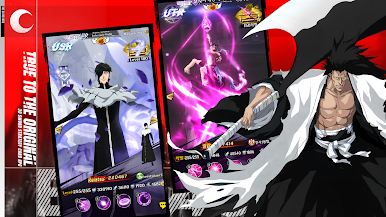
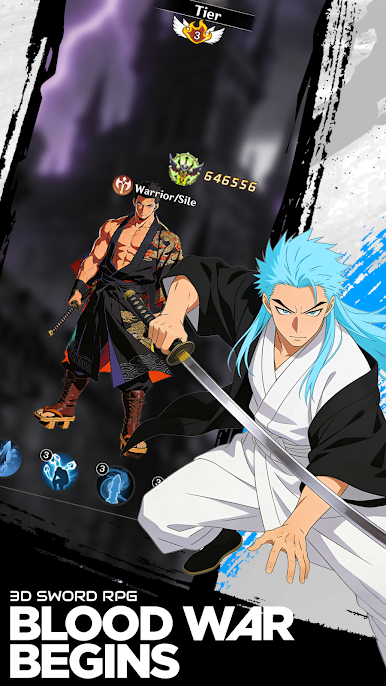
Conflict Thousand Year Blood War is an anime-style RPG centered on squad combat and character progression.
Recruit warriors with diverse abilities and battlefield roles to form your ideal lineup.
Move through story-driven stages, take on formidable enemies, and improve your tactics through team composition and upgrades.
The gameplay focuses on long-term growth, strategic encounters, and collection-based development.
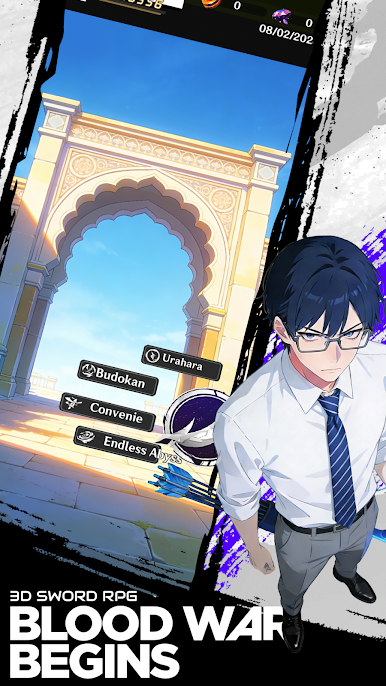
With multiple modes including PvE content and competitive challenges, players can enjoy casual sessions or commit to deeper team building.
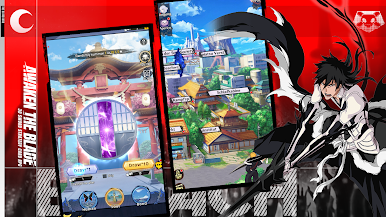
Enter a realm shaped by blades and souls, strengthen your forces, and fight your way forward.
Play Conflict-TY Blood War on PC. It’s easy to get started.
-
Download and install BlueStacks on your PC
-
Complete Google sign-in to access the Play Store, or do it later
-
Look for Conflict-TY Blood War in the search bar at the top right corner
-
Click to install Conflict-TY Blood War from the search results
-
Complete Google sign-in (if you skipped step 2) to install Conflict-TY Blood War
-
Click the Conflict-TY Blood War icon on the home screen to start playing

