


Solitaire Game:Classic Card
Play on PC with BlueStacks – the Android Gaming Platform, trusted by 500M+ gamers.

Page Modified on: Feb 28, 2026
Play Solitaire Game:Classic Card on PC
Dynamically Adapt Your Technology: Carefully Analyze Every Step You Take, Proactively Adjust Challenge Levels, Worry Free for Beginners, Enjoy for Experts!
Elegance at fingertips: The operation feels extremely smooth, the drag and drop animation is pleasing to the eye, bidding farewell to outdated experiences and welcoming the charm of creative design.
One click access to the game on the screen: If default home screen permissions are granted, you can quickly enter the game on the home screen. Your screen may change, but rest assured that your original application is still usable.
For more application usage instructions, please click on this link: https://eckertplay.com/#FAQ
Join now for the perfect fusion of intellectual and aesthetic enjoyment!
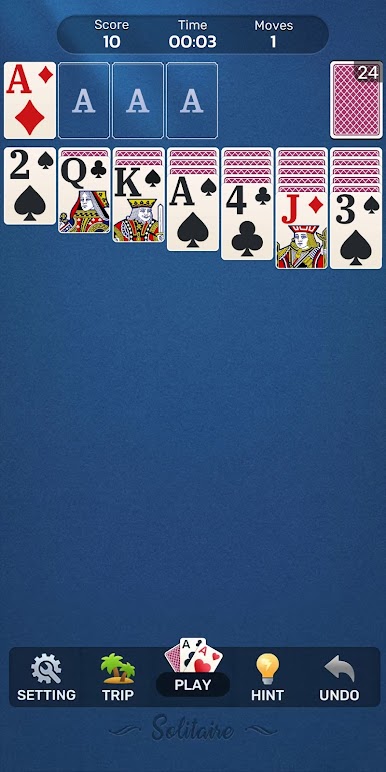


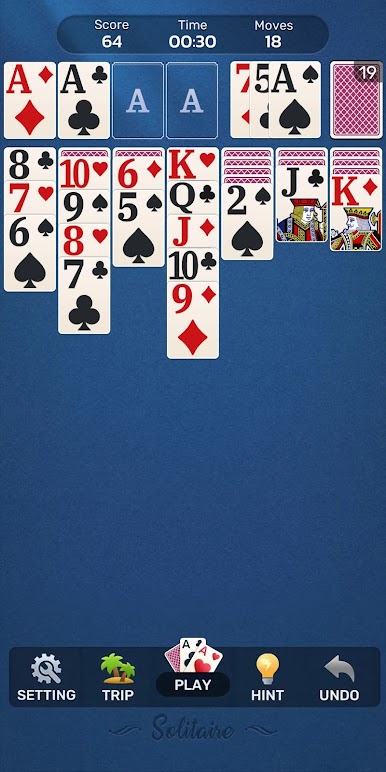
Play Solitaire Game:Classic Card on PC. It’s easy to get started.
-
Download and install BlueStacks on your PC
-
Complete Google sign-in to access the Play Store, or do it later
-
Look for Solitaire Game:Classic Card in the search bar at the top right corner
-
Click to install Solitaire Game:Classic Card from the search results
-
Complete Google sign-in (if you skipped step 2) to install Solitaire Game:Classic Card
-
Click the Solitaire Game:Classic Card icon on the home screen to start playing

