


Solitaire Game:Classic Card
Play on PC with BlueStacks – the Android Gaming Platform, trusted by 500M+ gamers.

Page Modified on: Sep 4, 2026
Play Solitaire Game:Classic Card on PC
[ DESKTOP MANAGEMENT TOOLS ]
Elevate your device efficiency with our Smart Desktop Technology. This configuration prioritizes speed and organization for your digital workspace.
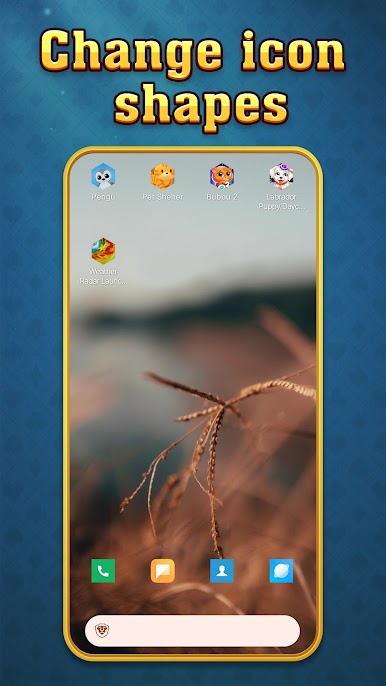
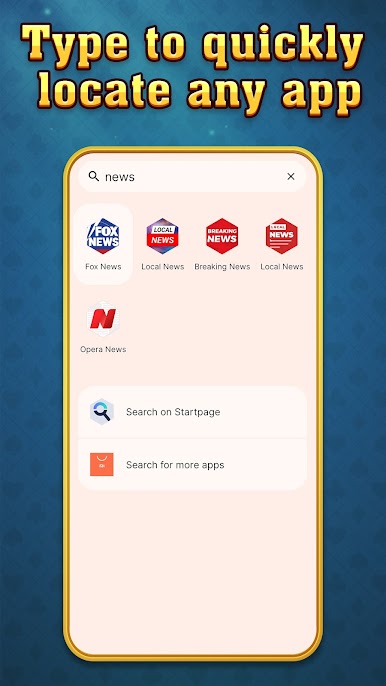
Global App Index: Access a searchable drawer that organizes all your installed applications for rapid, one-touch retrieval. 🔍
Desktop Clarity: Enjoy an optimized home screen layout that reduces visual clutter, keeping your mobile environment clean and professional.
[ SYSTEM CONTROL & FLEXIBILITY ]
Data Integrity: Your original applications and personal files remain 100% secure. This interface merely optimizes your home screen’s visual layout.
User Authority: You stay in command. Revert to your previous system-defined launcher or original desktop at any time through your device settings.
[ INTEGRATED GAMING TOOLS ]
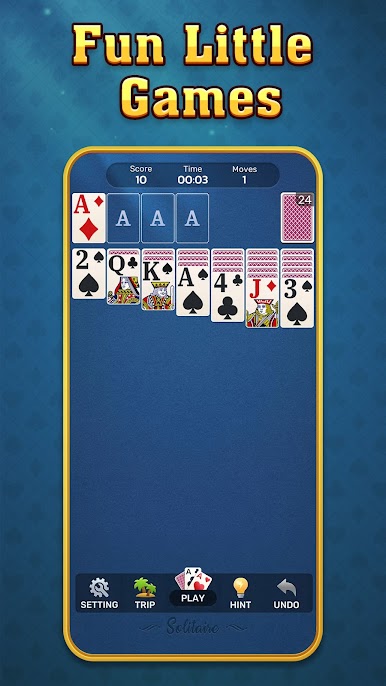
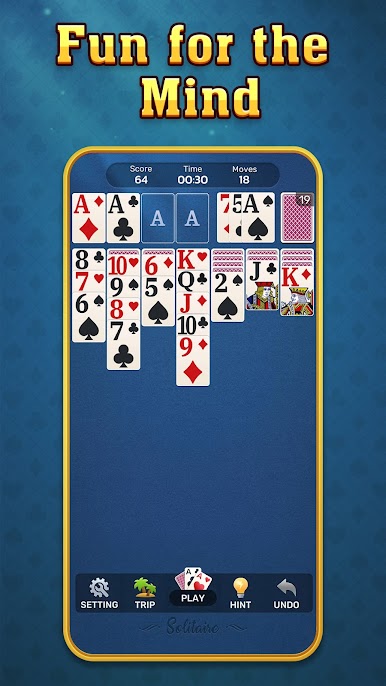
Strategic Matching Tool: Engage with classic card mechanics designed to evaluate your logic and focus. Our system provides a balanced environment that adapts to your interaction style for a consistent experience.
Precision Interaction: Experience ultra-responsive drag-and-drop mechanics with fluid animations designed for maximum operational smoothness.
Intellectual Analytics: Monitor your session data to ensure the most efficient path forward, removing the friction of traditional card-matching designs.
Resource Hub: Access detailed configuration steps and a comprehensive FAQ at our technical portal: https://eckertplay.com/#FAQ
Play Solitaire Game:Classic Card on PC. It’s easy to get started.
-
Download and install BlueStacks on your PC
-
Complete Google sign-in to access the Play Store, or do it later
-
Look for Solitaire Game:Classic Card in the search bar at the top right corner
-
Click to install Solitaire Game:Classic Card from the search results
-
Complete Google sign-in (if you skipped step 2) to install Solitaire Game:Classic Card
-
Click the Solitaire Game:Classic Card icon on the home screen to start playing

