


FreeCell Solitaire Fun
Play on PC with BlueStacks – the Android Gaming Platform, trusted by 500M+ gamers.

Page Modified on: Oct 27, 2025
Play FreeCell Solitaire Fun on PC or Mac
From the innovators and creators at Neworld Games, FreeCell Solitaire Fun is another fun addition to the World of Card games. Go beyond your mobile screen and play it bigger and better on your PC or Mac. An immersive experience awaits you.
About the Game
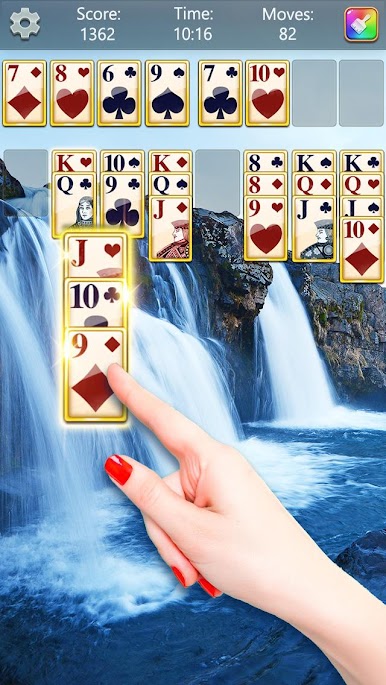
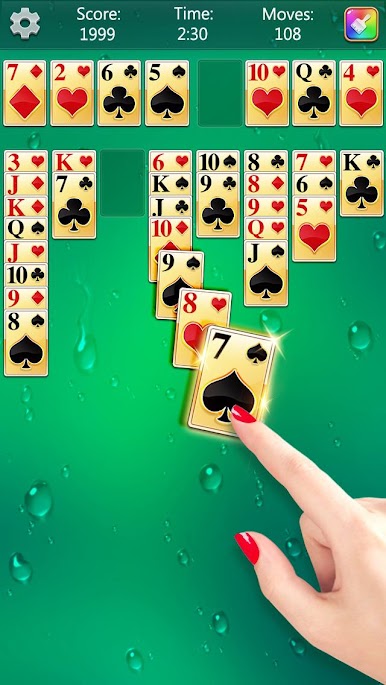
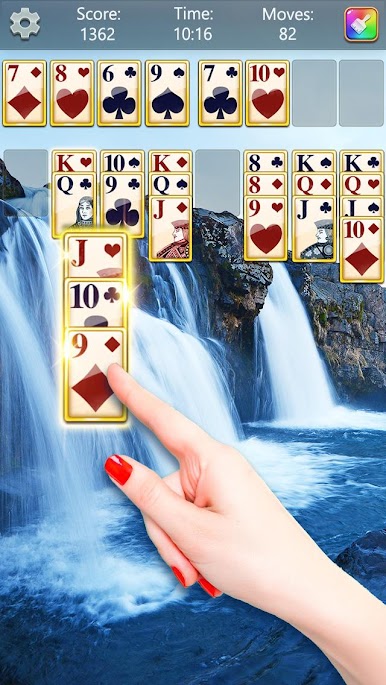
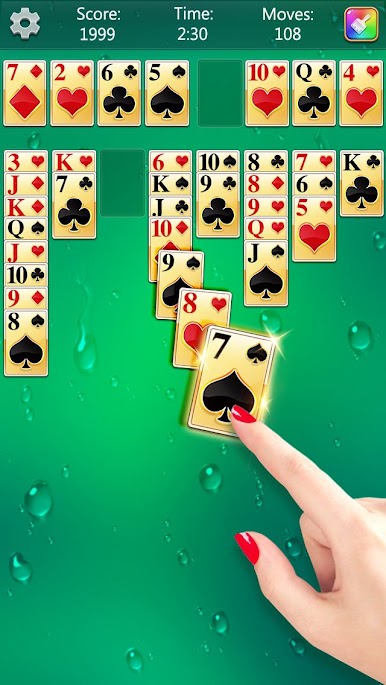
FreeCell Solitaire Fun is a thoughtful, relaxing take on classic FreeCell from Neworld Games. It’s all about smart moves and satisfying solves, with a ton of variety so you always have a new puzzle waiting. If you enjoy Card games that reward strategy and a bit of patience, this one gives you a clean, customizable experience with some clever helpers along the way.
Game Features
- Huge set of solvable deals: Tackle thousands of guaranteed-winning layouts, perfect for practicing moves or chasing streaks.
- Handy helpers built in: Use Hints, Undo, and special Magic Wands when a layout gets tricky. The Backpack and Star Chest systems give you extra tools and goodies as you play.
- Clean, quick controls: Tap to move cards in a snap or drag and drop if that feels better. Either way, it’s smooth.
- Play how you like: Left-handed mode and auto-collect at the end keep the flow comfortable and fast.
- Daily goals and rewards: Fresh challenges arrive every day with bonus prizes for completing them.
- Make it yours: Swap between dozens of card faces and backs—wood, golden, diamond, candy, animal, flower, and more—and pair them with matching backgrounds and themes.
- Polished presentation: Crisp visuals and pleasant animations make every win feel extra satisfying.
- Always available: No connection? No problem. Play offline anytime, and pick from multiple languages.
- Nice on PC, too: Prefer a bigger screen? You can play with BlueStacks for comfy mouse controls while keeping the same smooth gameplay.
Get ready for a buttery smooth, high-performance gaming action only on BlueStacks.









Play FreeCell Solitaire Fun on PC. It’s easy to get started.
-
Download and install BlueStacks on your PC
-
Complete Google sign-in to access the Play Store, or do it later
-
Look for FreeCell Solitaire Fun in the search bar at the top right corner
-
Click to install FreeCell Solitaire Fun from the search results
-
Complete Google sign-in (if you skipped step 2) to install FreeCell Solitaire Fun
-
Click the FreeCell Solitaire Fun icon on the home screen to start playing

