


Car Soccer
Play on PC with BlueStacks – the Android Gaming Platform, trusted by 500M+ gamers.

Page Modified on: Sep 26, 2026
Overview
CONTROLLER SUPPORT
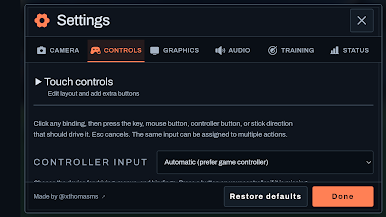
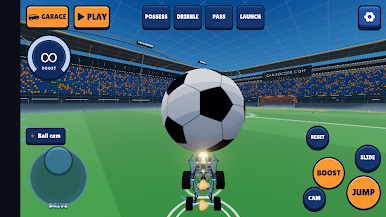
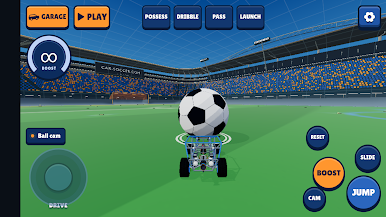
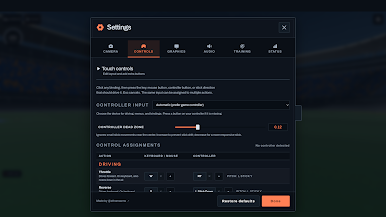
Connect a compatible Bluetooth or USB controller and play with ready-to-use controls. Steer, accelerate, boost, jump, air roll and powerslide with your gamepad. Customize your bindings in Settings. On-screen touch controls are included.
ONLINE MULTIPLAYER
Create a public or private room, or join using an invite. Play 1v1, 2v2 or 3v3 with Android and browser players. Choose teams, add bots or watch as a spectator. The room creator hosts the match and must keep the game open. Internet access is required. Android uses automatic player and room labels; free-text chat is unavailable.
OFFLINE BOT MATCHES
Choose Gold, Platinum, Diamond or Grand Champion difficulty for a five-minute 1v1 match with overtime. All four opponents run on your device.
FREE PLAY AND TRAINING
Practice shots, dribbling and aerial control without a match clock. Training controls let you reset the ball and set up attempts. Free play has no automatic ads.
REPLAYS AND CLIPS
Watch goal replays, save gameplay clips and edit replay views. Export an MP4 or replay file using Android's file picker. Clips stay on your device unless you choose to export them.
CARS AND GRAPHICS
Start with the free Realistic car and Arcade graphics. Complete an optional rewarded ad for each alternate-car selection; that selection lasts until you switch cars. Complete one optional rewarded ad to permanently unlock Realistic graphics on that installation. The graphics unlock is separate from car selection and is stored locally; clearing app data removes it.
ADVERTISING
Occasional full-screen ads may appear after completed bot matches, or before explicitly joining or creating an online room. They use shared limits: two completed games, at least ten minutes between full-screen ads and no more than three automatic ads per hour. Live play and rematches inside a room are uninterrupted. If an ad is unavailable, play continues. Rewarded ads require a connection.
No player account is required. Free play and bot matches work offline with your selected car.
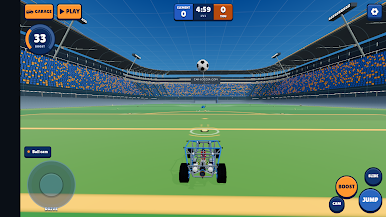
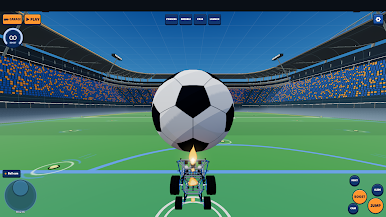
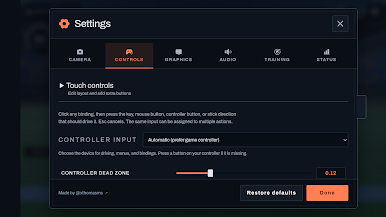
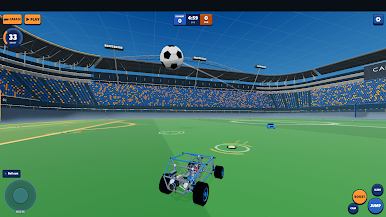
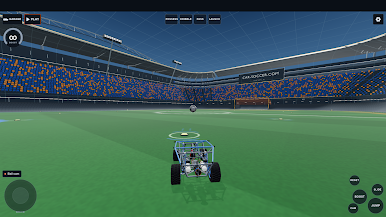
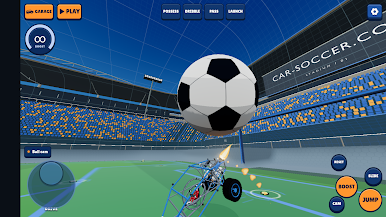
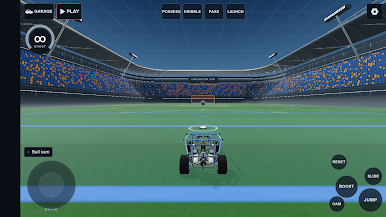
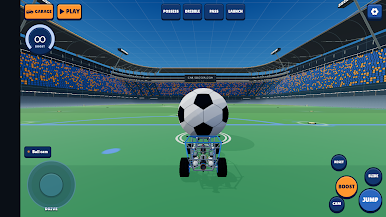
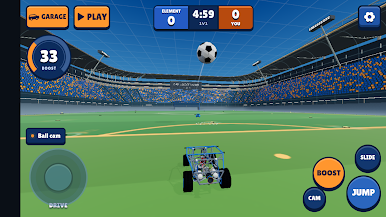
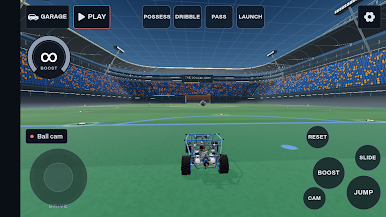
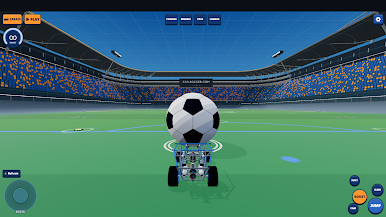
Play Car Soccer on PC. It’s easy to get started.
-
Download and install BlueStacks on your PC
-
Complete Google sign-in to access the Play Store, or do it later
-
Look for Car Soccer in the search bar at the top right corner
-
Click to install Car Soccer from the search results
-
Complete Google sign-in (if you skipped step 2) to install Car Soccer
-
Click the Car Soccer icon on the home screen to start playing

