


Cash Market Clicker: Win Money
Play on PC with BlueStacks – the Android Gaming Platform, trusted by 500M+ gamers.

Page Modified on: Oct 13, 2026
Play Cash Market Clicker: Win Money on PC
Features
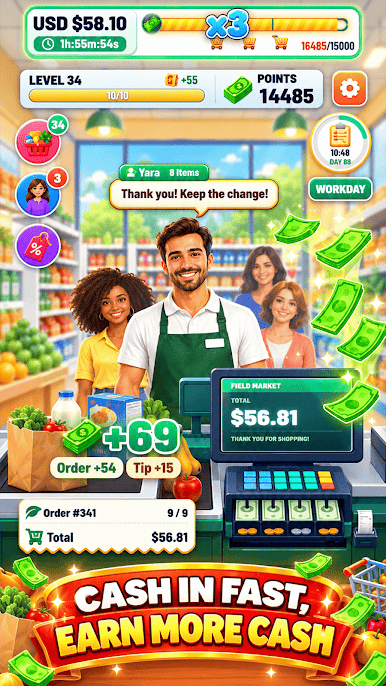
Customer Item Selection - Process purchases based on the items selected by customers and follow each checkout transaction.
Tap to Checkout - Tap the screen to handle customer purchases and earn cash through the checkout process.
Market Cashier Theme - Experience a shopping environment centered on customer orders, payments, and cashier activities.
Purchase Processing - Follow the flow of selected items as each customer transaction moves toward completion.
Simple Clicking Controls - Use easy screen taps to keep checkout interactions moving and make each purchase count.
Cash Market Clicker: Win Money combines customer shopping, item selection, and tap based checkout gameplay in one market themed experience.
DISCLAIMER:
Cash Market Clicker: Win Money is a free game for ages 18 and up. There are no in-game purchases or top-ups. All rewards are earned through gameplay. This game does not simulate gambling and is not classified as a social casino.
This application is not affiliated with any platform provider, operating system provider, or device manufacturer.
For support or privacy policy inquiries, please contact:
support@thinkysplashgamestudio.net
Privacy Policy:http://www.thinkysplashgamestudio.net/policy.html


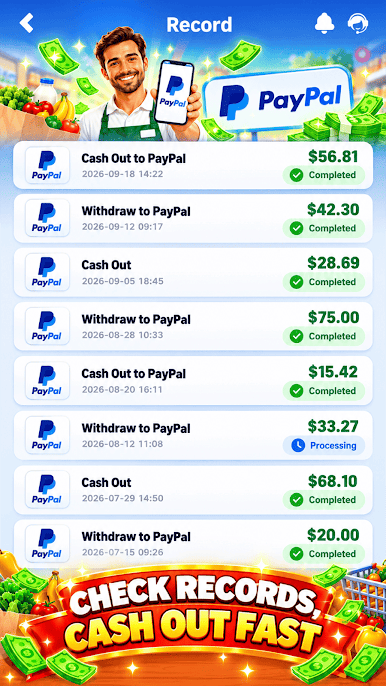
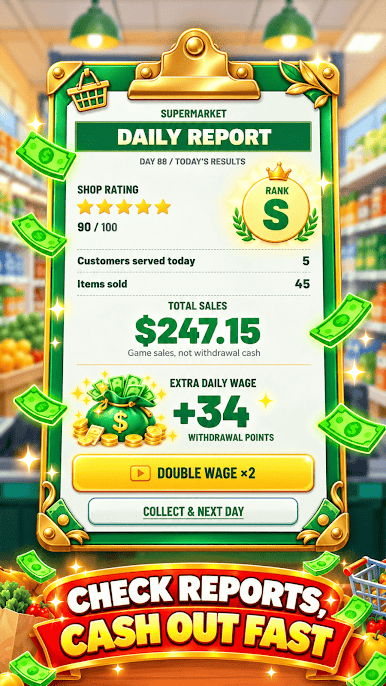
Play Cash Market Clicker: Win Money on PC. It’s easy to get started.
-
Download and install BlueStacks on your PC
-
Complete Google sign-in to access the Play Store, or do it later
-
Look for Cash Market Clicker: Win Money in the search bar at the top right corner
-
Click to install Cash Market Clicker: Win Money from the search results
-
Complete Google sign-in (if you skipped step 2) to install Cash Market Clicker: Win Money
-
Click the Cash Market Clicker: Win Money icon on the home screen to start playing

