


Cash Clash:Solitaire Win Cash!
Play on PC with BlueStacks – the Android Gaming Platform, trusted by 500M+ gamers.

Page Modified on: May 14, 2026
Play Cash Clash:Solitaire Win Cash! on PC
Solitaire Win Cash puts a simple earning model behind every Klondike Solitaire game you finish. No tournaments, no chat groups, no team events. Just you, the cards, and a balance that grows with each completed board.
What You Do Each Round
Start with a standard shuffled tableau. Move cards to build descending sequences with alternating colors. Transfer completed sequences to the foundation piles from Ace to King. Clear every card from the tableau to finish the round. Your remaining time and move count determine the coin amount you receive.
How Earnings Add Up
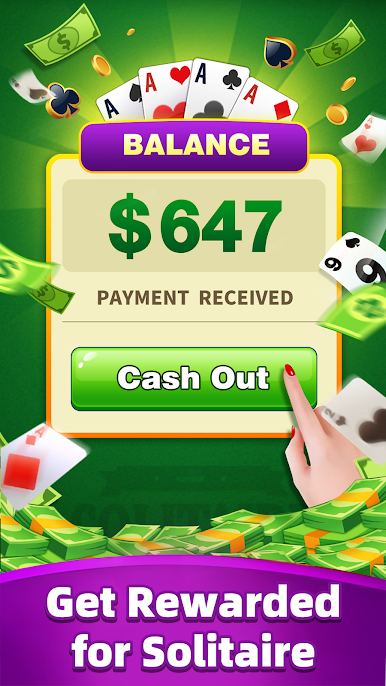
Each finished round pays a base coin reward. Faster completions earn bonus coins. The game also includes daily challenges—such as finishing three rounds or clearing a board within a time limit—that add extra coins to your balance. No need to win against anyone else; your only opponent is the layout.
Moving Money to PayPal
Once your balance reaches the payout threshold, tap the withdrawal button. The funds transfer directly to your linked PayPal account. The process uses secure connections and typically completes within a short window. Your earnings do not expire or shrink while you wait.
No Social Features, No Pressure
You will not be asked to join a team, add friends, or enter a tournament. There are no chat bubbles, no leaderboard rankings, and no event countdowns forcing you to play at specific times. Open the app, play a round, close it—or keep going. The pace stays under your control.
Start with One Game
Download Solitaire Win Cash. A fresh deal appears immediately. Drag cards to their correct spots. Clear the board. See your coin total rise. No tutorials required. Each successful round brings you closer to another PayPal cashout. Download now and let your solitaire skills earn!



Play Cash Clash:Solitaire Win Cash! on PC. It’s easy to get started.
-
Download and install BlueStacks on your PC
-
Complete Google sign-in to access the Play Store, or do it later
-
Look for Cash Clash:Solitaire Win Cash! in the search bar at the top right corner
-
Click to install Cash Clash:Solitaire Win Cash! from the search results
-
Complete Google sign-in (if you skipped step 2) to install Cash Clash:Solitaire Win Cash!
-
Click the Cash Clash:Solitaire Win Cash! icon on the home screen to start playing

