


Gold Miner Rush-Lucky Rewards
Play on PC with BlueStacks – the Android Gaming Platform, trusted by 500M+ gamers.

Page Modified on: Mar 12, 2026
Play Gold Miner Rush-Lucky Rewards on PC
With simple controls and smooth gameplay, it’s perfect for quick breaks or casual play anytime.
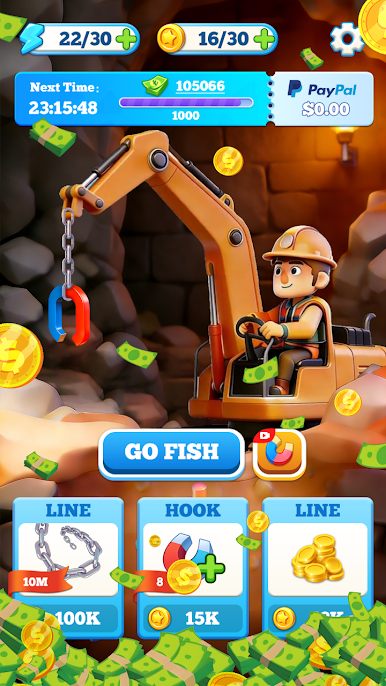
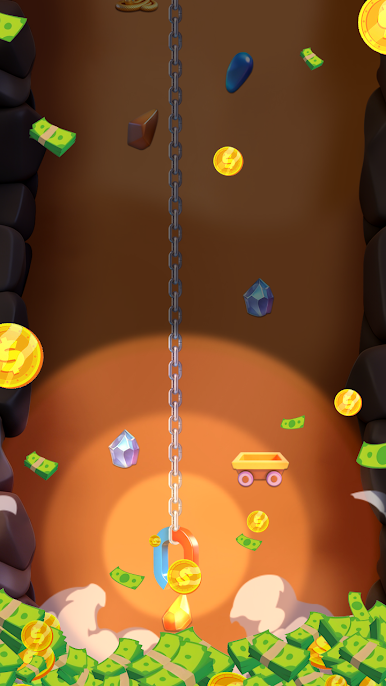
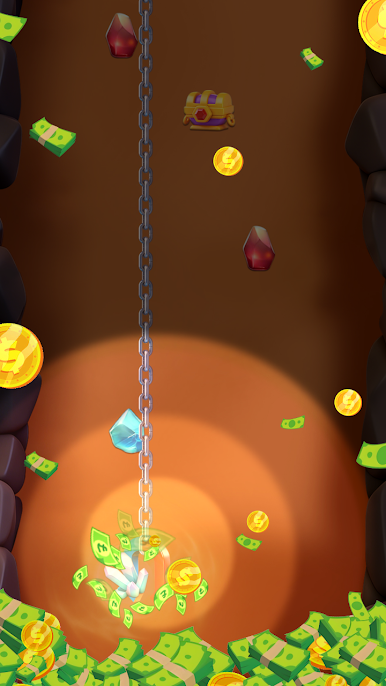
⛏️ Easy & Addictive Mining Gameplay
Tap to dig and pull treasures from underground
Classic 2D mechanics inspired by gold miner games
Simple controls, no complicated skills required
⬆️ Upgrade Your Mining Power
Increase mining depth to reach richer underground areas
Upgrade weight capacity to collect more in every dig
Improve efficiency and progress faster
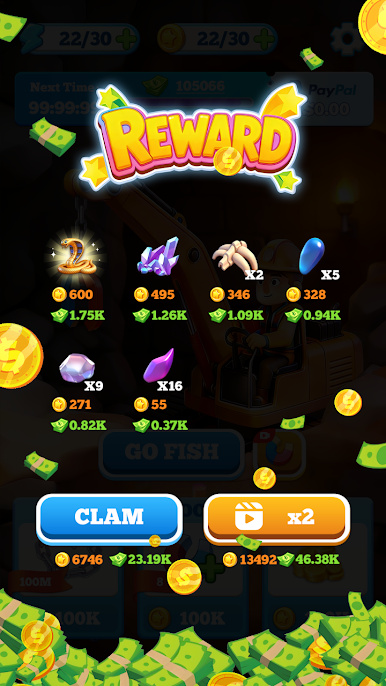
💰 Lucky Rewards & Bonuses
Earn lucky rewards through mining and upgrades
Daily bonuses and surprise rewards
Relaxing progression with satisfying results
🎮 Perfect for Casual Players
One-handed play, easy to learn
Smooth performance and clean visuals
Designed for stress-free, enjoyable gameplay
Start your mining adventure today and see how deep your luck can go!
Download Gold Miner Rush-Lucky Rewards now and enjoy the thrill of digging and collecting treasures anytime, anywhere.
Disclaimer:
Gold Miner Rush-Lucky Rewards is a fun and engaging game designed for entertainment purposes only, intended for players aged 16 and above. This game does not involve real-money gambling and does not offer the opportunity to win actual cash or prizes. Google is neither a sponsor of nor affiliated with this game.
For any questions or concerns, including those regarding our privacy policy, please contact us at support@meraxle.com.


Play Gold Miner Rush-Lucky Rewards on PC. It’s easy to get started.
-
Download and install BlueStacks on your PC
-
Complete Google sign-in to access the Play Store, or do it later
-
Look for Gold Miner Rush-Lucky Rewards in the search bar at the top right corner
-
Click to install Gold Miner Rush-Lucky Rewards from the search results
-
Complete Google sign-in (if you skipped step 2) to install Gold Miner Rush-Lucky Rewards
-
Click the Gold Miner Rush-Lucky Rewards icon on the home screen to start playing

