


CashCow - Play & Earn Money
Play on PC with BlueStacks – the Android Gaming Platform, trusted by 500M+ gamers.

Page Modified on: Sep 30, 2026
Play CashCow - Play & Earn Money on PC
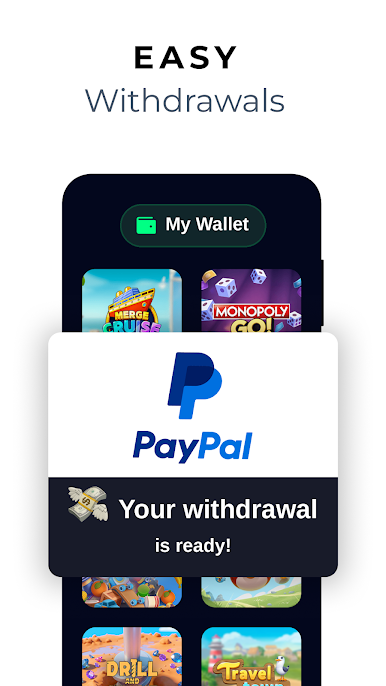
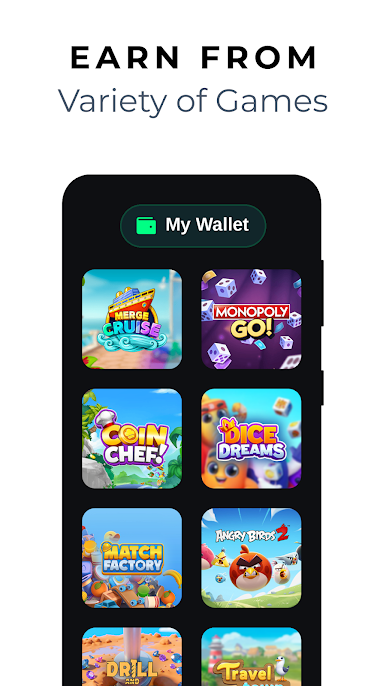
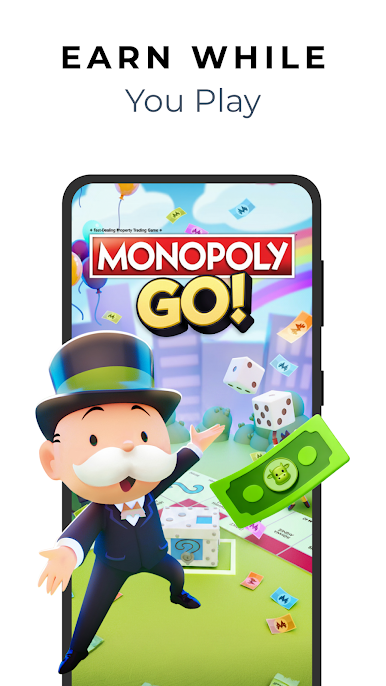
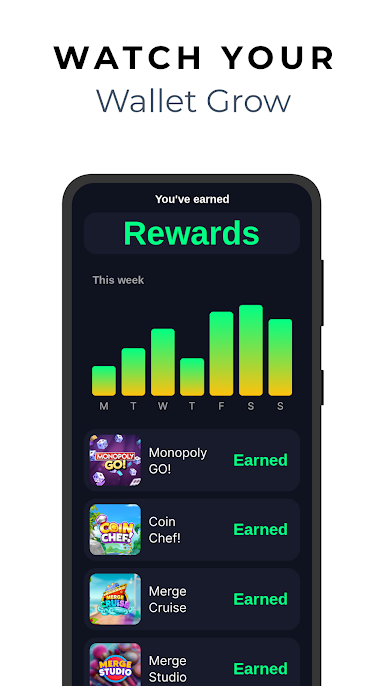
CashCow is a free rewards app. Pick a game from the CashCow library, play it, and collect rewards as you go. When you reach the cash-out threshold, redeem your rewards for PayPal cash or a gift card.
── HOW IT WORKS ──
Download CashCow. It's free and it takes seconds.
Browse the library — casual, puzzle, strategy and more.
Play at your own pace and collect rewards along the way.
Reach the cash-out threshold, then redeem for PayPal or a gift card.
── WHAT YOU CAN REDEEM ──
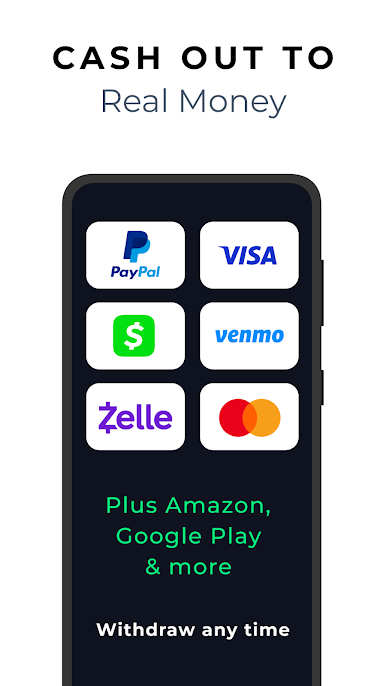
Cash out to PayPal, or choose a gift card from brands including Amazon and Google Play. No credit card needed to join. No purchase is ever required to play or to redeem.
── WHAT TO EXPECT ──
Rewards vary, and we'd rather say so up front. What you can earn depends on which games you play, how much you play them, which offers are available in your region and how long you keep going. Plenty of players earn very little. CashCow is a rewards programme — not a job, not an income and not an investment — and no amount of reward is promised or guaranteed.
── PLAY WHERE YOU ALREADY PLAY ──
On the bus, on a break, or winding down at the end of the day. CashCow is built around time you already spend on mobile games — a more rewarding way to pass it.
── FREE TO PLAY, FREE TO REDEEM ──
No subscription. No entry fee. No hidden charges. Free to download, free to play, and no purchase required to earn or redeem rewards.
── WHO IT'S FOR ──
→ Mobile gamers who'd like something back for time they already spend playing
→ Players who want to try new games without paying to play
→ Anyone who prefers a rewards app with a low cash-out threshold and no purchase required
Download CashCow and start playing for free.
* Please note: any earnings, rewards, coins or prizes shown in our advertisements, marketing materials, app description, or Google Play icons, feature graphics, screenshots and videos — and any amounts reported by individual users, including in reviews on this listing — are illustrative examples of individual experiences only. They are not representative and are not what any user should expect to earn. No reward amount is promised or guaranteed. Actual results depend on a range of factors, including which games you play, how much you play them, how long you continue, and which offers are available in your region, and may be substantially lower than the amounts displayed. Rewards and offers are subject to availability and may change.
** All payment, gift card and game brands shown on this listing are trademarks of their respective owners, are not affiliated with CashCow, and neither sponsor nor endorse it. Games shown are illustrative and may not be available to all users in all regions.
For further details: https://docs.cashcow.com/privacy/terms-of-use
Play CashCow - Play & Earn Money on PC. It’s easy to get started.
-
Download and install BlueStacks on your PC
-
Complete Google sign-in to access the Play Store, or do it later
-
Look for CashCow - Play & Earn Money in the search bar at the top right corner
-
Click to install CashCow - Play & Earn Money from the search results
-
Complete Google sign-in (if you skipped step 2) to install CashCow - Play & Earn Money
-
Click the CashCow - Play & Earn Money icon on the home screen to start playing

